
Skill Icon Generator
Create icons, covers, and promo graphics fast
Description
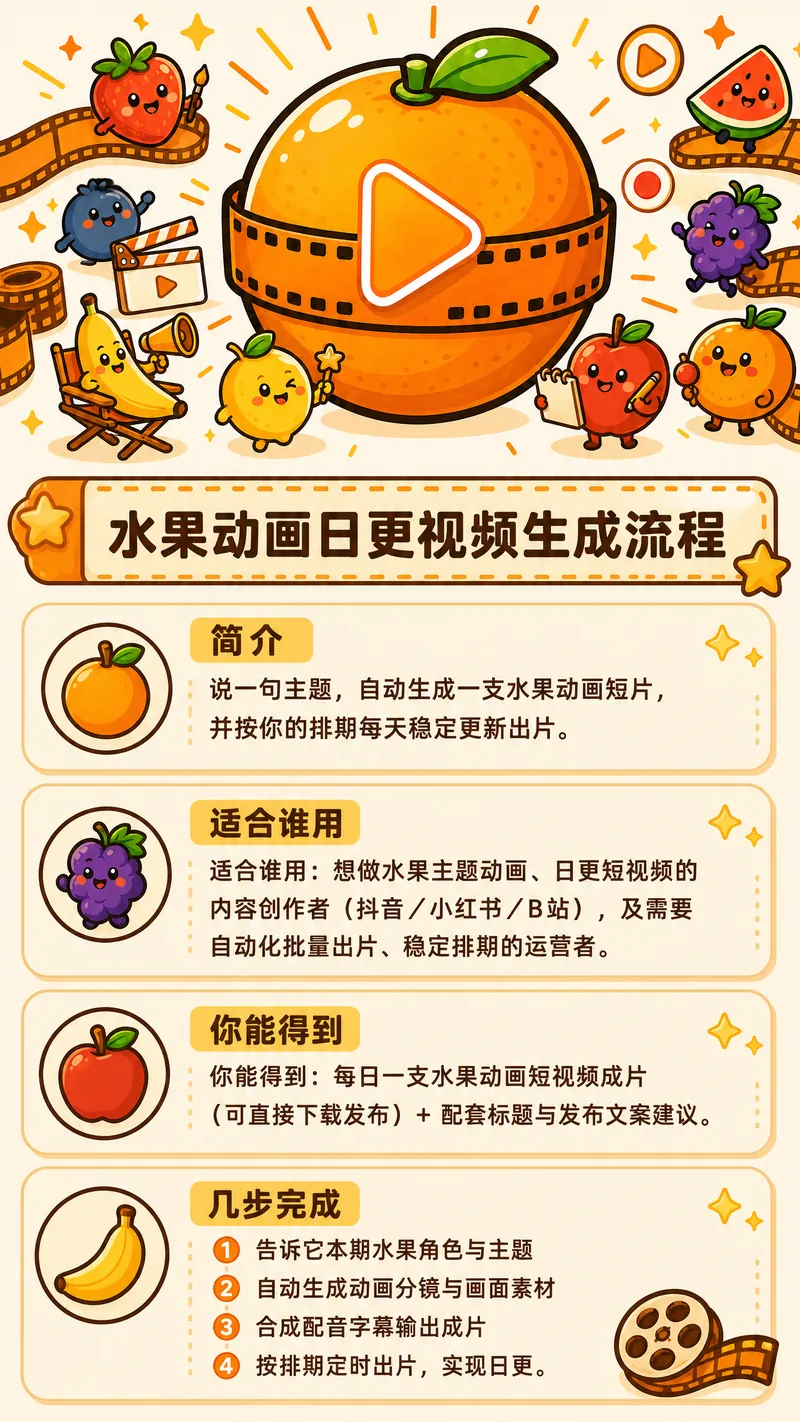
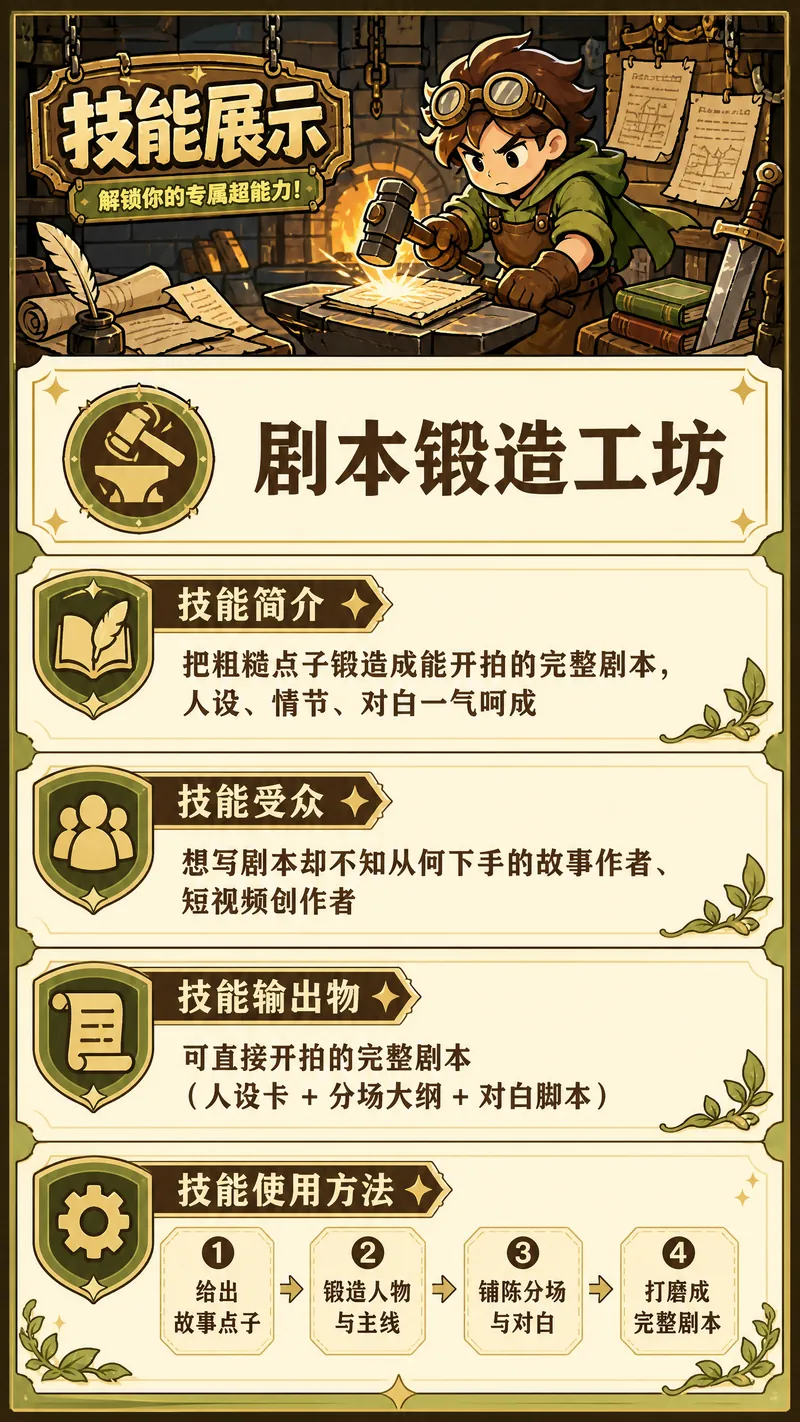
Enter a skill name and one-sentence use case. Roll a four-dimensional dice to set the visual direction, then generate a 1:1 skill avatar icon first. Once you approve it, it becomes the sole anchor image for the entire workflow. The cover illustration (16:9) is generated with the anchor image as a reference, while the header image for the mobile promotional graphic (9:16) uses the original cover illustration directly without model redrawing to prevent visual drift. The information section is generated separately and then assembled. The three-piece set maintains strictly consistent styling, colors, and outlines. Designed specifically for skill avatar slots, cover slots, and mobile promotion. When you only need a single icon or already have established visual guidelines, the three-piece workflow will not start. If the environment does not support automatic assembly, you will first be asked whether you want a header image; if you say no, the result will be a promotional graphic containing only the information section.
Related Skills
View all
YouMind Skill Cover Generator
Want to create professional and eye-catching icons and cover images for your YouMind Skill? This skill is your dedicated visual designer, intelligently generating two types of high-quality visual assets based on your Skill's name, core functions, target users, and usage scenarios. Whether it's a clean 1:1 avatar icon for your Skill or a narrative 3:2 cover image for detail pages and recommendation cards, each is carefully designed to make your Skill stand out. Simply provide a basic description of your Skill, such as 'a Skill that summarizes podcasts,' and this skill will automatically understand and complete the design direction, including core metaphors, visual subjects, color schemes, and composition, ensuring visual consistency between the avatar and cover. Even if information is incomplete, it will make reasonable assumptions and can ask clarifying questions as needed to ensure the final design meets your expectations. This skill supports a variety of visual styles, from 'minimalist tech' to 'premium product poster' to 'cute and friendly assistant.' Based on your preference or by default, it will adopt a 'premium, clean, tech-forward, modern SaaS visual style suitable for AI tool products,' delivering both beautiful and practical visual works. Ultimately, you'll get a unified and professional Skill visual identity that effectively communicates your Skill's value and attracts more users.
 Image
ImageMulti-Platform Cover Design
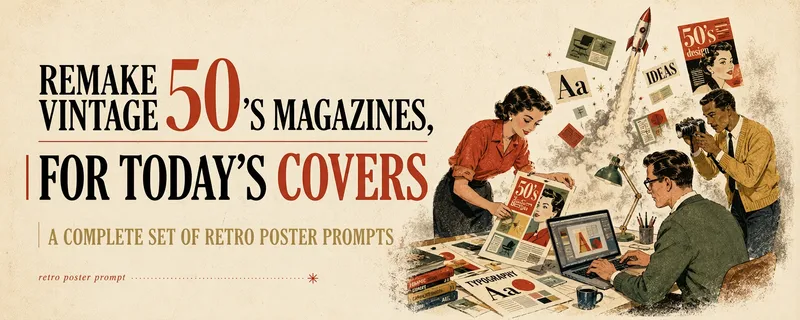
Turn articles, notes, topics, or long-form text into stylized covers ready for publishing and sharing, balancing title readability, content recognition, and memorable visual metaphors. Supports Xiaohongshu, WeChat Official Accounts, X, and custom aspect ratios. It works for single covers and can also create separate compositions for clearly specified multi-size requirements, avoiding simple cropping or stretching. The skill extracts the title, topic, visual subject, audience, emotion, and contextual background from your content. It then combines these insights with visual styles suited to covers or posters to generate a complete cover prompt ready for AI image generation. Title hierarchy, typography, color, materials, negative space, and the relationship between text and imagery are handled consistently around the selected style, making the result feel more like a designed editorial cover than a generic illustration or templated poster. If you have not provided a publishing platform or visual style, it first asks about the required dimensions and recommends three suitable styles based on your content. Once the details are clear, it continues with generation. You can choose to generate the cover directly or receive only a polished prompt, making it suitable for content creators, editors, and teams that need to adapt covers in batches for social platforms.

Research, Course & Media
Research, Teaching Reform, Course Development & Media Visual Generator is a visual design Skill for research and teaching reform charts, social media visuals, and course development diagrams. It first identifies the visual type, offers options from suitable structure or style libraries, and then presents a complete design plan. It generates the visual only after receiving the user's explicit approval, and checks the content, relationships, Chinese text, composition, people, and visual quality before delivery. Research, Teaching Reform, Course Development & Media Visual Generator can turn research materials, course content, and social media topics into clear, polished visual concepts that match your personal aesthetic. It supports technical roadmaps, theoretical mechanism diagrams, research framework diagrams, course system diagrams, role–competency–course mapping diagrams, WeChat Official Account header images, knowledge infographics, scene illustrations, and multipage graphic cards. The Skill first translates the content into “topic—nodes—relationships—hierarchy—capacity—medium,” then recommends 3–5 suitable structures or styles and presents the composition, color palette, materials, lighting, text treatment, rendering method, and risks. It does not generate images without user approval. After the user changes the content, structure, style, color palette, or dimensions, it updates the plan and waits for approval again. Research and course diagrams prioritize editable, deterministic rendering with accurate relationships. Social media and scene visuals use text-free image generation with reliable text overlays.
Skill Icon Generator
Create icons, covers, and promo graphics fast
Description
Enter a skill name and one-sentence use case. Roll a four-dimensional dice to set the visual direction, then generate a 1:1 skill avatar icon first. Once you approve it, it becomes the sole anchor image for the entire workflow. The cover illustration (16:9) is generated with the anchor image as a reference, while the header image for the mobile promotional graphic (9:16) uses the original cover illustration directly without model redrawing to prevent visual drift. The information section is generated separately and then assembled. The three-piece set maintains strictly consistent styling, colors, and outlines. Designed specifically for skill avatar slots, cover slots, and mobile promotion. When you only need a single icon or already have established visual guidelines, the three-piece workflow will not start. If the environment does not support automatic assembly, you will first be asked whether you want a header image; if you say no, the result will be a promotional graphic containing only the information section.
Related Skills
View allYouMind Skill Cover Generator
Want to create professional and eye-catching icons and cover images for your YouMind Skill? This skill is your dedicated visual designer, intelligently generating two types of high-quality visual assets based on your Skill's name, core functions, target users, and usage scenarios. Whether it's a clean 1:1 avatar icon for your Skill or a narrative 3:2 cover image for detail pages and recommendation cards, each is carefully designed to make your Skill stand out. Simply provide a basic description of your Skill, such as 'a Skill that summarizes podcasts,' and this skill will automatically understand and complete the design direction, including core metaphors, visual subjects, color schemes, and composition, ensuring visual consistency between the avatar and cover. Even if information is incomplete, it will make reasonable assumptions and can ask clarifying questions as needed to ensure the final design meets your expectations. This skill supports a variety of visual styles, from 'minimalist tech' to 'premium product poster' to 'cute and friendly assistant.' Based on your preference or by default, it will adopt a 'premium, clean, tech-forward, modern SaaS visual style suitable for AI tool products,' delivering both beautiful and practical visual works. Ultimately, you'll get a unified and professional Skill visual identity that effectively communicates your Skill's value and attracts more users.
ImageMulti-Platform Cover Design
Turn articles, notes, topics, or long-form text into stylized covers ready for publishing and sharing, balancing title readability, content recognition, and memorable visual metaphors. Supports Xiaohongshu, WeChat Official Accounts, X, and custom aspect ratios. It works for single covers and can also create separate compositions for clearly specified multi-size requirements, avoiding simple cropping or stretching. The skill extracts the title, topic, visual subject, audience, emotion, and contextual background from your content. It then combines these insights with visual styles suited to covers or posters to generate a complete cover prompt ready for AI image generation. Title hierarchy, typography, color, materials, negative space, and the relationship between text and imagery are handled consistently around the selected style, making the result feel more like a designed editorial cover than a generic illustration or templated poster. If you have not provided a publishing platform or visual style, it first asks about the required dimensions and recommends three suitable styles based on your content. Once the details are clear, it continues with generation. You can choose to generate the cover directly or receive only a polished prompt, making it suitable for content creators, editors, and teams that need to adapt covers in batches for social platforms.
Research, Course & Media
Research, Teaching Reform, Course Development & Media Visual Generator is a visual design Skill for research and teaching reform charts, social media visuals, and course development diagrams. It first identifies the visual type, offers options from suitable structure or style libraries, and then presents a complete design plan. It generates the visual only after receiving the user's explicit approval, and checks the content, relationships, Chinese text, composition, people, and visual quality before delivery. Research, Teaching Reform, Course Development & Media Visual Generator can turn research materials, course content, and social media topics into clear, polished visual concepts that match your personal aesthetic. It supports technical roadmaps, theoretical mechanism diagrams, research framework diagrams, course system diagrams, role–competency–course mapping diagrams, WeChat Official Account header images, knowledge infographics, scene illustrations, and multipage graphic cards. The Skill first translates the content into “topic—nodes—relationships—hierarchy—capacity—medium,” then recommends 3–5 suitable structures or styles and presents the composition, color palette, materials, lighting, text treatment, rendering method, and risks. It does not generate images without user approval. After the user changes the content, structure, style, color palette, or dimensions, it updates the plan and waits for approval again. Research and course diagrams prioritize editable, deterministic rendering with accurate relationships. Social media and scene visuals use text-free image generation with reliable text overlays.
Find your next favorite skill
Explore more curated AI skills for research, creation, and everyday work.