
Kallaway Black & Red Vertical Style
Turn talking-heads into editorial Shorts
Kallaway Black & Red Vertical Style
Turn talking-heads into editorial Shorts
Showcase
Description
Turn a vertical talking-head video into a dense, editorial-style Shorts or Reels cut with a distinctive black-and-red visual language, warm gray graph-paper layouts, and clear infographic storytelling. The result keeps your original voice and ideas at the center while translating key moments into focused visual scenes rather than generic captions or a static talking-head edit. The edit can combine a continuous rounded video window with evidence cards, archive-style references, avatar relationship diagrams, phone and post mockups, comparison layouts, animated metrics, concept labels, and focused principle-by-principle reveals. Full-screen presenter moments provide breathing room between information-heavy sections, while short on-screen words reinforce what is actually said in the video without adding new claims. The opening goes straight into the presenter and a representative visual element—no unrelated cover or title card. Upload your video and optionally provide a script, key points, portraits, logos, screenshots, historical images, data, or emphasis terms. When supporting assets are missing, the edit uses clearly marked neutral placeholders and identifies what to replace. You receive a previewable editing webpage with timeline navigation, playback controls, scrubbing, mute, a segment overview, and video export with original audio when browser support allows. If export is blocked by media permissions or cross-origin restrictions, the page provides a clear screen-recording fallback.
Why we love this skill
An editor’s pick for turning ordinary talking-head footage into a sharply art-directed Short. Its distinctive black-and-red editorial system combines evidence-led motion graphics, paper textures, disciplined pacing, and a live preview-to-export workflow without relying on generic title cards or decorative effects.
Best for
Content creators who want to turn talking-head footage into editorial Shorts or Reels with visual storytelling.
How to use this Skill
Provide your input
Upload a vertical talking-head video, optionally with a script, key points, images, logos, screenshots, data, or emphasis terms.
Run the Skill
Apply the editorial black-and-red visual system to turn spoken ideas into focused scenes with presenter footage, evidence layouts, and infographic elements.
Review your result
Receive a previewable editing webpage with timeline controls, a placeholder list, and video export when browser support allows.
Related Skills
View all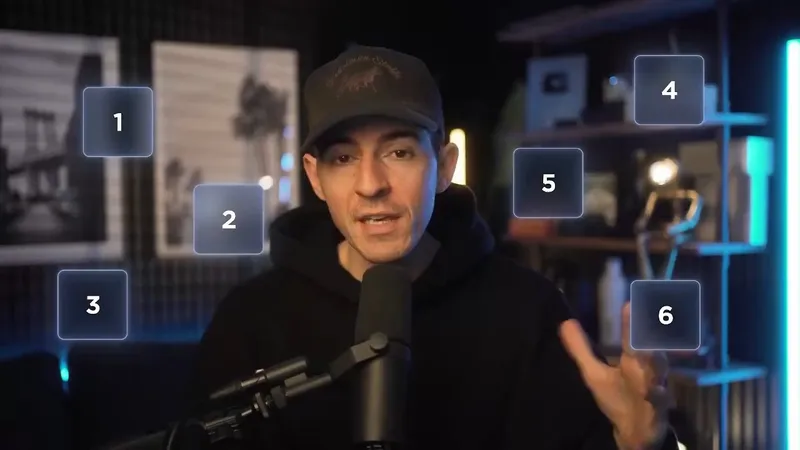 Video
Kallaway Neon Glass
Turn your own script, people, product footage, and interface assets into a dark, cinematic technology video with a credible on-camera host, translucent blue glass information layers, and spatial graphics that make complex ideas easy to see. This visual system works especially well for AI products, workflows, software demos, creator education, product explainers, and thought-leadership content that needs both human presence and structured visual explanation. It can shape evidence into web and product frames, organize people or examples into orbiting identity cards, and express systems through branching diagrams, workflow graphs, concentric maps, process cards, spatial data objects, metric cards, and luminous summary grids. Transitions connect objects and ideas naturally through card reveals, guided focus, diagram growth, and host-to-graphic movement rather than distracting effects. The look maintains deep navy space, cool cyan edge light, restrained warm practical light, readable white typography, and layered glass surfaces across both 16:9 and 9:16 formats. Bring a script or voiceover, presenter footage or portraits, product recordings or screenshots, logos or avatars you have permission to use, plus your preferred aspect ratio and duration. You’ll receive a visual storyboard that maps the spoken content to appropriate modules before production, while your original argument and wording remain intact. Missing assets can be represented with neutral placeholders, and the final handoff can identify which user materials were used, what still needs to be supplied, and how the piece could be adapted for vertical video.
 Video
video-style-jeffsu-ai-demo
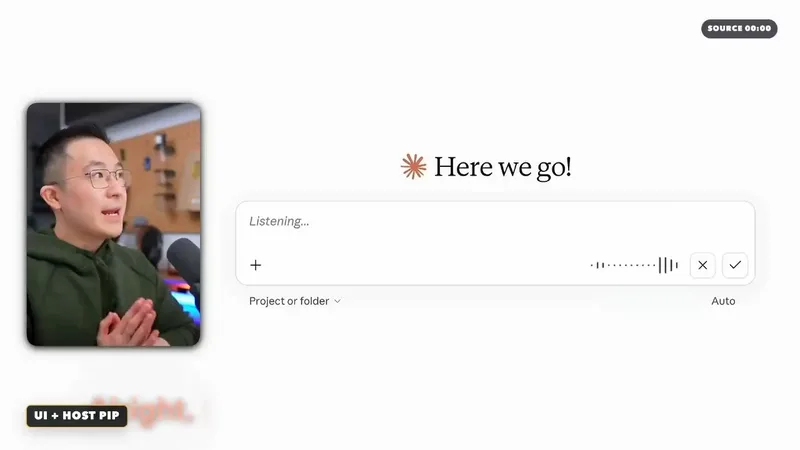
Turn a technology, AI tool, or workflow script into an evidence-led video storyboard and post-production plan that is clear, credible, and ready to edit. The skill maps each spoken idea to the right visual treatment, balancing presenter footage for promises, explanations, and conclusions with real screen recordings or public product pages for demonstrations and proof. It also uses warm white vector system diagrams to explain relationships, rules, tool ecosystems, and workflow architecture without pretending that abstract graphics are real product interfaces. When a claim depends on visible evidence, the plan can call out a specific interface area, structure a fair side-by-side comparison, compress low-value waiting time, or introduce a restrained chapter transition. Visual emphasis, captions, colors, and layouts can be adapted to your brand guidelines rather than copied mechanically from a reference. For every brand, product, or service appearing in the new video, the skill helps gather authentic logos and relevant website or product screenshots, while clearly distinguishing official public material, user-provided recordings, and illustrative mockups. The deliverable includes an editable semantic timeline with dialogue purpose, visual state, screen text, key actions, exit conditions, fallback options, and a source-aware media list. It is especially useful for AI demos, SaaS tutorials, productivity workflows, automation explainers, and technology education where viewers need both a compelling story and verifiable UI evidence.
 Video
Storyboard Educational Videos
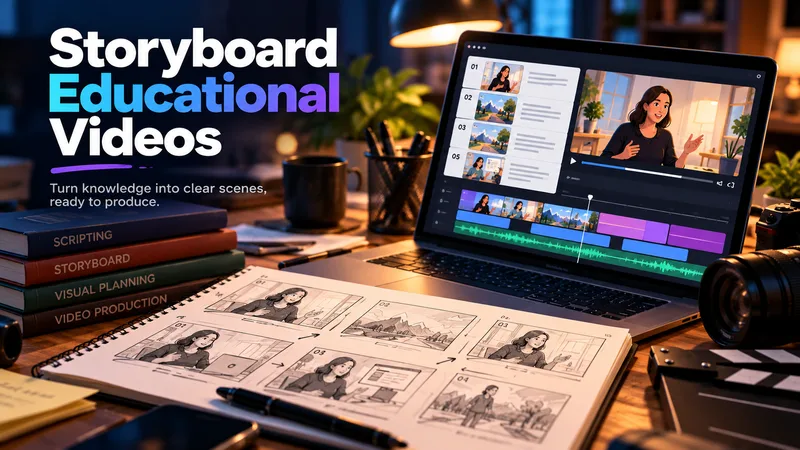
Hand it a document — a training guide, an SOP, a product brief, a course chapter — and get back a shooting plan you can film today: numbered scenes, one idea each, each with a clear visual direction, an English image prompt, spoken narration that fits the clock, and subtitles that match the voiceover word for word. Most documents are written to be read, not performed: the narration rambles, the visuals repeat the text, the subtitles drift out of sync. This Skill rebuilds the material for the screen — 3–6 observable learning objectives, a hook → orientation → teaching beats → recap → CTA arc, and a fixed time budget of 2.2 words per second per scene, so nothing gets cut later in the edit. Every plan ships with an overview, one visual style guide reused across all scenes, a scene index with exact timings, a per-scene breakdown (purpose, framing, on-screen text, English image prompt, voiceover, subtitle cues, audio), production notes and an explicit list of assumptions and content risks. How to ask for it — four shapes that work best: • Just the file: "Turn this into an educational video plan." Audience and runtime are inferred and stated as assumptions. • File + runtime + audience: "A 4-minute onboarding video for new support hires; screen recordings only, no on-camera presenter." • File + format: "A 60-second vertical 9:16 plan for LinkedIn, high tempo, one-line subtitles." • Thin or messy source: "These notes are scattered bullets — still build a 3-minute plan, mark the gaps TODO: and list your assumptions." Output language follows your message: ask in Turkish, Spanish or Japanese and the whole plan comes back in that language. Only the image prompts stay in English, ready for any image model. Built for L&D teams, course creators, product marketers and anyone handed a twelve-page PDF and told "make it a video".
Information
- Version
- v2
- Last updated
- Runtime credits
- Usage-based
- Models
- Auto
- Use cases
- Images & designVideo & audio
- What you get
- WebpageVideo
- Visual styles
- Editorial
