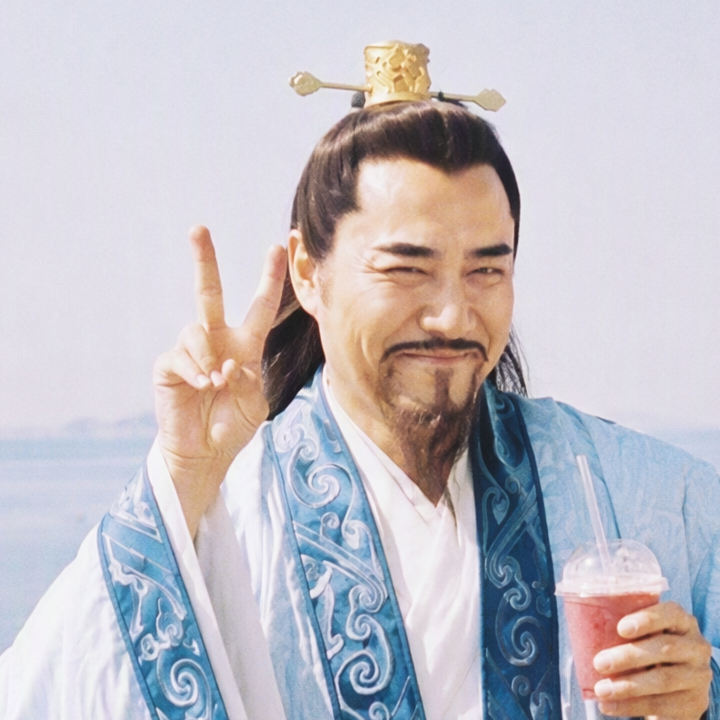
Period Drama Hero, Reimagined
Turn a character screenshot into 4 film-style portraits
Period Drama Hero, Reimagined
Turn a character screenshot into 4 film-style portraits
Showcase
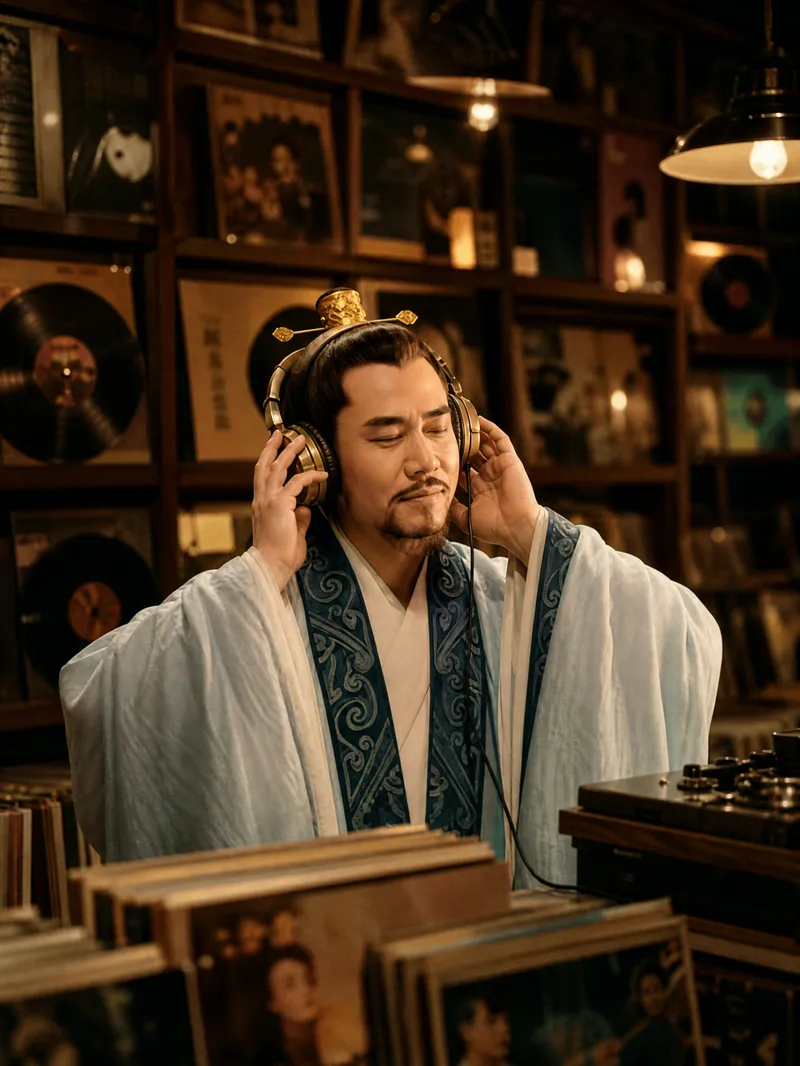
古装男主爆改清新盐系男孩
黑胶唱片店闭目听歌
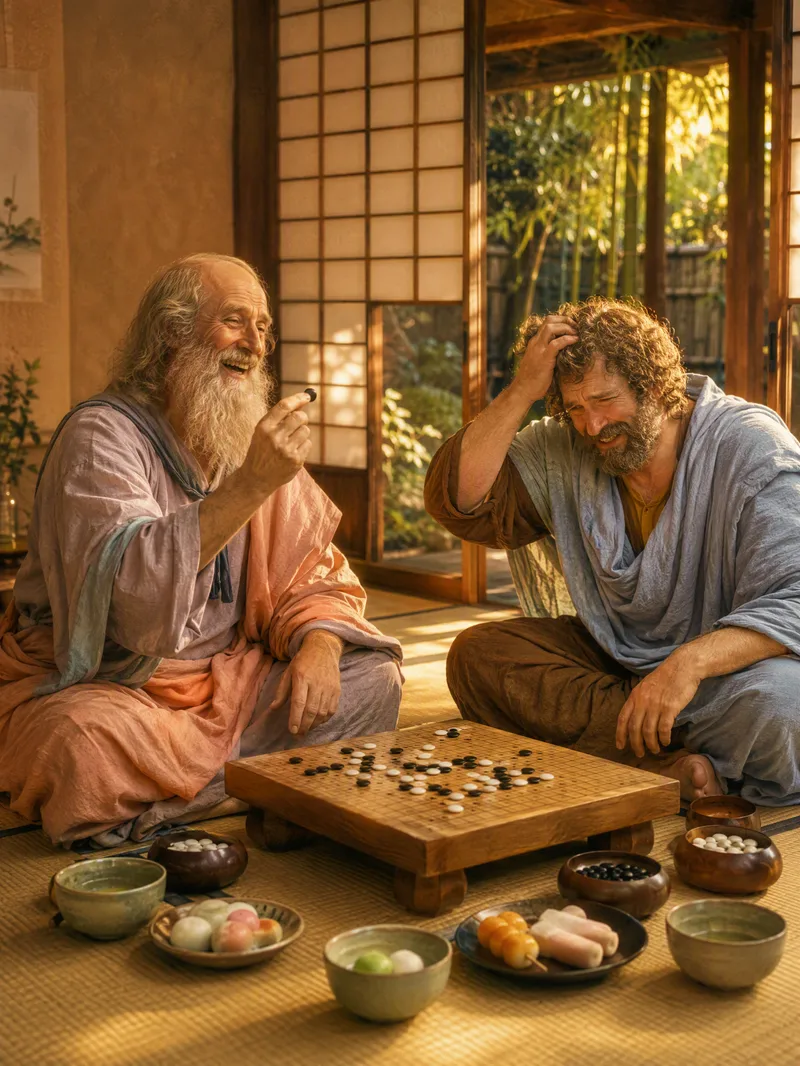
生成柏拉图与亚里士多德双人照
柏拉图与亚里士多德的茶室对弈时光
古装男主爆改清新盐系男孩
黑胶唱片店闭目听歌
生成柏拉图与亚里士多德双人照
柏拉图与亚里士多德的茶室对弈时光
Description
Upload a screenshot of a character from a period drama to instantly generate a set of four Japanese-inspired, fresh film-style portraits (portrait 4:3) with a playful, everyday contrast and a light, soothing feel. Reference for credit usage: The example task used 588 credits.
Related Skills
View all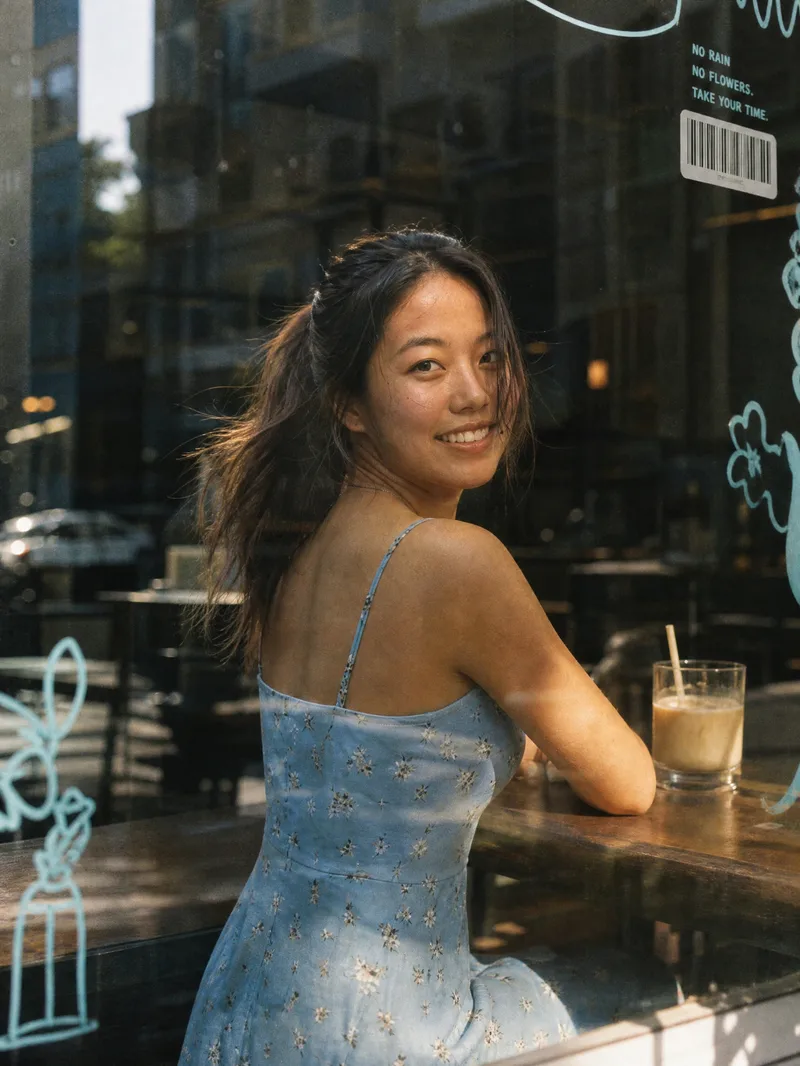 Image
Window Film Portrait Generator
Core Advantages: 1. Accurate Face Preservation: Strictly maintains the face shape, facial features, hairstyle, and skin tone from the uploaded photo without face-swapping, distortion, or excessive skin smoothing. 2. Clothing Retained: Automatically keeps the clothing from the uploaded photo by default, with an option to specify new ones. 3. One-Click Generation: Features a default 3:4 vertical composition that generates immediately upon upload, requiring no prompt writing. 4. Flexible Customization: Supports changing aspect ratios, scenes (bookstores, flower shops, convenience stores, subway windows), lighting (warm twilight, cool overcast, night neon), expressions, and glass decoration styles. Product Description: Upload a portrait photo to automatically generate a Korean-style film street portrait shot through a café window. The image features realistic glass textures: subtle reflections, street scene mirror images, dust, fingerprints, and water spots. The edges of the glass are adorned with blue hand-drawn doodles, barcode stickers, Polaroids, and small English lettering. The background is a blurred city street with soft, transparent lighting, low-saturation tones, warm highlights, and subtle film grain, resembling a casual everyday snapshot taken by a friend. Best For: Ideal for profile pictures, social media covers, lifestyle portraits, blogger persona photos, and creator branding images.
 Image
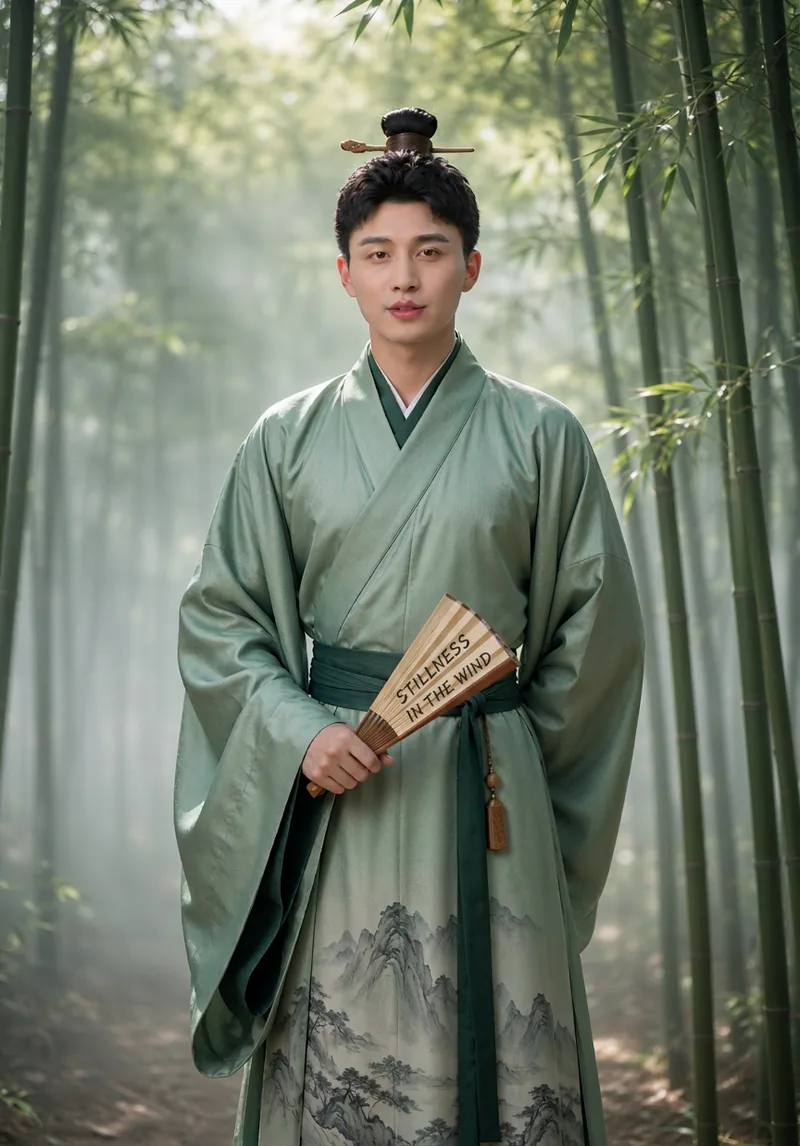
Men's Hanfu Portrait Master
Men's Hanfu Portrait Master allows users to upload a personal male photo and instantly transform into traditional or Xianxia style male Hanfu portraits, featuring styles like Black Dragon, Crimson Flame Dragon, Silver Moon Robe, Frost Feather Armor, Mountain Hermit, Baize Dragon Scale, Golden Crow, Azure Dragon, Tai Chi, Star Lord, Vermilion Feather, and Jade Orchid. Outfits, hairstyles, poses, and backgrounds can be fully customized, and multiple sets can be generated at once. The default aspect ratio is 3:4 vertical, which can be customized. Triggered when users mention phrases like "male hanfu", "men's traditional style", "Xianxia portrait", or "handsome guy hanfu". Core constraints: faces remain consistent with the original without influencer-style filtering, clothing is completely replaced without residual elements from original garments, authentic male styles (wide sleeves, cloaks, waist bands) are used instead of female skirt sets, and the upright physique is maintained without altering body build.
 Image
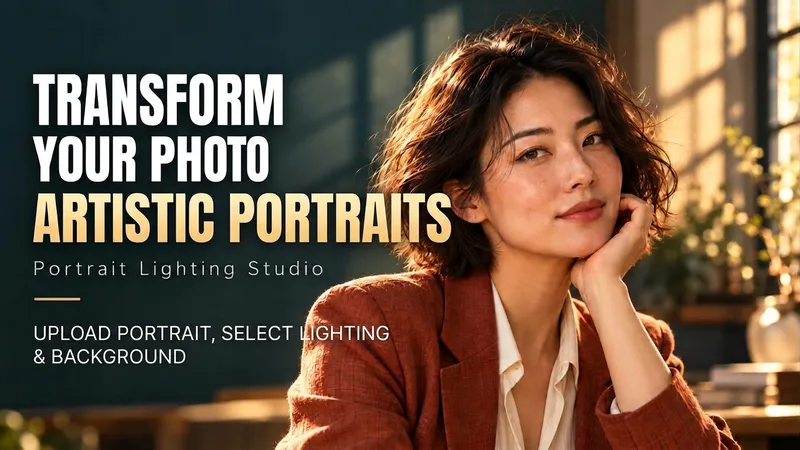
Portrait Light & Shadow Studio
Upload portraits, adjust lighting, poses, and backgrounds to generate window soft-light, night scene, or studio-style portraits. Upload a portrait photo or describe a fictional character to create photographic avatars, personal portraits, and magazine-style portraits. The Skill combines the subject's visible features to arrange poses, lighting, framing, clothing, and environment, ensuring natural hand gestures, grounded body posture, and directional lighting. Three original scenes are ready to use: • Warm Pottery Window: Terracotta and warm wood tones, with a natural medium shot near a studio window. • Rainy Night Set: Warm light in a movie theater porch, cold wet street tones, and expressive gazes. • Coastal Golden Breeze: Sunset rim lighting, sea breeze, and relaxed full-body travel portraits. Professional headshots, solid-color studios, black-and-white portraits, and custom themes are also supported. Uploading a photo preserves primary clothing and accessories by default; to change outfits, backgrounds, or poses, simply specify your request. By default, it generates one 3:4 vertical text-free image per run; you can change the aspect ratio, create a series, or request Chinese, English, or bilingual prompts. Multiple images are generated separately, and after generation, subject recognition, hands, feet, support points, and lighting are verified. You can say: "Use this photo for the rainy night set, keep the hairstyle, and change to a dark jacket." or "Create a mature woman with short curly hair walking naturally in the coastal sunset."
Information
- Version
- v4
- Last updated
- Runtime credits
- Usage-based
- Models
- Auto
