One-Click Document Conversion
Automatically convert office files to the format you need
One-Click Document Conversion
Automatically convert office files to the format you need
Description
Automatically identify the conversion direction for uploaded or referenced office documents (Word / PDF / PPT / Excel / Markdown / TXT / CSV, and more) and convert them to the target format you want. Content fidelity comes first: nothing is altered or omitted, and tables, formulas, and charts are preserved whenever possible. The output is a file that opens and works properly, with a delivery note explaining what was fully preserved and what required compromises due to format limitations.
Showcase
Best for
For users who need to convert between common office formats while prioritizing content integrity and usability.
How to use this Skill
Provide your input
Provide an office document and specify the target format. Supports common document, spreadsheet, presentation, and plain-text formats.
Run the Skill
The system identifies the source format and conversion direction, maps the content to the target format, and preserves text, structure, tables, formulas, and charts as much as possible.
Review your result
Receive an openable, usable document in the target format, along with a brief note on content preservation, format limitations, and alternative handling.
Related Skills
View all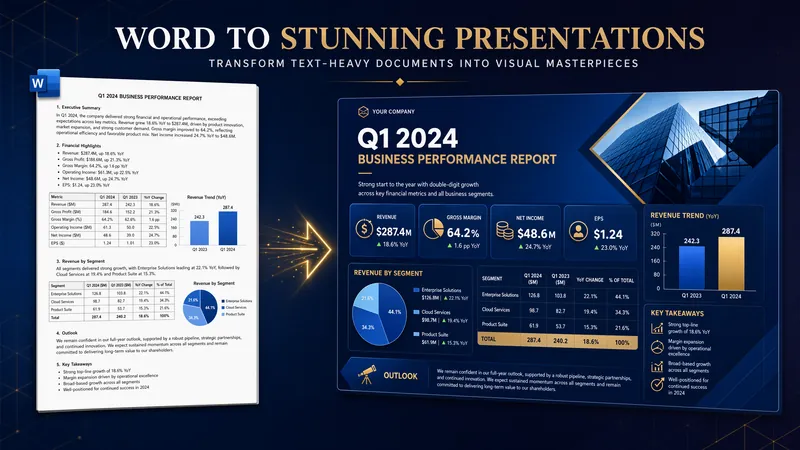
Convert Word Documents to PPT
Faithfully converts Word documents into client-ready, reading-oriented PPTs. Using semantic density segmentation, it intelligently paginates while strictly preserving the original content and order (zero alteration). Users can freely combine 16 visual styles with 6 generation models, and select image/text assets with true embedding of original images. Title provenance locks onto original titles, and a three-tier content fidelity audit (full entity coverage, full argument retention, paragraph fidelity ≥95%) works with a four-dimensional self-check (Tao, Method, Technique, Tool) and a page-by-page intelligent audit loop to ensure the final deliverable is well-illustrated, consistent in style, and leaves out no content.
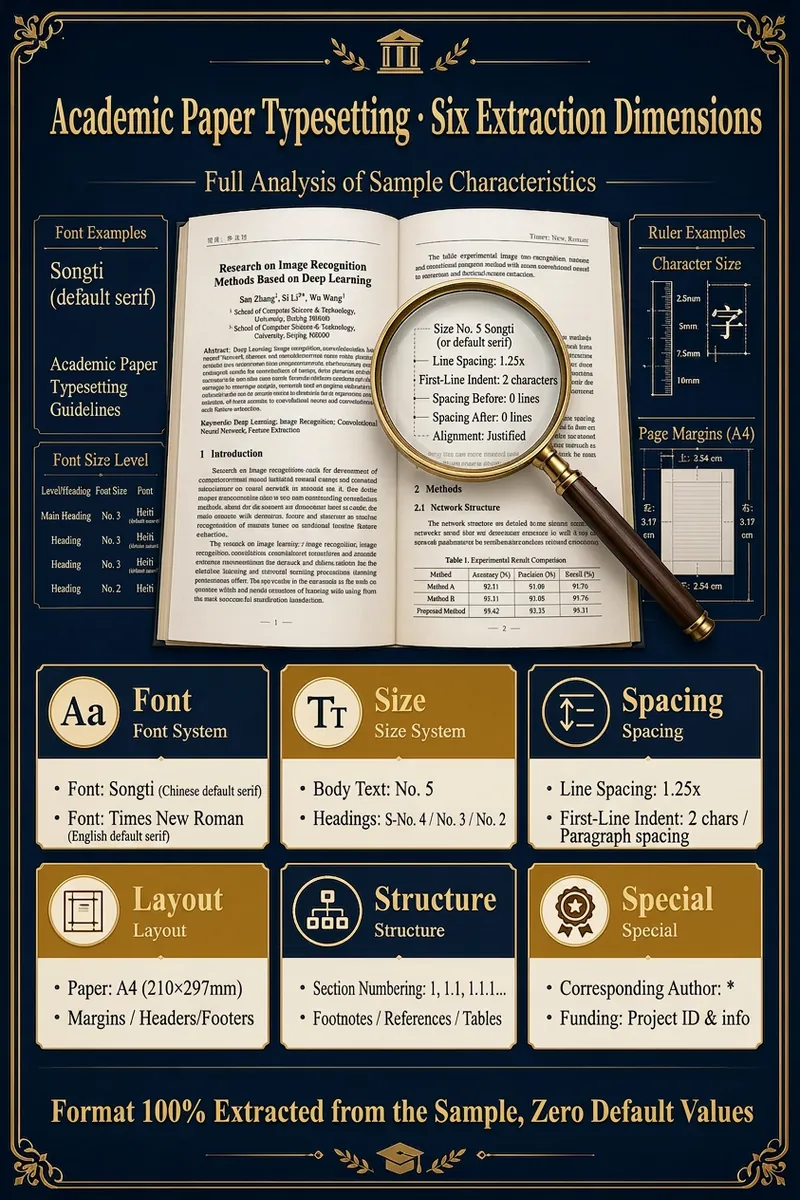
Paper Format Expert
Upload a sample document and your draft; the Skill automatically extracts all formatting features (font, size, spacing, margins, structure, citation style) from the sample and outputs your draft in the same format. Supports PDF/DOCX/TXT/MD input and HTML(Word)/Markdown output, with 8 citation styles. "No need to learn formatting or write instructions. Give it a sample, and it returns a perfectly formatted paper. The 'Academic Formatting Expert' Skill makes paper formatting as easy as copy-paste." 🗣️ User Testimonials "I used to waste a whole day adjusting formats when submitting to a different journal. Now with this Skill, I upload the new journal's sample and my paper is reformatted in 30 seconds. So convenient!" — A young university professor "The thesis template from my school was dozens of pages long and drove me crazy. I used this Skill with my advisor's excellent thesis as the sample. One-click formatting and the result was identical — amazing!" — A second-year master's student Say goodbye to formatting struggles and return to the beauty of academia. It's time to end the war with formatting. Leave this tedious, repetitive yet precise work to AI, and give your precious time and energy back to real research and thinking. Let your paper meet its deserved evaluation in the most professional and compliant way. Try the "Academic Formatting Expert" Skill now and turn your next paper into your next masterpiece.
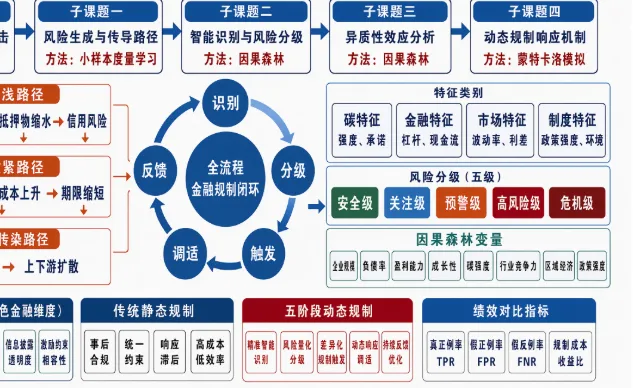
Document to Slides Script
Upload a document to automatically extract its core content and generate a structured, page-by-page Markdown Slides script, including layout types, key points, formulas, charts, and speaker notes. After you review and revise it, the finalized script is saved for creating Slides later.
Information
- Last updated
- Runtime credits
- Usage-based
- Models
- Auto
- Use cases
- Writing & content
- What you get
- Document