YM Style 图标生成
统一视觉风格的功能卡片插画
Description
根据功能描述、参考图或色卡,生成与编辑白底居中、硬边笔刷与纸感纹理的统一风格功能图标。
Related Skills
View all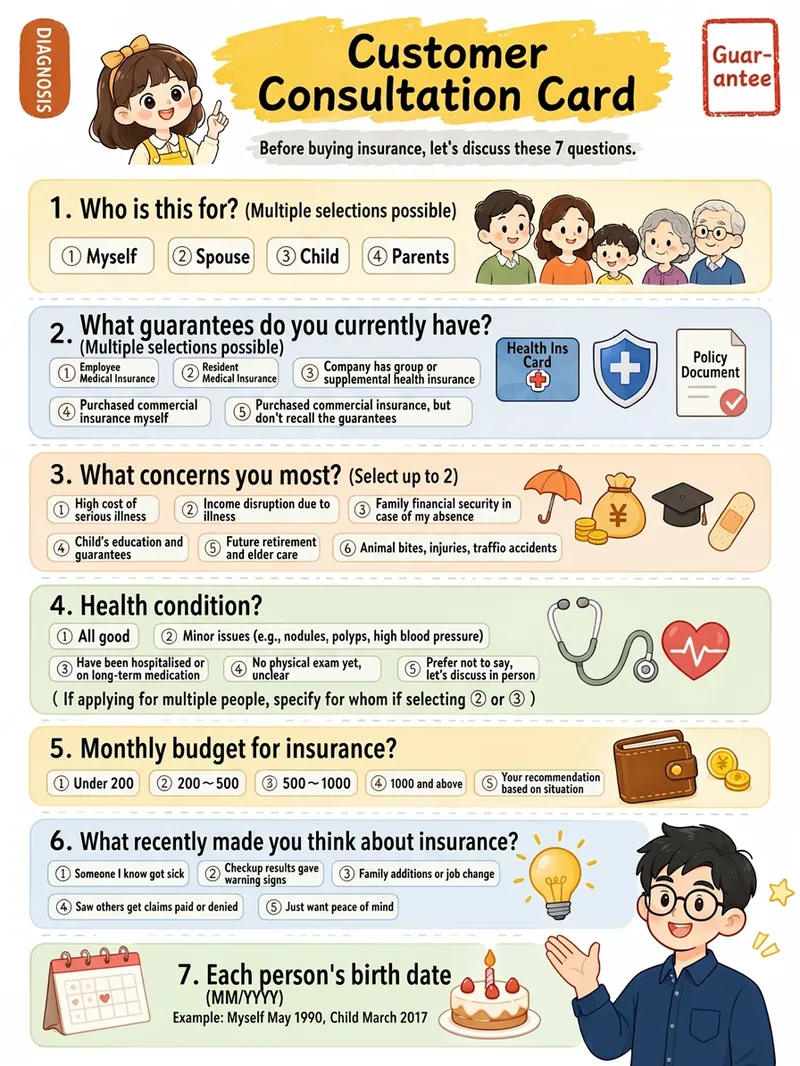
Xiaohongshu Hand-Drawn Infographics
Provide a complete piece of copy, choose the number of images and an aspect ratio (3:4 / 1:1 / 16:9), and generate Xiaohongshu infographics in a “hand-drawn knowledge card” style. The Skill includes a consistent visual system: bright, translucent pure-white paper texture with fine fibers, minimal speckling, and a clean, airy feel; bright yellow hand-drawn brush lettering for main titles; a gray brush-stroke subtitle band; a red stamp in the upper-right corner; a vertical capsule-shaped color label in the upper-left corner; colorful rounded module panels; and newly designed flat vector hand-drawn cartoon characters, along with a rich variety of icons and charts. During processing, it first organizes a “typesetting copy draft” that preserves the full text word for word for your confirmation. Once confirmed, it generates the images. Each module includes an icon or chart, keeping the visuals clear and readable while adding artistic character.
App Feature Infographic Generator
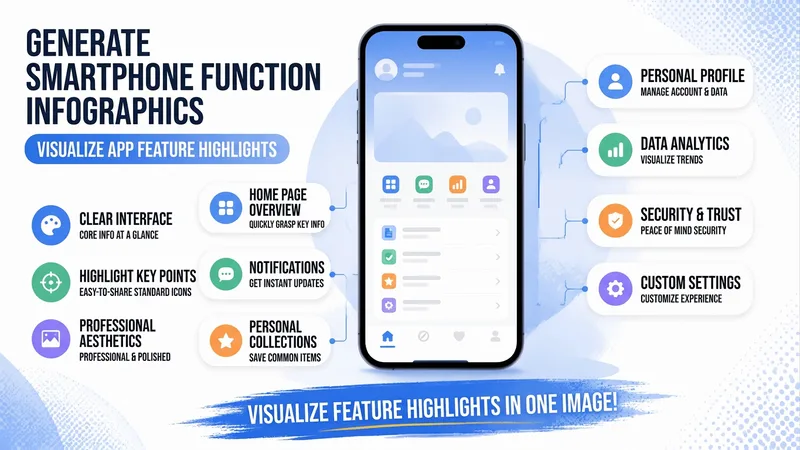
Enter a product or app name, interface name, title, and key features to highlight to instantly generate a vertical, flat-illustration-style feature explainer infographic. It features a centered phone with a schematic screen, two rows of white pill-shaped callout cards with colorful icon badges and blue thin leader lines, a top title and subtitle banner, and a bottom brush slogan. It uses a default fixed layout and brand blue primary color, while copy, callout items, color schemes, and aspect ratios can all be fine-tuned. It directly generates the image using the best image generation model.
 Image
Notion-Style Art Studio
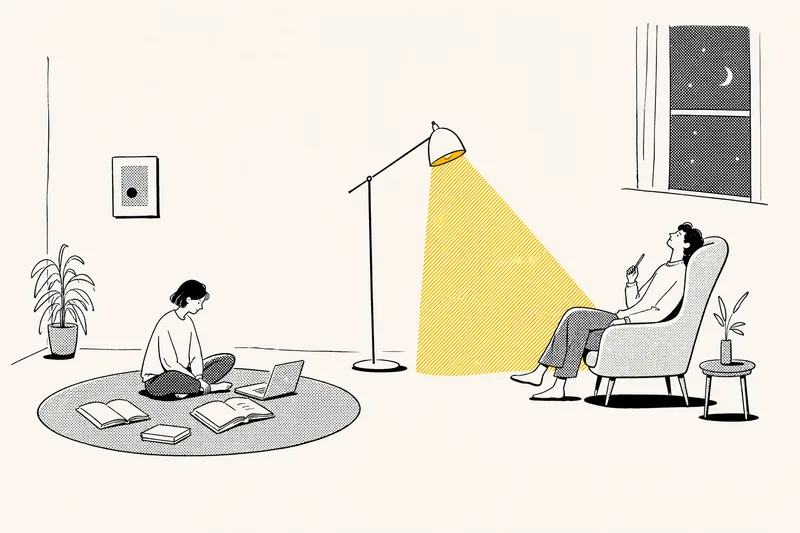
Turn your ideas into images with a handmade feel. This Skill recreates the widely loved illustration language of the Notion website: bold black hand-drawn ink lines, fine halftone dots, generous white space, and restrained monochrome accents—each image uses just one color: red, blue, or yellow. It deliberately avoids the generic flat vector illustrations and Corporate Memphis style common today, offering a texture closer to editorial magazine illustration. What it can do: · Illustration assets — Feature icons, small still-life illustrations, interface mockups, close-up portraits, multi-person narrative scenes, and cohesive sets of illustrations generated in one go · Posters — Quote posters, personal reflection cards, event announcements, and covers for WeChat Official Accounts and Xiaohongshu · Information design — Product hero images, feature overview grids, process diagrams, and hand-drawn data charts · Photo transformations — Add ink-line illustrations to your photos or turn an entire photo into an ink-and-halftone image · Custom creations — Apply this style to any scene you have in mind Chinese copy can be handled in two ways: short phrases can be generated directly in the image, while longer copy gets a clean text area for you to add later, giving you more control over the result. When your intent is clear, it generates the image directly. When you are not sure what you want, it gives you options instead of making you fill out a long form.
YM Style 图标生成
统一视觉风格的功能卡片插画
Description
根据功能描述、参考图或色卡,生成与编辑白底居中、硬边笔刷与纸感纹理的统一风格功能图标。
Related Skills
View allXiaohongshu Hand-Drawn Infographics
Provide a complete piece of copy, choose the number of images and an aspect ratio (3:4 / 1:1 / 16:9), and generate Xiaohongshu infographics in a “hand-drawn knowledge card” style. The Skill includes a consistent visual system: bright, translucent pure-white paper texture with fine fibers, minimal speckling, and a clean, airy feel; bright yellow hand-drawn brush lettering for main titles; a gray brush-stroke subtitle band; a red stamp in the upper-right corner; a vertical capsule-shaped color label in the upper-left corner; colorful rounded module panels; and newly designed flat vector hand-drawn cartoon characters, along with a rich variety of icons and charts. During processing, it first organizes a “typesetting copy draft” that preserves the full text word for word for your confirmation. Once confirmed, it generates the images. Each module includes an icon or chart, keeping the visuals clear and readable while adding artistic character.
App Feature Infographic Generator
Enter a product or app name, interface name, title, and key features to highlight to instantly generate a vertical, flat-illustration-style feature explainer infographic. It features a centered phone with a schematic screen, two rows of white pill-shaped callout cards with colorful icon badges and blue thin leader lines, a top title and subtitle banner, and a bottom brush slogan. It uses a default fixed layout and brand blue primary color, while copy, callout items, color schemes, and aspect ratios can all be fine-tuned. It directly generates the image using the best image generation model.
ImageNotion-Style Art Studio
Turn your ideas into images with a handmade feel. This Skill recreates the widely loved illustration language of the Notion website: bold black hand-drawn ink lines, fine halftone dots, generous white space, and restrained monochrome accents—each image uses just one color: red, blue, or yellow. It deliberately avoids the generic flat vector illustrations and Corporate Memphis style common today, offering a texture closer to editorial magazine illustration. What it can do: · Illustration assets — Feature icons, small still-life illustrations, interface mockups, close-up portraits, multi-person narrative scenes, and cohesive sets of illustrations generated in one go · Posters — Quote posters, personal reflection cards, event announcements, and covers for WeChat Official Accounts and Xiaohongshu · Information design — Product hero images, feature overview grids, process diagrams, and hand-drawn data charts · Photo transformations — Add ink-line illustrations to your photos or turn an entire photo into an ink-and-halftone image · Custom creations — Apply this style to any scene you have in mind Chinese copy can be handled in two ways: short phrases can be generated directly in the image, while longer copy gets a clean text area for you to add later, giving you more control over the result. When your intent is clear, it generates the image directly. When you are not sure what you want, it gives you options instead of making you fill out a long form.
Find your next favorite skill
Explore more curated AI skills for research, creation, and everyday work.