Personal Lens Autograph
Turn a photo into your on-camera signature
Personal Lens Autograph
Turn a photo into your on-camera signature
Showcase
Description
Upload a character reference image and enter the name you want signed to generate a polished “lens autograph” video. The person naturally leans toward the camera, watches the pen tip, and smoothly completes the signature on transparent glass in front of the lens, creating a realistic, natural, and stylish close-up interaction. Whether you want to make a special signature video for yourself or create one for a friend or someone you like, you can use it directly. The default style features a clean, polished solid-color background and a black signing pen. You can also add requirements to customize the background, the person’s expression, clothing and overall mood, signature placement, and other details.
Related Skills
View allInfinite Loop Selfie
Turn your written concept or character reference image into a selfie photo with a Droste effect: the person in the image holds a phone with its screen facing the camera, clearly showing the complete scene—including the person, phone, and white studio background—nested and shrinking layer by layer to form a visible visual loop with at least three levels. Customize the person’s gender, age, hairstyle, clothing, pose, and expression. You can also specify a portrait 3:4, square 1:1, or vertical 9:16 aspect ratio. When you upload a reference image, the person’s facial features, hairstyle, skin tone, body type, accessories, and visible clothing will be faithfully recreated. If the reference is only a half-body shot or even a close-up, unseen bottoms, shoes, and accessories will be carefully inferred from visible cues such as the collar, top fabric, and color palette to complete a coordinated outfit in the same style. These details will only be changed when you explicitly describe the changes in text. Without a reference image or character specifications, an original character will be generated, with a consistent appearance, pose, and outfit at every layer. The final image uses a pure white or light gray seamless studio background, soft high-key lighting, and a realistic photographic look, highlighting natural skin tones, fabric details, and a clearly visible phone screen. The composition remains a clean, front-facing shot of one person against an uncluttered background. It avoids incorrect screen content, mirrored text, watermarks, and distorted phones or fingers, keeping the infinite nesting effect natural and easy to recognize.
A Life in One Continuous Shot
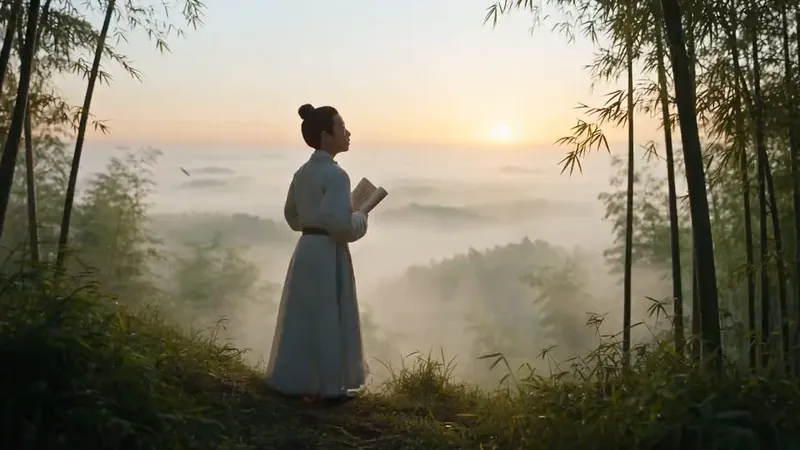
Condense the life of an ancient historical figure into a cinematic, 30-second, one-continuous-shot biographical video prompt, ready for use with video models that support native audio generation. Whether the subject is Li Bai, Yue Fei, Sima Qian, Wang Yangming, Li Qingzhao, Leonardo da Vinci, or another historical figure, the prompt draws from their documented life and presents a continuous journey from youth to old age. As the camera moves, the subject naturally evolves in appearance, build, hairstyle, clothing, status, temperament, and the objects they carry. The script emphasizes a true long-take experience: the camera continuously circles, tracks, dives, or moves through the scene, while transitions between life stages are achieved through physical occlusion and replacement using bamboo shadows, banners, corridor columns, moonlight, mist, scrolls, and other elements in the setting. This avoids abrupt jump cuts and creates a coherent chain of visually and causally connected transformations. Each stage incorporates the year, age, environment, historically accurate clothing and props, and active physical movements, ultimately coming together as a complete life epic. The skill also selects historically documented poems, famous quotations, or recorded remarks associated with the subject, weaving them into a spiritual arc from departure and hardship to awakening and final destination. These are paired with classical-style narration, ambient sound effects, and background music suited to the figure’s character. The default approach combines cinematic realism with classical Chinese aesthetics, while also supporting visual style adjustments such as ink wash, gongbi painting, paper cutting, shadow puppetry, and 3D Chinese animation. It is suitable for video scripts about biographies of ancient figures, a person’s entire life, and epic life stories.
AI Video & Storyboard Prompts
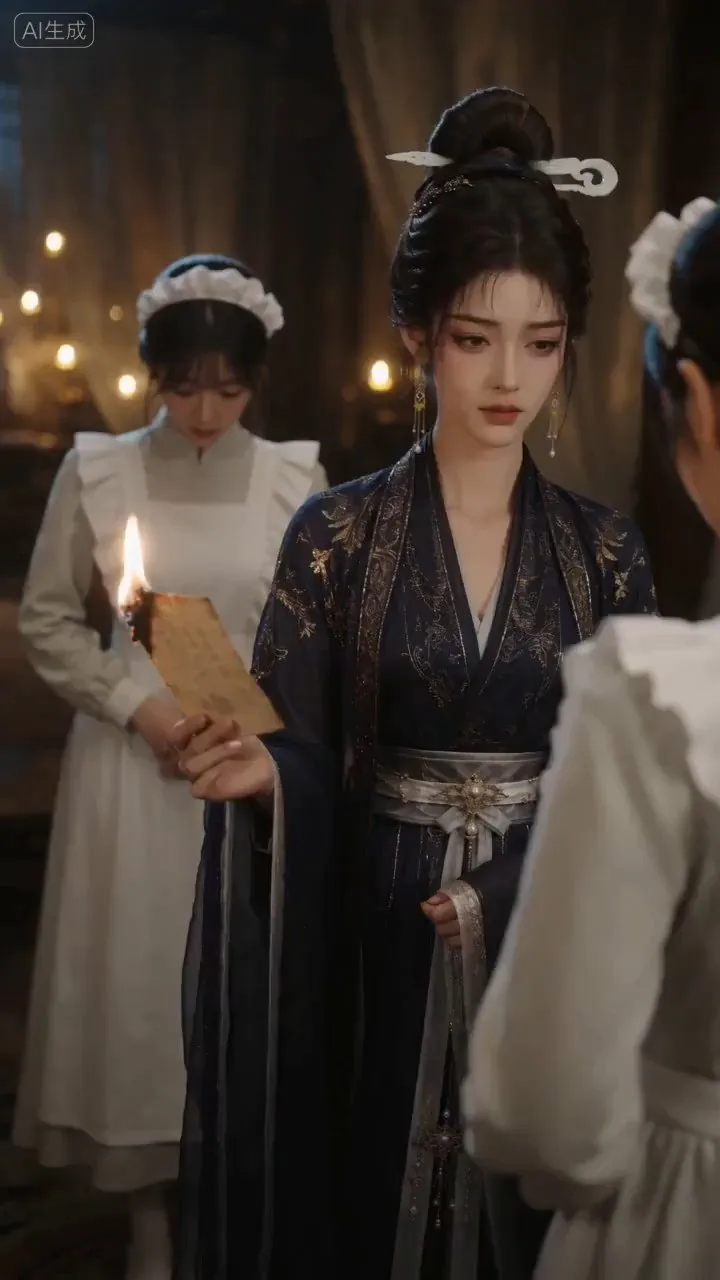
Turn storylines, character profiles, or existing video prompts into professional storyboards and ready-to-use shot prompts for AI video generation. Whether the scene involves contemporary life, historical drama, mystery, romance, or high-payoff drama, the skill focuses on character relationships, pacing, and emotional hooks. It clearly defines shot scale, camera position, perspective, camera movement, composition, lighting, ambient sound, and dialogue, giving every shot a clear visual focus and actionable movement. The skill pays close attention to character consistency and scene continuity. It helps lock in each character’s appearance, clothing logic, identity and status, and defining details, reducing generation issues such as facial changes, visual drift, spatial confusion, and unclear actions. A character’s gaze, expressions, breathing, hand movements, and physical reactions are also translated into visible performance changes, strengthening conflict, tension, twists, and emotional progression. You can start with a complete storyline or provide existing character assets, storyboards, or prompts for targeted optimization. When you already have an established character profile, it can be reused directly to avoid redesigning it. The complete sequence can then be organized into clips of 15 seconds or less for generation with mainstream AI video models, while preserving visual, audio, and duration details for easy copying, use, and further editing.
Information
- Version
- v4
- Last updated
- Runtime credits
- Usage-based
- Models
- Auto
