
Survival POV Builder
Survive the disaster. Viewers choose what happens next.
Survival POV Builder
Survive the disaster. Viewers choose what happens next.
Showcase
Description
Turn disasters into binge-worthy POV survival shorts — where your audience decides what happens next. You are the hero. A meteor hits the city, the tide returns as a wall of water, the subway goes dark. 30 seconds of non-stop panic, then a split-second choice: roof or basement? Run or hide? Viewers vote in the comments, and the winning choice becomes the next episode. 🎬 WHAT YOU GET • 30 fresh topic ideas in 6 categories, each with a POV hook and a two-option dilemma • A researched script: real survival stories + official safety guidance, so the "right" choice is backed by experts • A locked English blueprint with natural American dialogue, timed beats and a location map • A shot plan that keeps camera, characters and threats consistent • A full reference package: scene style frame, character sheets and a crowd lineup • A detailed Seedance 2.5 prompt with labeled references • The finished 30s vertical (9:16) video, generated only after your approval • An edit kit: subtitles, freeze-frame second, end-card question and options 🧠 BUILT FROM REAL TESTS Every rule comes from actual generations: no static camera, a new event every 2–3 seconds, no fog-out endings, no realistic crowds breaking the style, no threats shrinking to nothing. Each episode is checked against the script before you move on. 📺 SERIES THAT KEEP GOING Episodes branch by votes (Part 1 → 2A / 2B). A series log on your board tracks characters, locations, votes and views, and stops new episodes from repeating the same structure. 🎨 STYLES Default: stylized 3D animated feature look. Also available: realistic cinematic CG, hand-painted 2D, claymation, low-poly 3D. ✅ YOU STAY IN CONTROL Image prompts are approved as one batch. Every video is approved separately: you choose 480p, 720p or 1080p and see the cost before anything is generated. Works in your language; all prompts are written in English. Image and video generation use your account credits.
Recommended by
Dancang
Why we love this skill
An editor’s pick for turning survival storytelling into a structured, audience-driven series. It combines research-backed choices, branching consequences, rigorous POV continuity, and reference-guided animation prompts, making every episode feel tense, visually coherent, and genuinely shaped by viewer decisions.
Related Skills
View all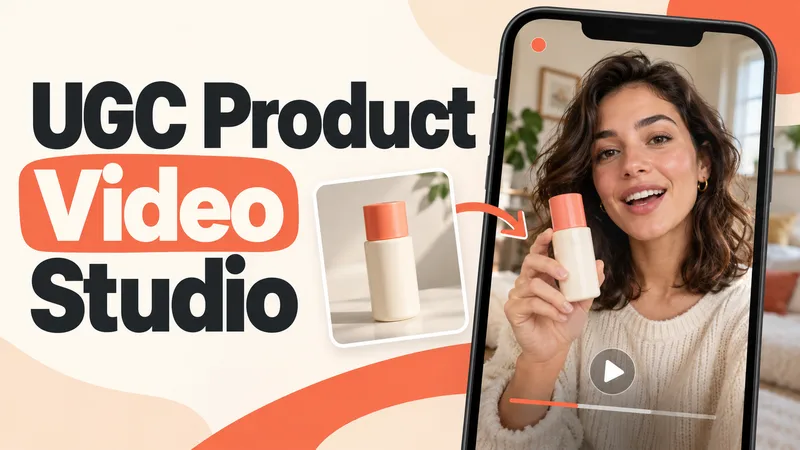 Video
UGC Product Video Studio
Turn a product photo into a complete UGC video workflow: a lifelike AI creator, a connected sequence of scenes, natural dialogue, and prompts tailored to your chosen video model. Built for product owners, marketers, and creators who want to show their product through a believable everyday story. You guide the creative decisions: • Design your character step by step. Approve the look, refine specific features, or request a different person. • Build a sequence of portrait shots, product details, demonstrations, location changes, and a product-only closing shot. • Explore image variations and approve the final scene set before the script is finalized. • Review the scenario and spoken text, then adjust the hook, tone, pacing, or closing line. Realism goes beyond skin texture. Prompts account for natural facial detail, smartphone framing, lighting, and character consistency. Images are checked for awkward grips, floating caps, nozzle direction, and other physical contradictions. Complex actions can be simplified or split into separate shots before animation. Choose your platform, video model, spoken language, and audio method: • Speech generated directly inside the video. • Separate speech text or audio for lip sync. • Off-screen narration. Prompts adapt to the selected model, with language and audio support checked for that route. After approval, generate the video in YouMind, prepare a prompt package for another platform, or stop with the production report. Receive complete image and video prompts, the approved script, reference mappings, timing, and quality-check notes. Your character. Your scenes. Your approval at every key stage.
 Video
Create Kahani Script & Scenes
Turn a theme, a one-line idea, or an existing viral script into a brand-new, original Hinglish 'kahani' story for YouTube — built end-to-end for Google Flow. You get a chapter-by-chapter script in a large-format, time-layered cinematic style; 8-second scene prompts designed to stay on the safe side of Flow's content policy (loss and grief handled by implication, never shown); a Google Flow build kit with locked character handles, one master cinematic style token, a shot list and a safety pre-flight; a complete audio kit covering per-scene narration, character voices, ambience, music, and the exact method for keeping audio and video in sync; a 30-second Hook Short; a thumbnail prompt; and honest titles, tags and description. WHY THIS SKILL IS DIFFERENT — WHAT YOU WON'T GET IN ONE PLACE ELSEWHERE • Tension-free on YouTube. Every story is written against a deep study of YouTube's current AI-content and monetization rules — fully original (never repetitive templates), no distress-bait, nothing banned on screen, plus a channel-safe packaging step. You can stop worrying about policy strikes, 'inauthentic content' flags and demonetization; the heavy lifting is already done. • Christopher Nolan–inspired direction. Each story is directed like a Nolan film: a striking flash-forward open, cross-cut past and present, a ticking-clock build to the climax, one recurring motif, and a large-format, muted-cool cinema look — described purely as a style, never with a real person's name inside a generation prompt. • One complete system. Flow-safe prompting + locked character consistency + a fixed 8-second editing grid + a full audio-sync kit + a no-repeat story registry, in a single Hinglish story workflow. The Skill checks a story registry first, so it never repeats a story you already made, and it keeps your channel policy-safe throughout.
 Video
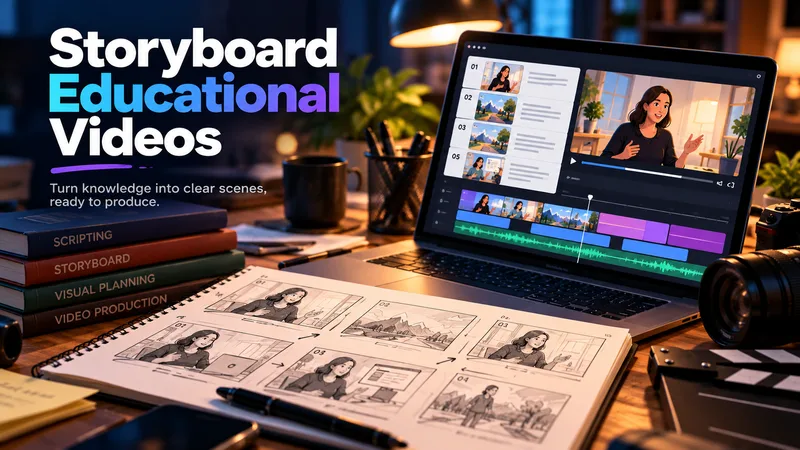
Storyboard Educational Videos
Hand it a document — a training guide, an SOP, a product brief, a course chapter — and get back a shooting plan you can film today: numbered scenes, one idea each, each with a clear visual direction, an English image prompt, spoken narration that fits the clock, and subtitles that match the voiceover word for word. Most documents are written to be read, not performed: the narration rambles, the visuals repeat the text, the subtitles drift out of sync. This Skill rebuilds the material for the screen — 3–6 observable learning objectives, a hook → orientation → teaching beats → recap → CTA arc, and a fixed time budget of 2.2 words per second per scene, so nothing gets cut later in the edit. Every plan ships with an overview, one visual style guide reused across all scenes, a scene index with exact timings, a per-scene breakdown (purpose, framing, on-screen text, English image prompt, voiceover, subtitle cues, audio), production notes and an explicit list of assumptions and content risks. How to ask for it — four shapes that work best: • Just the file: "Turn this into an educational video plan." Audience and runtime are inferred and stated as assumptions. • File + runtime + audience: "A 4-minute onboarding video for new support hires; screen recordings only, no on-camera presenter." • File + format: "A 60-second vertical 9:16 plan for LinkedIn, high tempo, one-line subtitles." • Thin or messy source: "These notes are scattered bullets — still build a 3-minute plan, mark the gaps TODO: and list your assumptions." Output language follows your message: ask in Turkish, Spanish or Japanese and the whole plan comes back in that language. Only the image prompts stay in English, ready for any image model. Built for L&D teams, course creators, product marketers and anyone handed a twelve-page PDF and told "make it a video".
Information
- Version
- v4
- Last updated
- Runtime credits
- Usage-based
- Models
- Auto
