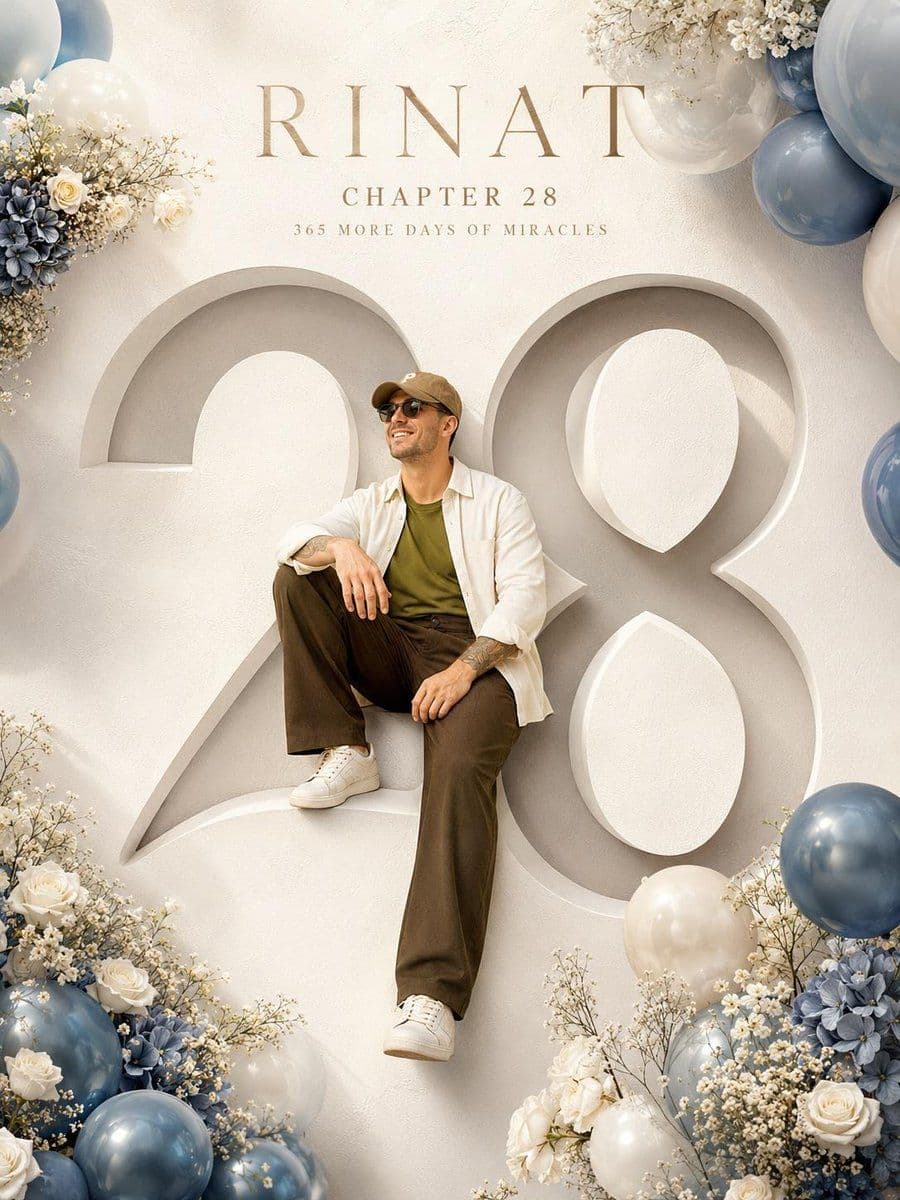
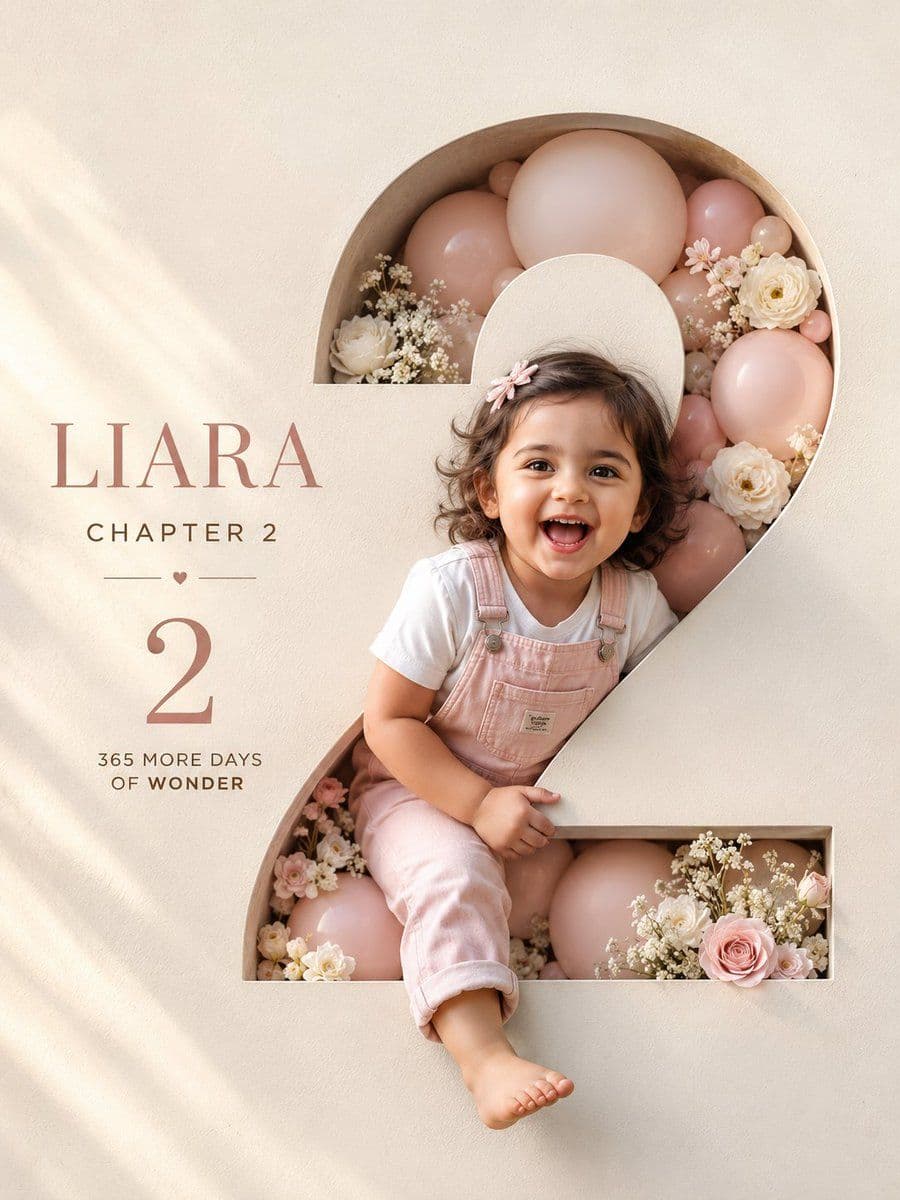
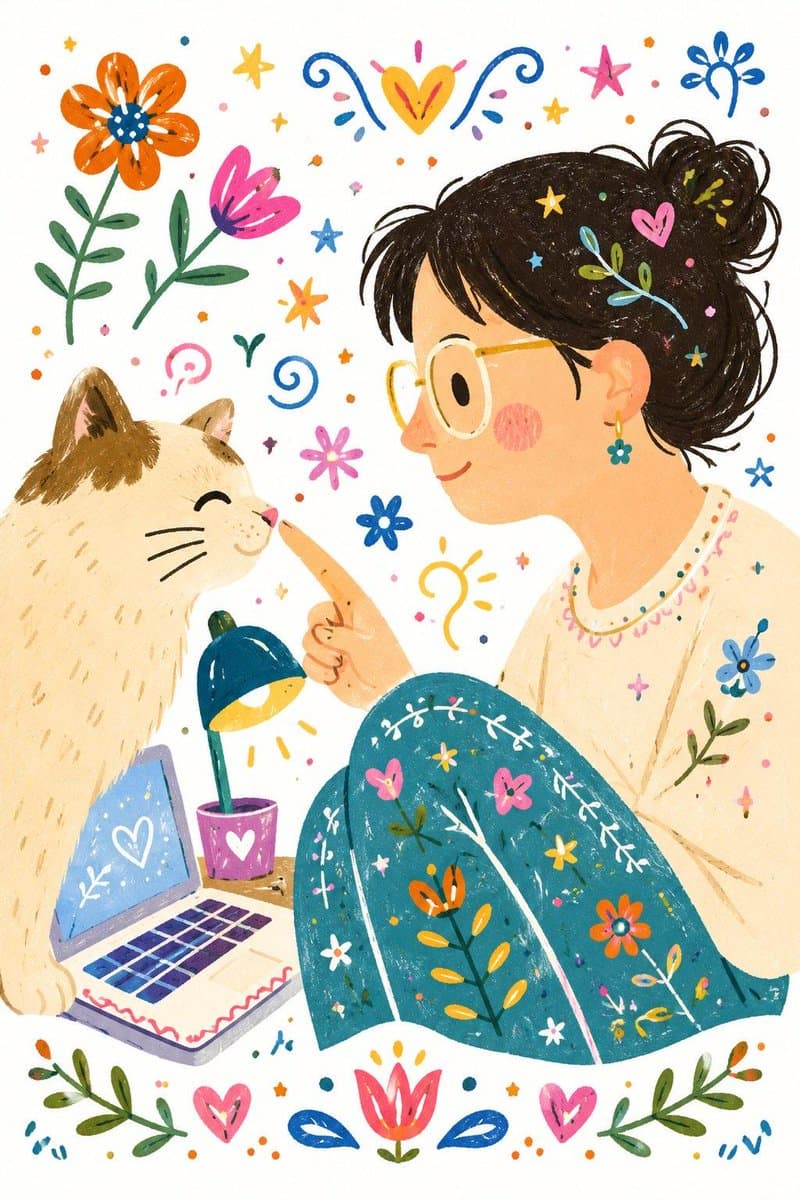
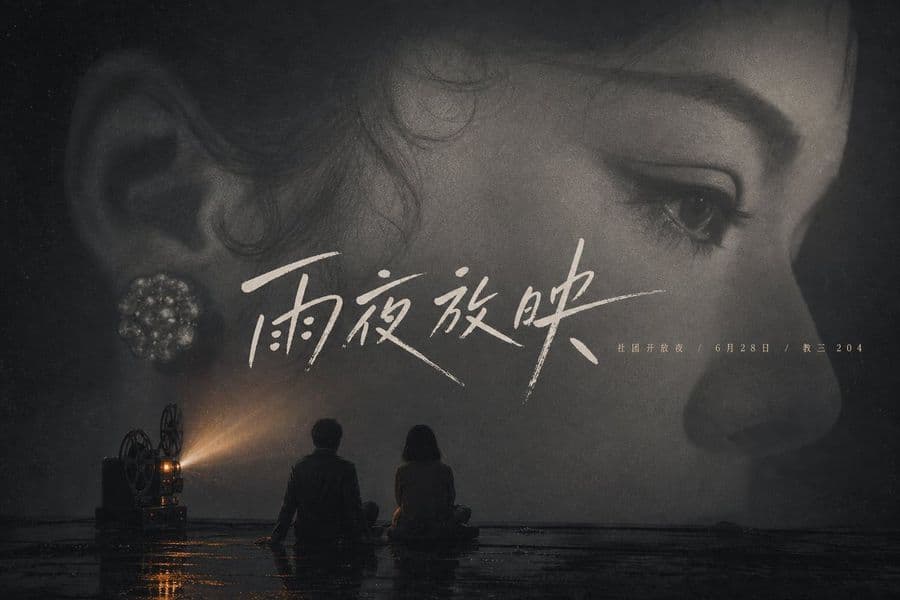
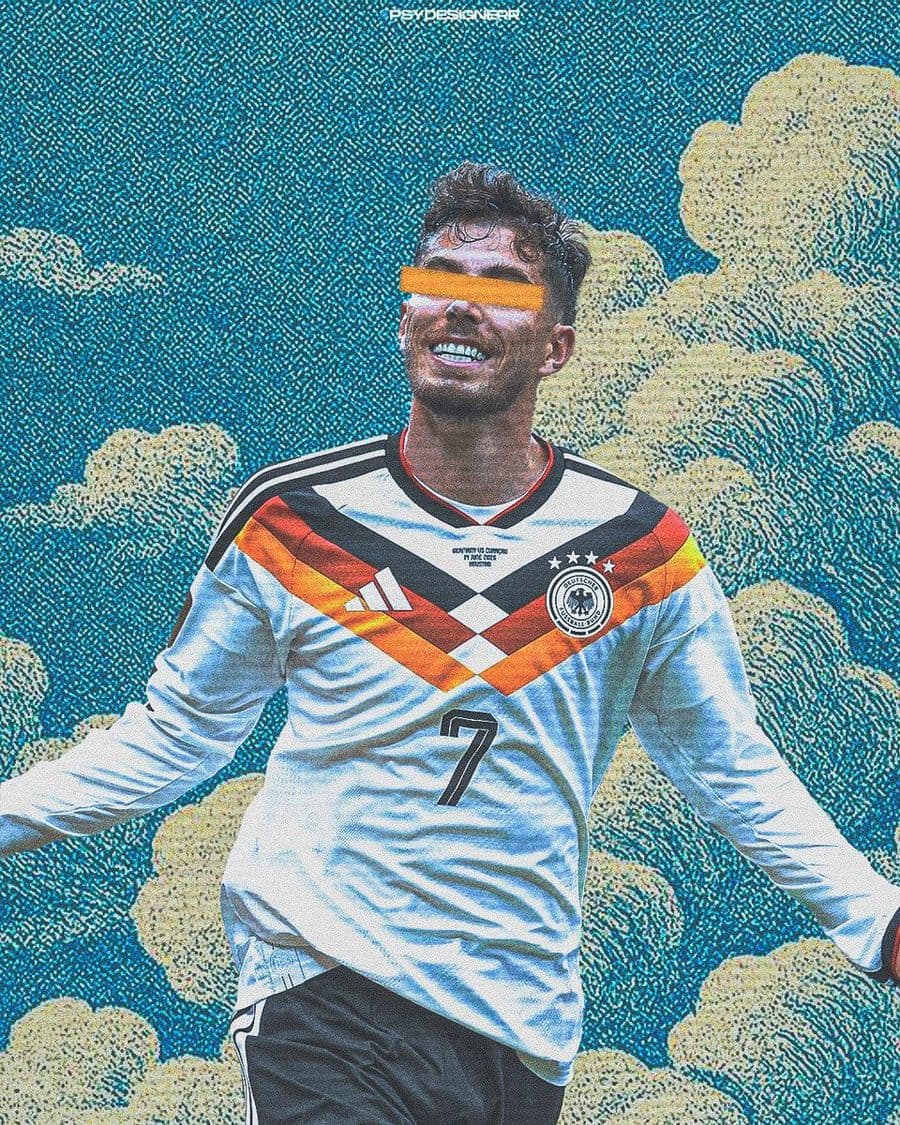
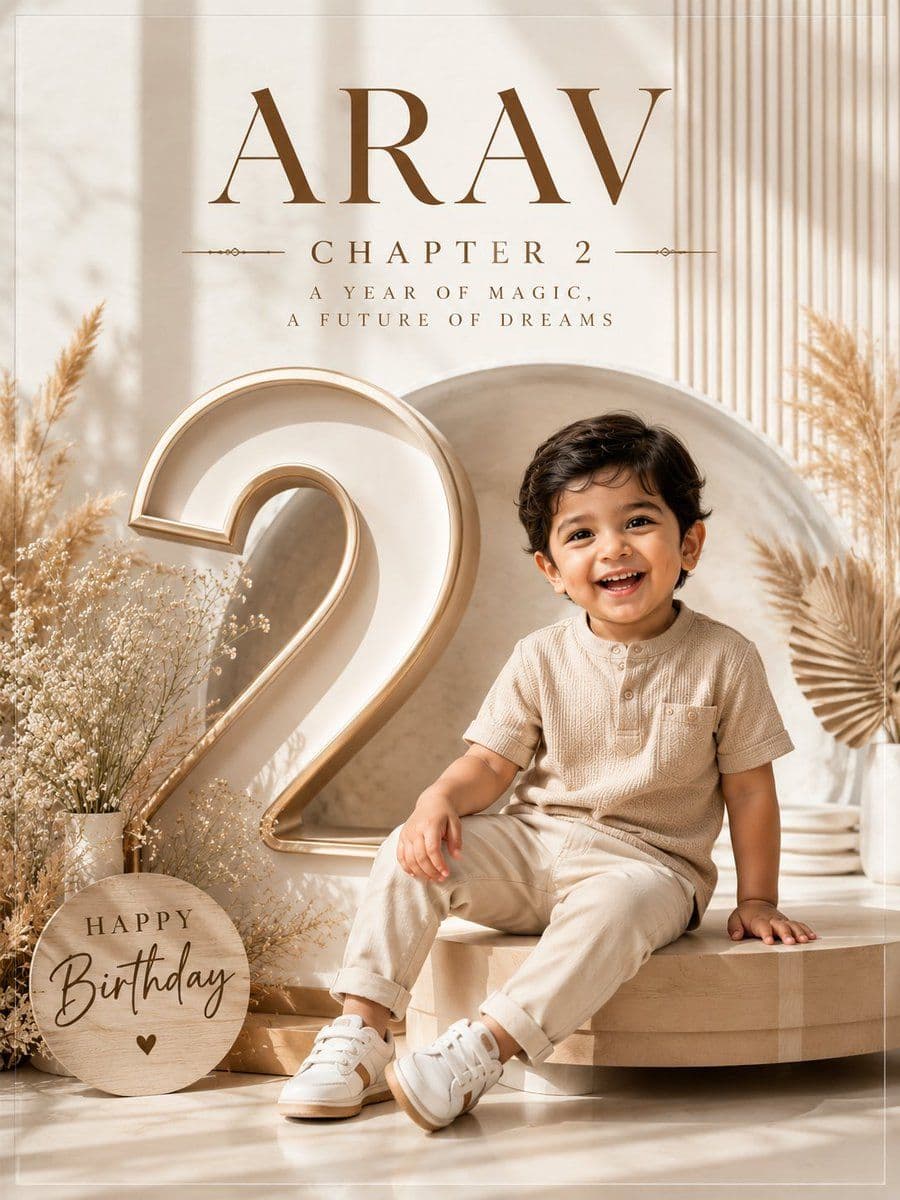
Dynamic Cinematic Title Overlay
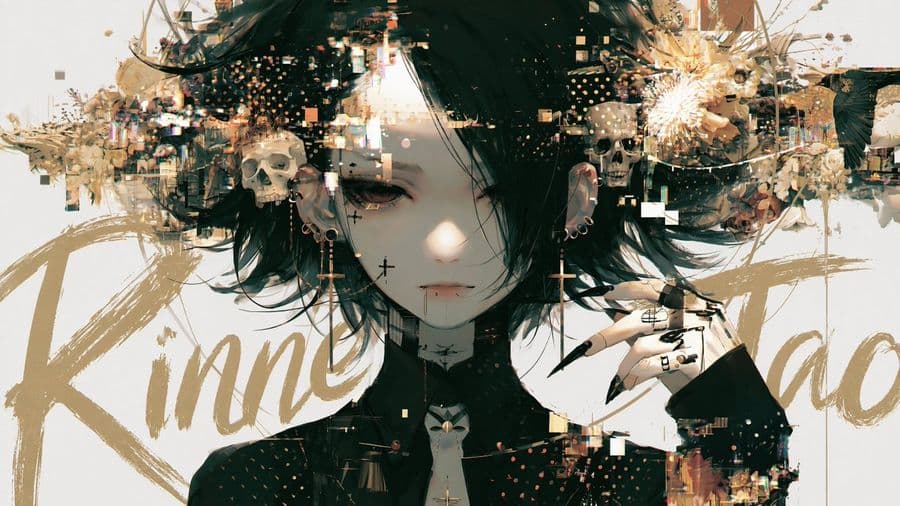
A sophisticated prompt designed to add large, brush-style calligraphy behind a main subject in an image, creating depth and a cinematic movie poster effect.
提示词
Add a title text to this image with intentional layer depth.
[Text to Add]
- The phrase to add: "Enter title here"
[Typography]
- If the text is in English or romaji: handwritten brush script style — loose, expressive, confident strokes, imperfect and alive
- If the text is in Japanese: calligraphic brushwork by a master — rough, bold, spontaneous ink strokes with natural variation in pressure and thickness
- Scale: large and dominant — the text is a visual element, not a label
- Color: choose a color that does not clash with or duplicate the background — prioritize visual harmony over legibility
[Layer Depth — Critical Rule]
- The text must appear BEHIND the main subject (person, figure, or foreground object)
- The main subject occludes the text naturally — as if the subject is standing in front of the text
- The background remains behind both the text and the subject
- If any other text elements exist in the image (watermarks, captions, body copy, small text), the title must appear in front of all of them
- Layer order from back to front: background → existing text elements → title text → subject
[Legibility — Important]
- Do not force the text to be readable
- It is acceptable — even desirable — for portions of the text to be hidden behind the subject
- The text exists as a design element and compositional layer, not as information to be read
- Layout and aesthetic integration take priority over legibility at all times
[Placement]
- The text spans large across the image, partially hidden behind the subject
- Placement feels cinematic and intentional — like a movie poster or editorial cover
- Allow the text to bleed beyond the frame edges naturally
- Do not generate random text blocks, body copy, or filler text anywhere in the image
- Only the specified title text should appear as a new addition
[Style Preservation]
- Do not alter the subject, colors, or composition of the original image
- Add only the text layer — nothing else
参考图
如何使用这条提示词
- 1
复制上方完整的提示词。
- 2
打开支持 GPT Image 2 的平台(例如 YouMind),把提示词粘贴进去。
- 3
按你的想法替换主体、风格或细节,然后生成。
这是 YouMind 提示词库里的一条免费 AI 提示词。这里还有成千上万条 图像 提示词,都能免费复制和改用。
探索更多 图像 提示词