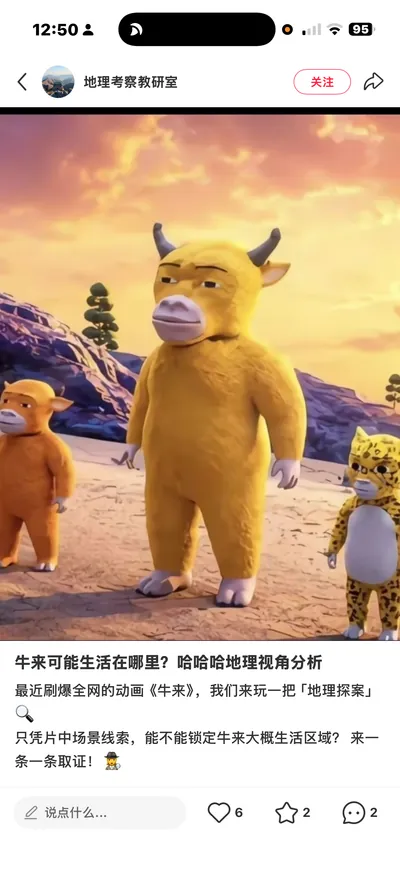
Niu Lai-Style Illustrations
Create grainy low-poly art or posters
Niu Lai-Style Illustrations
Create grainy low-poly art or posters
Showcase
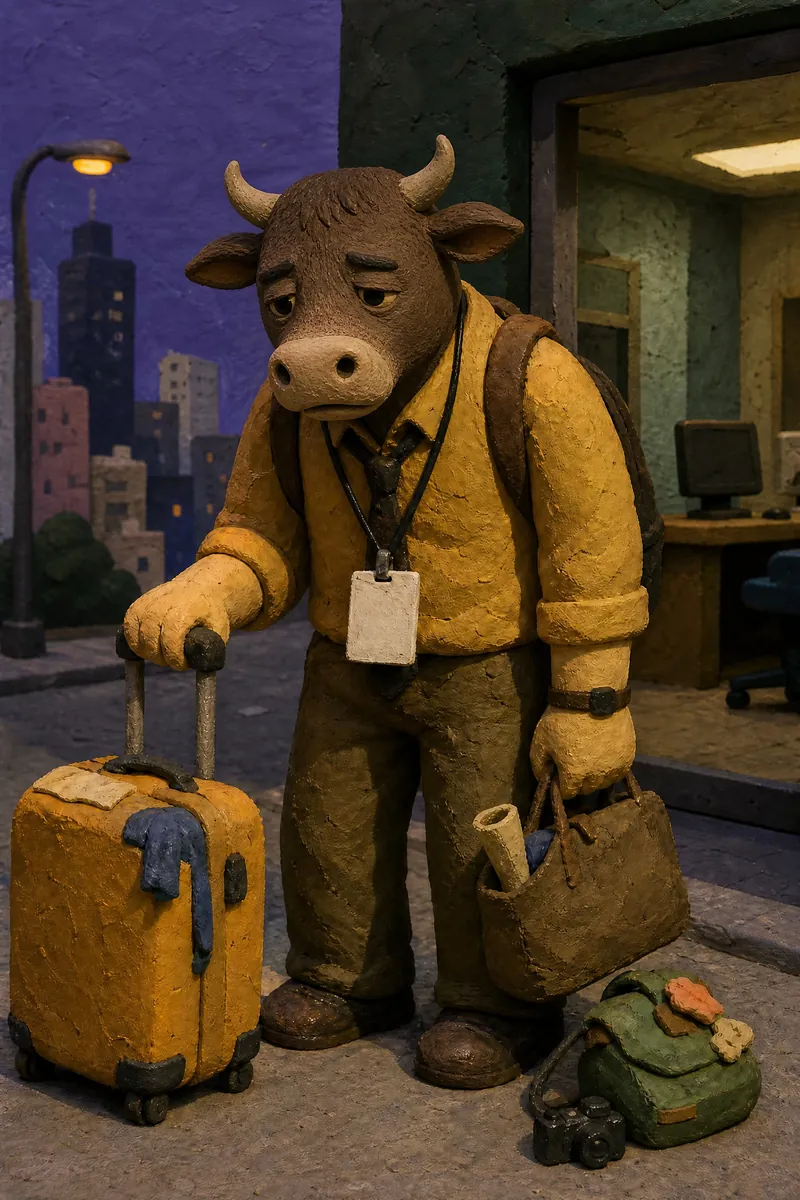
疲惫打工人的《牛来》插图
牛头版疲惫打工人
疲惫打工人的《牛来》插图
牛头版疲惫打工人
Description
Generate a finished original single illustration or poster directly, with people, animals, objects, or fantastical subjects selected automatically based on your theme. For scenes with multiple subjects, use different anthropomorphic animal characters while maintaining an abstract, low-detail 3D style, coarse-grain textures, and an absurd, dreamlike atmosphere.
Recommended by
Dancang
Why we love this skill
Featured for its ability to create an original illustration or poster without repeated prompt tweaking. Its distinctive grainy low-poly dream aesthetic adapts flexibly to any topic—not just “牛.”
Related Skills
View all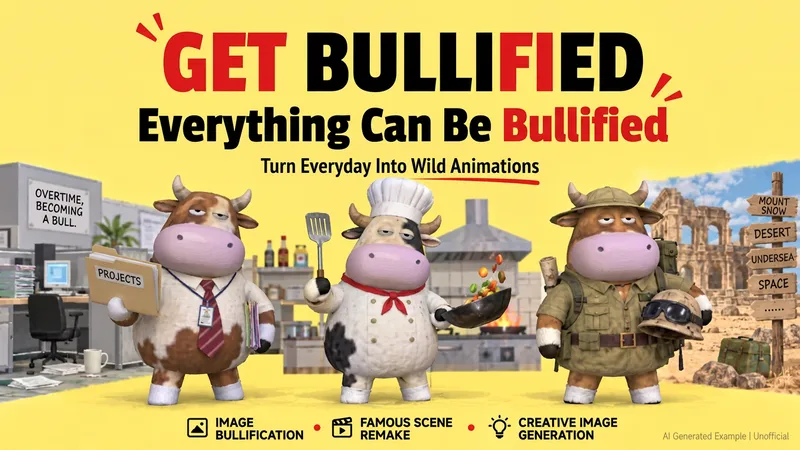
niulai-style-image
Upload a picture or describe a scene you want to see, and discover just how absurd it can get. What would your life look like if it were filmed as Niulai? Upload photos, film stills, or describe an imaginative scene to transform people into expressive upright ox characters with large heads, inflated-looking bodies, vacant little gazes, rough textures, and simple sets that grow on you. Preserve the original character count, positioning, poses, and key props so that group dinners, daily work life, and classic memorable scenes all turn into absurd animal animations. Don't want to turn into an ox? You can also keep the original species and only convert the art style. Transform photos, film stills, or new scene descriptions into the observed visual grammar of the 2026 animated film 《牛来》. Use when the user asks for Niulai style, Niulai feature film style, rough low-poly animal 3D, converting live-action footage into Niulai-style animation, or requests iterative comparison against 《牛来》 references. Default to the rough film-3D mode; use the separate ink-poster mode only when the user explicitly asks for the movie poster look.
 Image
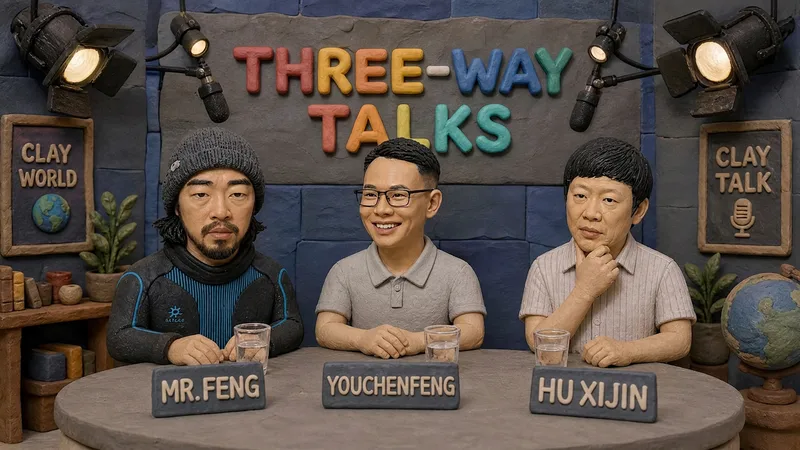
Handmade Clay Image Maker
Turn text descriptions, people, animals, objects, or reference images into handmade clay-style artwork that truly looks molded, pressed, and assembled by hand. Rather than simply applying a clay texture, this style gives characters, scenes, props, buildings, and text the soft, dimensional volume of physical clay, with natural finger presses, hand-shaped edges, kneading marks, and subtle asymmetry for a detailed, matte, warm, and tactile handmade feel. Whether you need clay characters, miniature worlds, art illustrations, posters and ads, product visuals, or clay typography and lettering, the style automatically matches the colors, composition, and spatial depth to the subject. When you upload a photo of a person or animal, it aims to preserve recognizable features such as facial structure, hairstyle, body shape, clothing, and distinctive accessories, then reimagine them as a cohesive clay art figure. When text is requested, it is also integrated into the scene as dimensional clay lettering. You can specify the aspect ratio, color direction, subject pose, scene elements, or strength of the handmade effect, or simply describe the theme you want. The result is a complete clay-style image, along with the mode, colors, composition, and key visual settings used for generation, making it easy to continue refining the result toward a macaron, candy, retro, Japanese low-saturation, earth-tone, or warm storybook direction.
 Image
Turn Photos into Art Posters
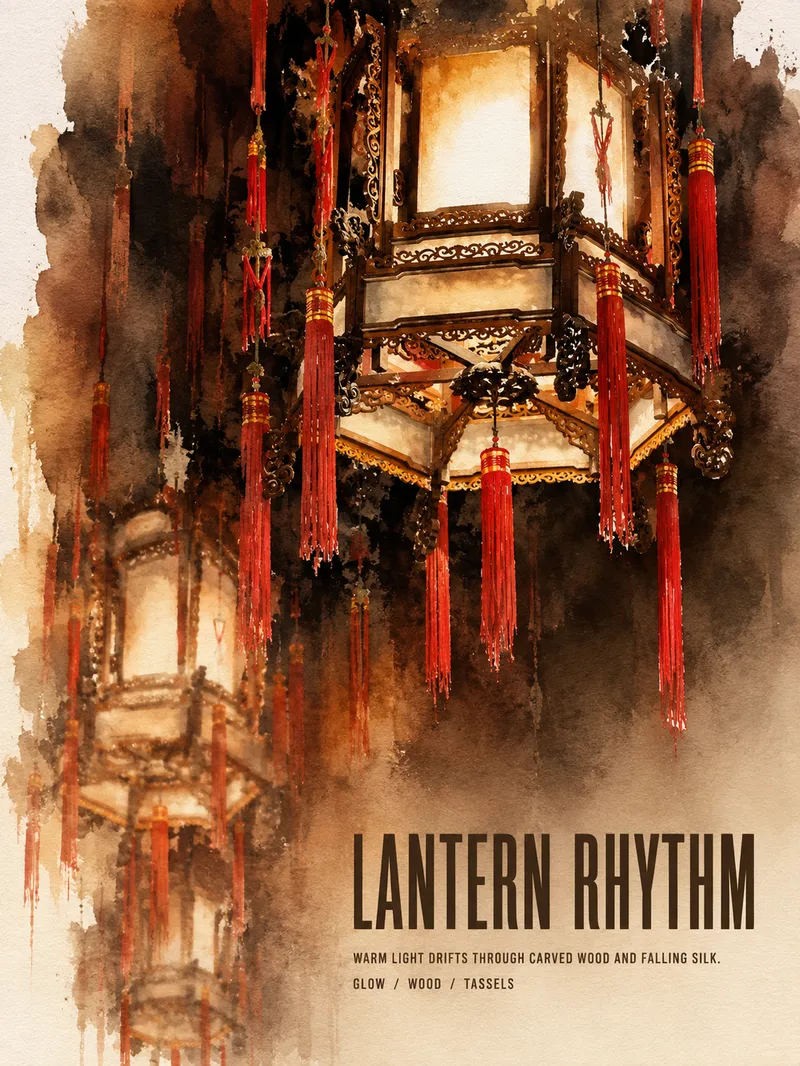
Upload a photo of a person, pet, building, travel scene, street view, vehicle, product, still life, or everyday moment. The Skill first identifies the details that matter most to preserve, then automatically selects an artistic approach—such as translucent watercolor, coarse screen printing, knife-mark rubbing, impasto, or conceptual collage—based on the composition, colors, lighting, and mood. It rearranges the subject’s scale, negative space, material field, and English headline so text and imagery weave together naturally, generating a 3:4 vertical art poster with a clear visual focal point and collectible appeal. You can also specify the artistic material, an English or Chinese title, aspect ratio, color direction, mood, intended use, or a text-free mode. If you don’t specify, the Skill will decide automatically and generate the poster directly.
Information
- Version
- v7
- Last updated
- Runtime credits
- Usage-based
- Models
- Auto
