

Marker Text | xiaoxiaodong
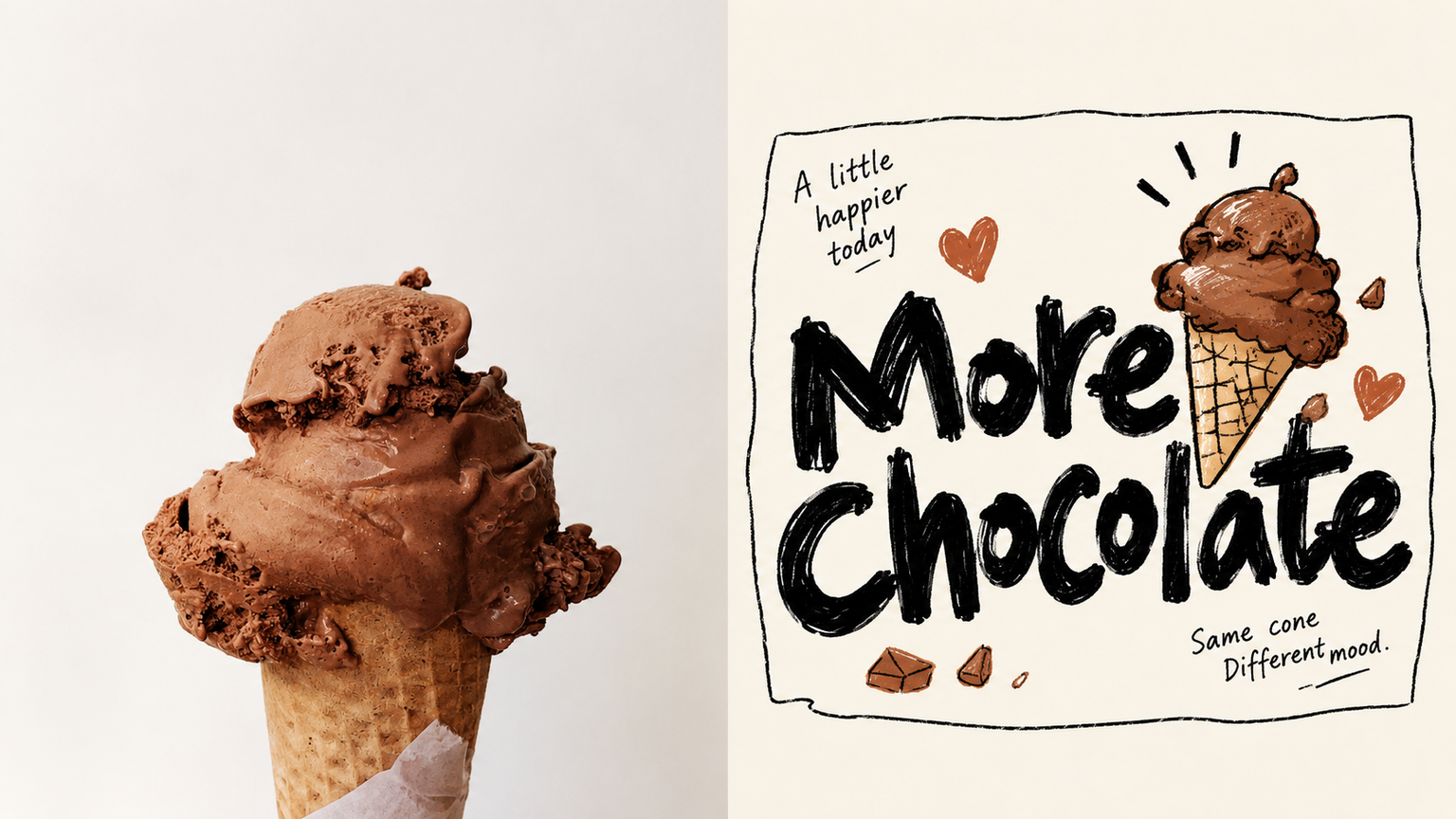
Ideal for turning a photo's metaphor into a single line of large text for small brand visuals, stickers, or menu covers. The upper half features the original photo; the lower half stars a short phrase in bold black marker handwriting across the middle with generous whitespace on both sides, featuring wonky lettering, irregular sizes, and uneven stroke weights. The main subject and two or three small objects from the photo are rendered as palm-sized clumsy doodles, outlined in thin black lines with flat bright color fills that often spill outside the lines, leaning against the text, sitting on strokes, or peeking out from behind. The entire set is loosely enclosed by a non-closed crooked thin-line border, accompanied by two small handwritten notes at an angle, with a warm white background taking up most of the space. Avoid this if you need to preserve the scene, lighting, or true proportions, if you do not want large text or prefer neat printed fonts, or if you are looking for polished, refined illustration lines and smooth commercial cartoons.


Neon Sprite
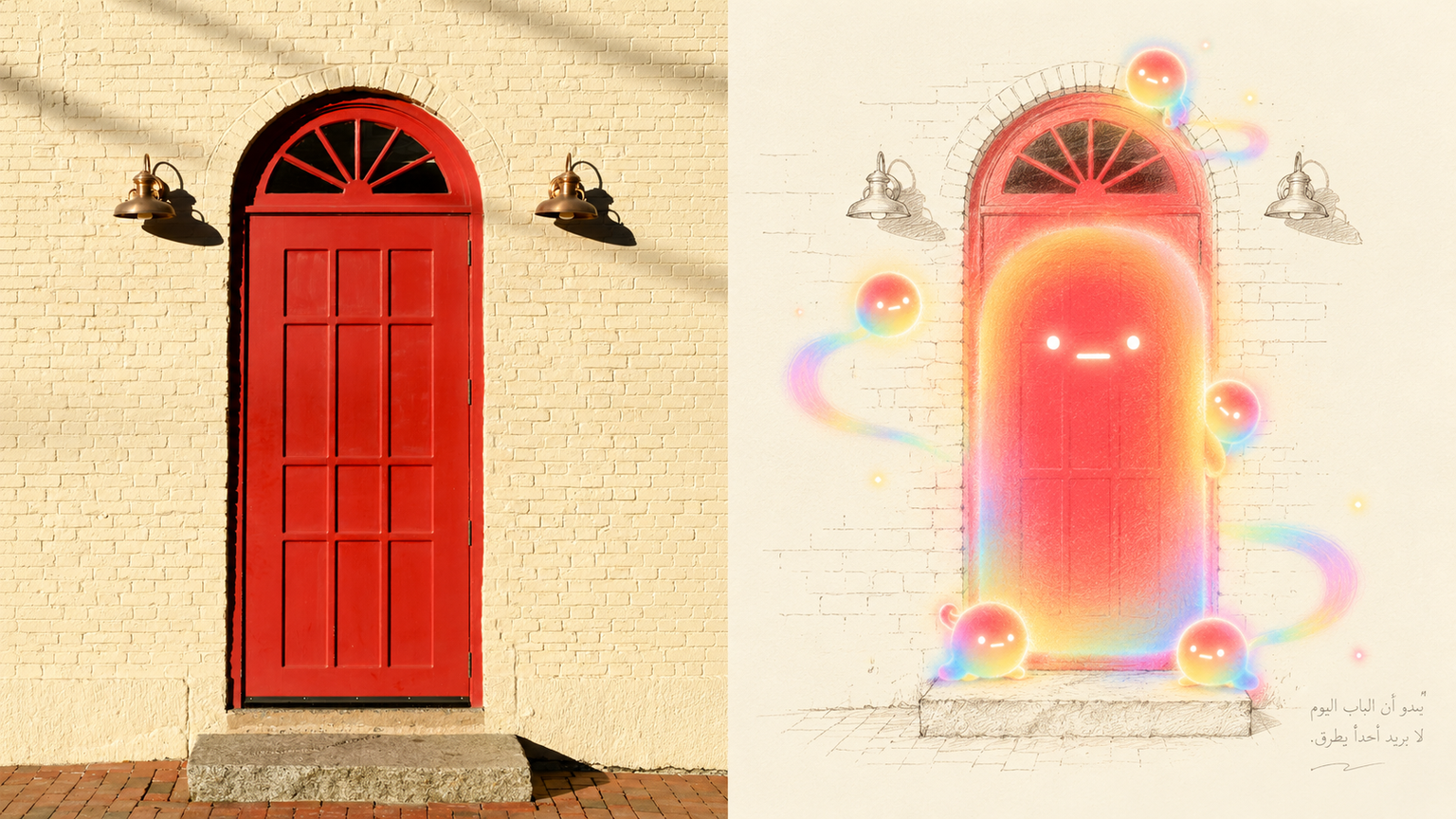
Transform ordinary subjects into glowing little spirits. The top half shows the original photo; the bottom half removes clutter and outlines a small area around the subject using delicate, light ink lines that appear in a warm, faint off-white. The subject is no longer line art, but a soft, rounded, lineless spirit formed by gentle light. It retains its original shape while the body features layered gradients shifting from the photo's most vivid colors to pink, orange, yellow, green, and blue. Its face features only two small round eyes and a short horizontal line for a mouth. Other little spirits peek out nearby, connected by an arc of light. The surrounding area remains mostly blank, with a line of handwritten pencil text in the bottom right corner. Avoid subjects with vague shapes that rely on fine details to be recognized, full color illustrations or commercial cartoon characters, and dark, realistic, or serious photographs.


Common Questions
Ready to create with
YouMind
Generate with GPT Image 2.5 Sunburst in YouMind. Flare is also available in the workspace.
LET YOUR IMAGINATION SOAR