

Create high-quality slides in a few sentences
Create PPT decks with GPT Image 2, then export narrated videos with subtitles in one click


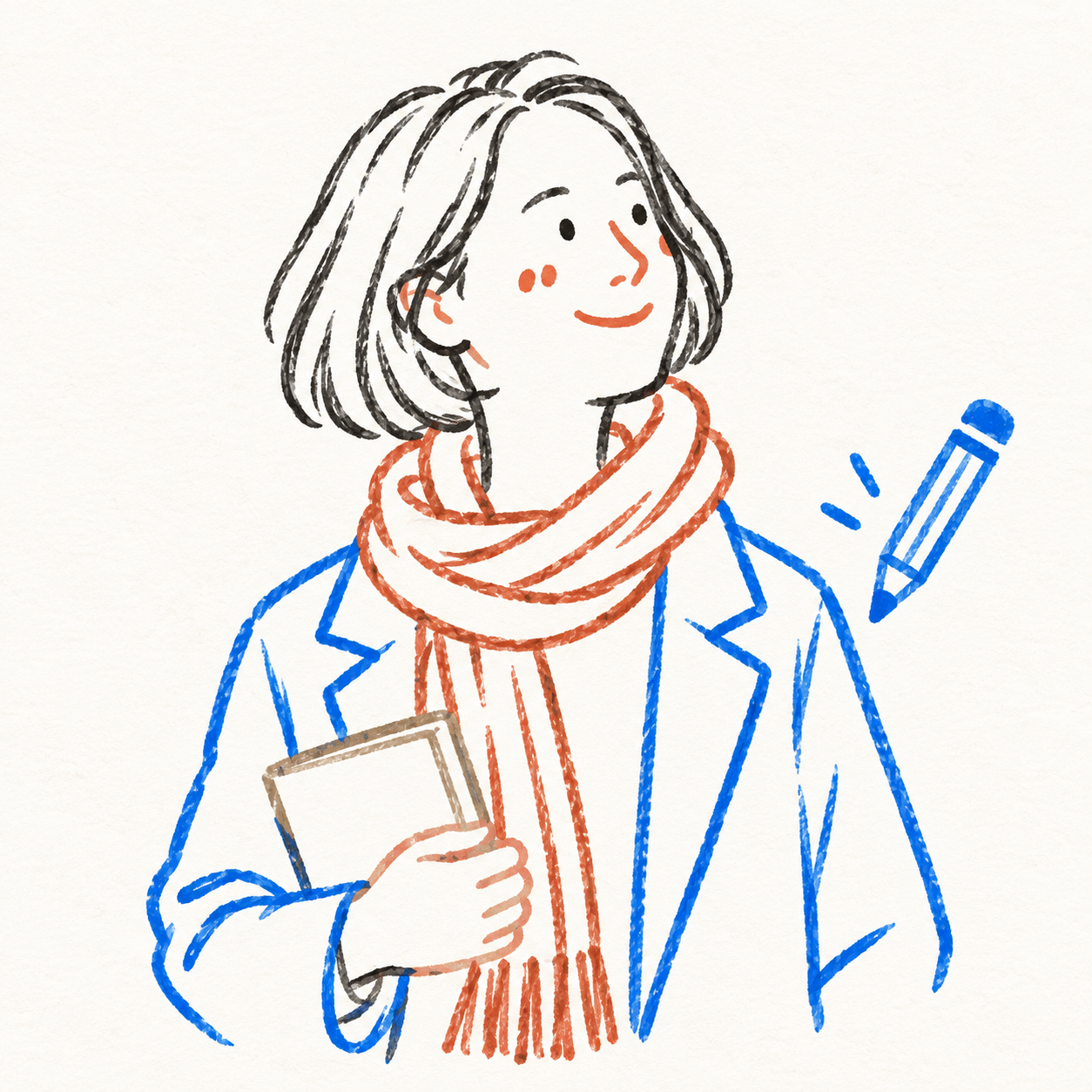
Photo to Line Art
Upload a portrait photo to generate a colored-pencil doodle portrait, with an option for monochrome line art or subtle colored outlines. A few gentle lines capture the essence of you today. Keeping your hairstyle, pose, outfit, and personal items, it uses minimalist expressions, delicate outlines, and generous whitespace to create a hand-drawn illustration ideal for keeping, sharing, or outfit logging. Defaults to a text-free 3:4 vertical format, half-body or full-body based on the original image; you can also request a photo-and-drawing comparison. Try saying: Draw this photo as a colorful fine-line portrait, leave the clothes unfilled, keep my pose, and include no text. Upload a portrait or outfit photo and turn it into a simple colored-pencil portrait. Choose monochrome or delicate colored outlines. A few little lines, a look that feels like you. Keep the hairstyle, pose, outfit and personal details, with tiny facial marks and plenty of open paper. Create an airy portrait for outfit diaries, sharing or keepsakes. Default: one text-free 3:4 portrait, framed to match your photo. A photo-and-drawing comparison is available on request. Try: Turn this photo into a simple colored-line portrait. Leave the clothes unfilled, keep my pose, and add no text.


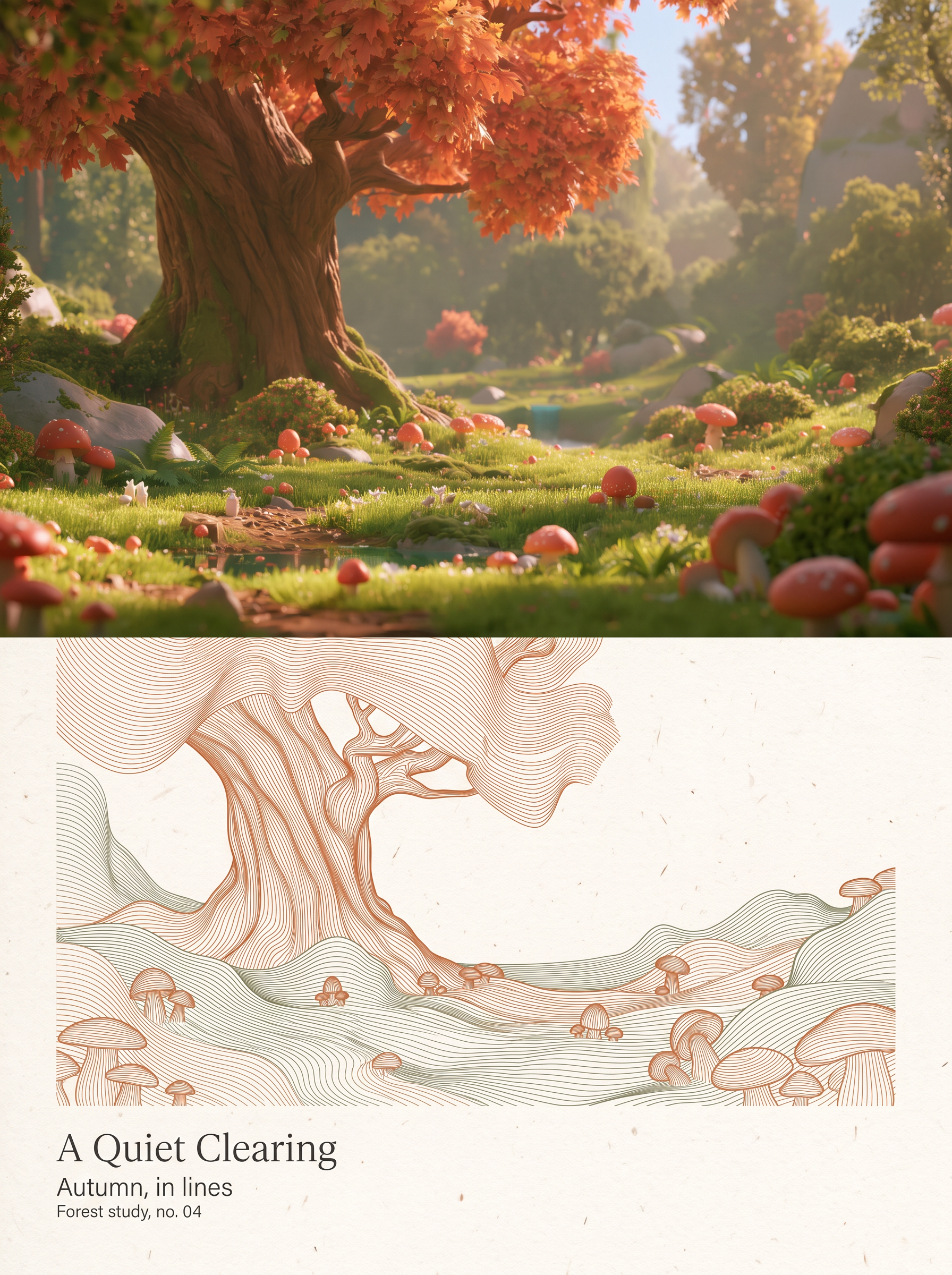
Dual Raster Poster Generator
Upload one or more photos to independently generate a 3:4 vertical dual-panel poster for each. The top half preserves the original photographic texture in full bleed while keeping identity, facial features, posture, attire, composition, and lighting completely unchanged. The bottom half translates the same photo into a relief-like abstract line-field sculpture made of continuous, parallel, ultra-fine flexible curves. Generous white paper margins and restrained English magazine typography surround the design. The dual-panel structure, 50/50 horizontal split, and the principle of generating each photo independently without stitching remain fixed. Output quantity, low-saturation dominant colors, subject scale, and text can be adjusted as needed. It uses the highest-fidelity reference model by default, generating and self-checking each image one by one for delivery.


Common Questions
Ready to create with
GPT Image 2?
Experience GPT Image 2's Pixel-Perfect Text & Commercial-Ready Quality
LET YOUR IMAGINATION SOAR