Collage Art Illustration Fusion
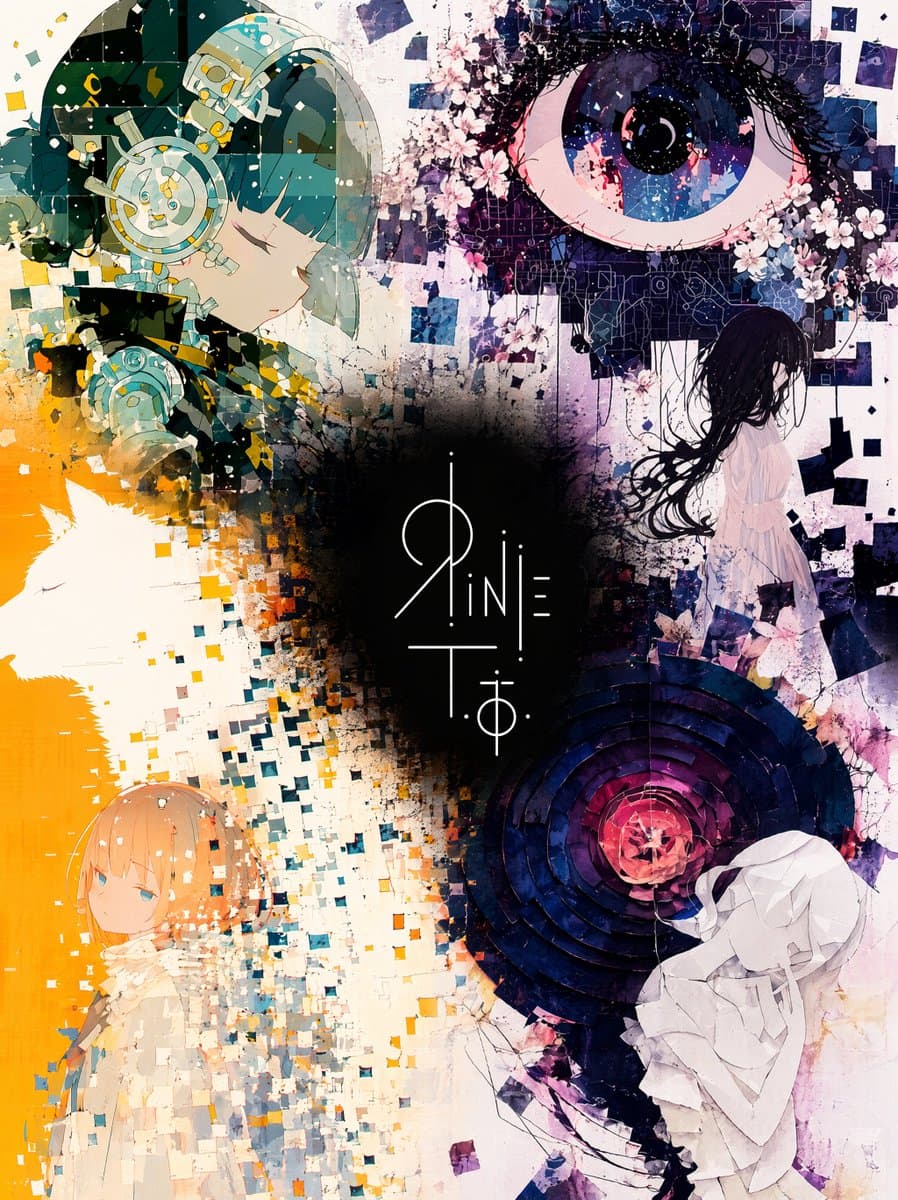
A professional prompt for merging multiple illustrations and a logo into a single, cohesive collage art piece with elegant spacing and vivid colors.

Prompt
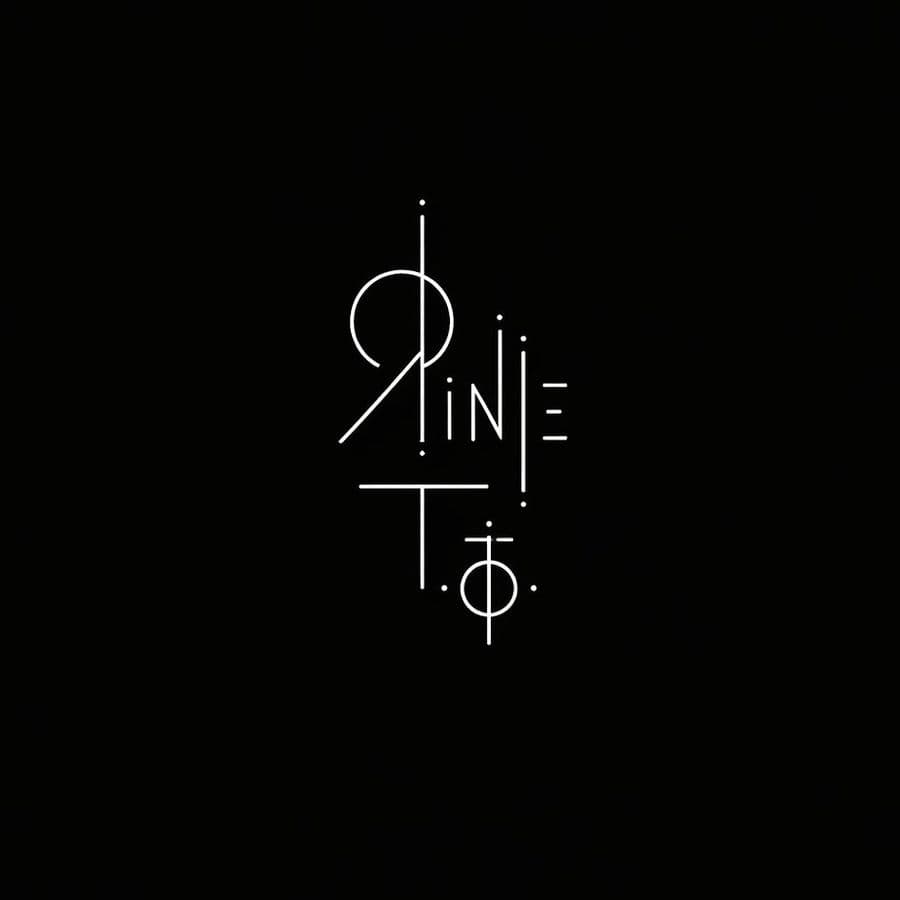
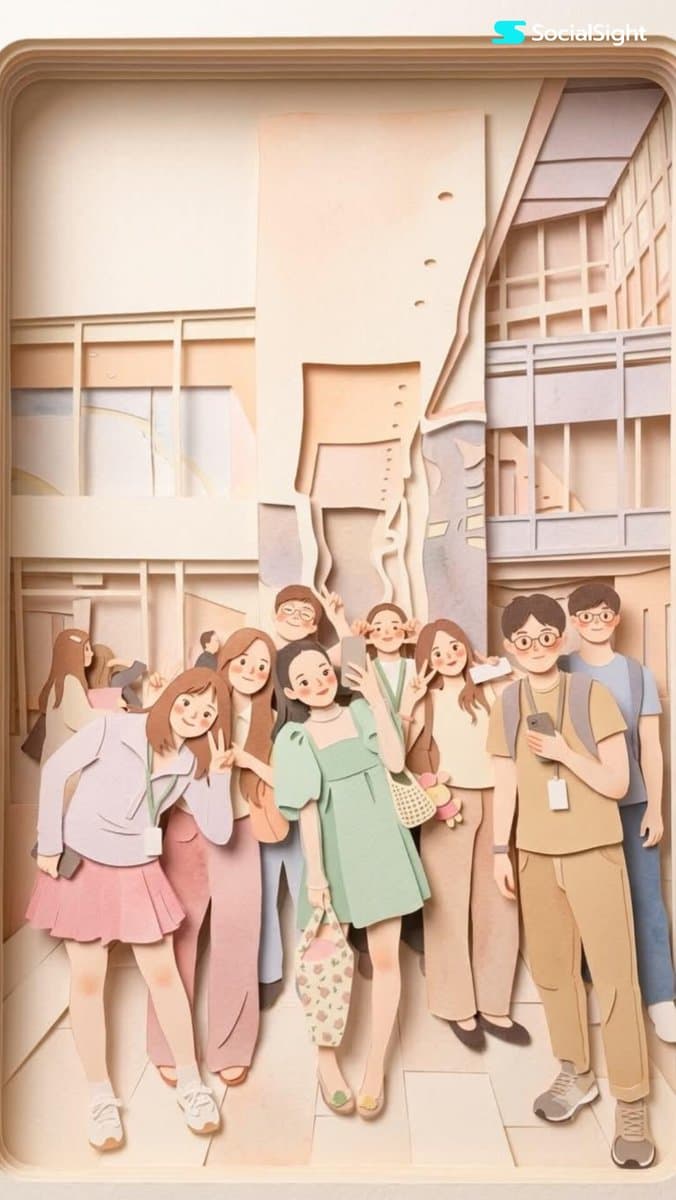
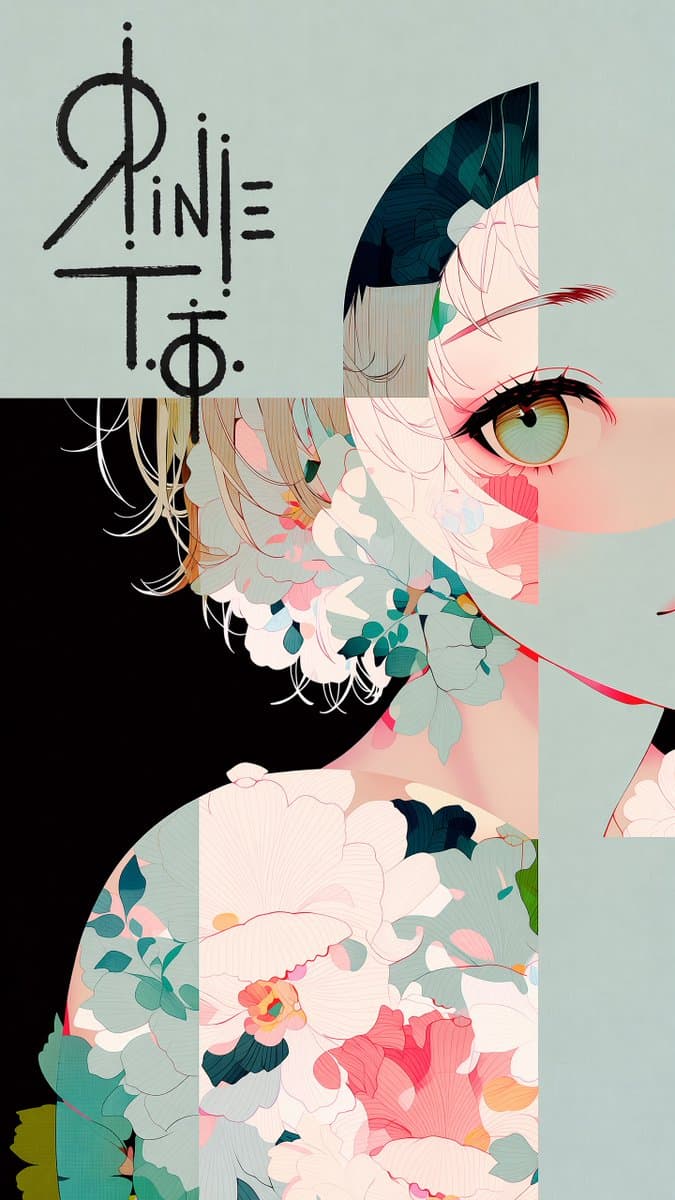
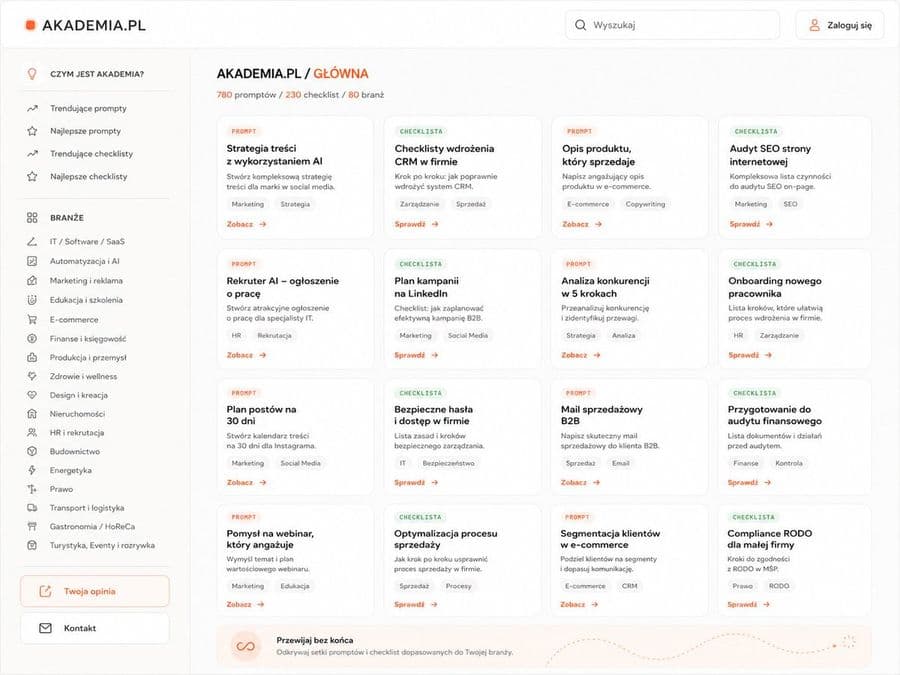
Five images are attached. Images 1–4 are illustrations by the same artist. Image 5 is a logo design on a black background. Merge the four illustrations into a single unified composition, with the logo from Image 5 placed at the visual center as the anchor element. [Fusion Rules] - Each illustration appears as a partial glimpse — show faces and key elements only, not full compositions - Blend the boundaries between illustrations naturally — no hard edges or visible seams - Each illustration remains recognizable but flows into the next - Generous negative space between elements — let the composition breathe - The result should feel elegant, curated, and intentional — not busy or cluttered [Composition] - The logo occupies the center of the frame as the dominant focal point - The four illustrations are distributed around the logo with natural visual balance - No grid layout — the arrangement should feel painterly and intentional - Clean, minimal background between the illustrations to create breathing room [Color & Brightness] - The illustrations surrounding the logo must be vivid and fully saturated - Boost the brightness and chromatic richness of all illustration areas outside the logo zone - Colors should feel alive, warm, and luminous — not muted or dark - The contrast between the dark logo zone and the bright surrounding illustrations is intentional and dramatic [Logo Integration] - Reproduce the exact logo design from Image 5 - Place it at the center of the composition, large and prominent - The logo should feel embedded in the artwork — not floating on top - Create a subtle dark void or negative space directly behind the logo - The dark zone is strictly limited to the immediate area behind the logo — it must not bleed into the surrounding illustrations [Style Preservation] - Maintain the original art style of the source illustrations exactly - Do not introduce new elements, characters, or backgrounds not present in the originals - Preserve the color palette and line quality of the source images

How to use this prompt

  1. 1

    Copy the full prompt above.

  2. 2

    Open a platform that supports GPT Image 2, such as YouMind, and paste the prompt in.

  3. 3

    Swap the subject, style, or details to fit your idea, then generate.

This is a free AI prompt from YouMind's prompt library. Explore thousands more image prompts, all free to copy and adapt.

Explore more image prompts
More to explore

AI Library

AI prompt search

Let AI search through tens of thousands of prompts. Filter by model, time range, keywords, and sort by engagement — views, bookmarks, reposts and more.

Vision Tools

Image to Prompt

Turn any photo into a detailed AI image prompt. The free image to prompt converter analyzes composition, style, and lighting so you can recreate any look in seconds.

Built for creators. Free forever.

YouMind is the AI creative copilot trusted by millions of creators worldwide. Every prompt here is curated to help you create better, faster.

Explore more prompts