


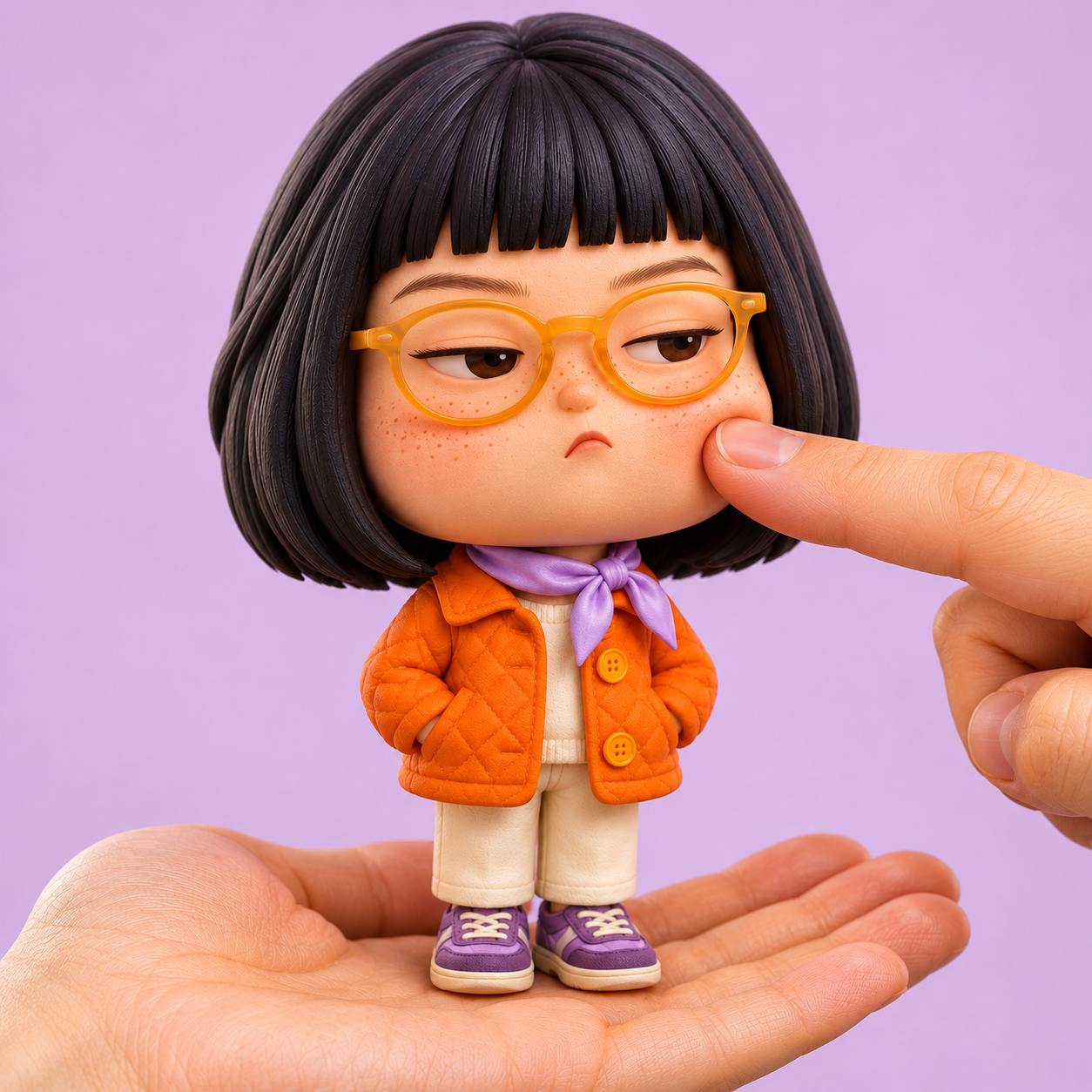
Pocket Grump
Upload a portrait photo to generate a cute chibi doll standing on a realistic palm and being gently poked in the cheek by a finger, keeping the original photo's background scene by default. Retains recognizable face shape, eyebrows, eyes, hairstyle, glasses, smile, and clothing, using rounded soft vinyl or polymer clay styling with a large head, small body, and tiny hands and feet for a cute feel. The default expression stays close to the original photo; you can also specify a pouty, pouting, or other expression. Backgrounds prioritize keeping the environmental elements, color scheme, and lighting from the original image, with moderate blurring and completion of areas blocked by the figure only when needed. If you prefer to change to a simple background that matches the clothing, you can state that directly. Delivers a 3:4 vertical static image by default, supporting Chinese and English input; aspect ratios like 1:1 or 9:16 can be requested. The final image has no text by default, making it ideal for profile pictures, social media posts, and fun commemorative images. Examples: • Turn me into a cute palm-sized cheek-poke doll, keeping the background and smile from the photo. • Make it even cuter, keep my eye shape and hairstyle, and make the body shorter and rounder. • Change to a light background that matches the dark green top, and make it a square image. Showcase images feature original AI-fictional characters, demonstrating optional studio background and expression effects. Installation costs 3,000 credits, and runtime usage is calculated based on platform display. Pocket Grump | Photo to Cute Palm-Sized Cheek-Poke Toy Upload a portrait to create a soft, cute chibi collectible standing on a realistic palm while a fingertip gently dimples one cheek. The original photo's setting is retained by default. Keep recognizable face shape, eyes, brows, hair, glasses, smile and outfit through a rounded, sculpted vinyl/clay toy design with a large head and tiny body. The default expression follows the photo; a grumpy pout or another expression can be requested. Preserve the source scene, recognizable background elements, colors and lighting. Use gentle background blur or limited completion of hidden areas only when the composition needs it. You can also request a fresh background coordinated with the outfit. Get one 3:4 still image by default. Chinese and English requests are supported, with optional square or 9:16 framing. Artwork has no added text by default. Example: “Turn me into an extra-cute palm-sized cheek-poke toy. Keep my smile, glasses and original woodland background.” Showcase artwork uses original AI-generated fictional people and illustrates optional studio backgrounds and expressions. Installation costs 3,000 credits; runtime usage follows the platform pricing shown.


Common Questions
Ready to create with
GPT Image 1.5?
Experience GPT Image 1.5's Precise Editing & Fast Generation
LET YOUR IMAGINATION SOAR