

Try These AI Skills Instead
Discover featured tools that can help you generate amazing content.

Create Tomato Novel Covers
Helps users quickly create covers for their own novels on Tomato Novel. Users provide the book title and author pen name (byline), and may also include the genre, synopsis, protagonist’s gender, or style preferences. The Skill first confirms the byline, asking when it is missing. By default, it formats the byline as “Author Pen Name Written by” (for example, “Danta大王 Written by”), then automatically determines the genre and visual style to generate a polished portrait cover that follows Tomato Novel’s specifications (3:4, approximately 600×800 pixels): the title is clear and prominent, the byline is secondary and includes “Written by” by default, and the visual style matches the work’s genre. It also provides design notes and suggested directions for adjustments, supporting continued iteration based on user feedback.

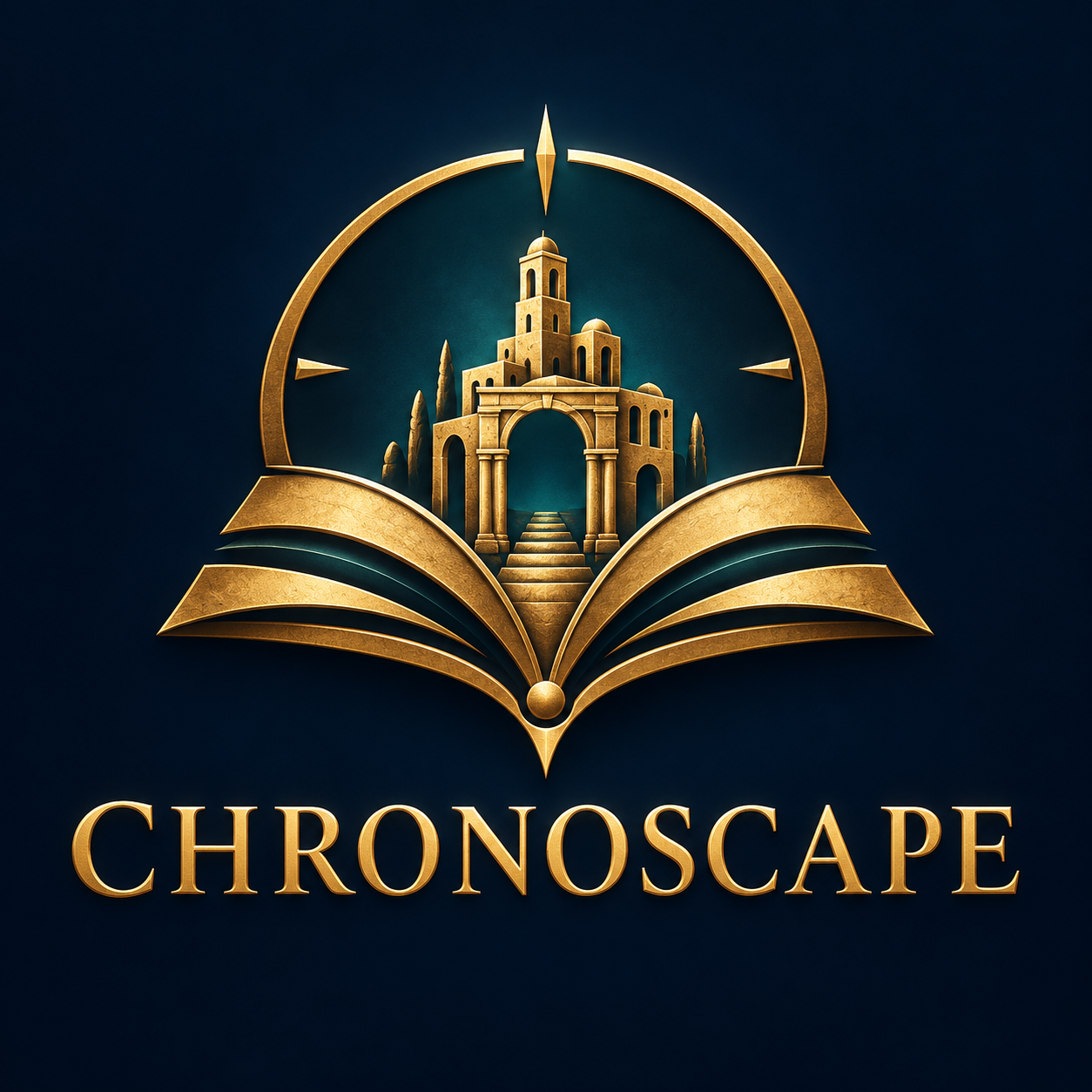
Chronoscape: History in Miniature
Step into history. Explore the past in miniature. What if you could hold an entire historical moment in your hands? Chronoscape transforms fascinating historical events, ancient civilizations, and everyday life from the past into breathtaking miniature worlds. From the streets of ancient Rome to medieval cities and defining moments in history, every scene becomes a carefully crafted visual story. DISCOVER THE STORY BEHIND THE SCENE Start with a historical event, location, civilization, or period. Chronoscape researches the setting, architecture, clothing, artifacts, and historical context to build a visually compelling reconstruction. CREATE YOUR MINIATURE WORLD Choose your scene count (3–12), aspect ratio (16:9, 9:16, or 1:1), and visual style: • Stylized 3D miniature dioramas with cinematic lighting and handcrafted textures. • Photorealistic tabletop miniatures featuring painted models, tangible materials, and macro photography. Each scene is designed to form part of a consistent visual narrative. HISTORICAL DETAIL MEETS CREATIVE STORYTELLING Architecture, costumes, objects, and environments are informed by historical research. Verified facts, disputed accounts, and artistic reconstructions are distinguished to preserve historical integrity. FROM MINIATURE IMAGES TO CINEMATIC VIDEOS Receive detailed English image prompts, scene descriptions in your language, and optional image-to-video prompts featuring cinematic camera movement and subtle environmental animation. Review and approve each production stage before generating images or video clips. YOUR COMPLETE HISTORY PROJECT The Chronicle File organizes your research, sources, scene plans, prompts, production progress, and available assets so your project can continue across supported platforms. Perfect for history enthusiasts, educators, documentary creators, and visual storytellers. Image and video generation depend on available tools. Narration is provided as text; final video editing is a separate production step.

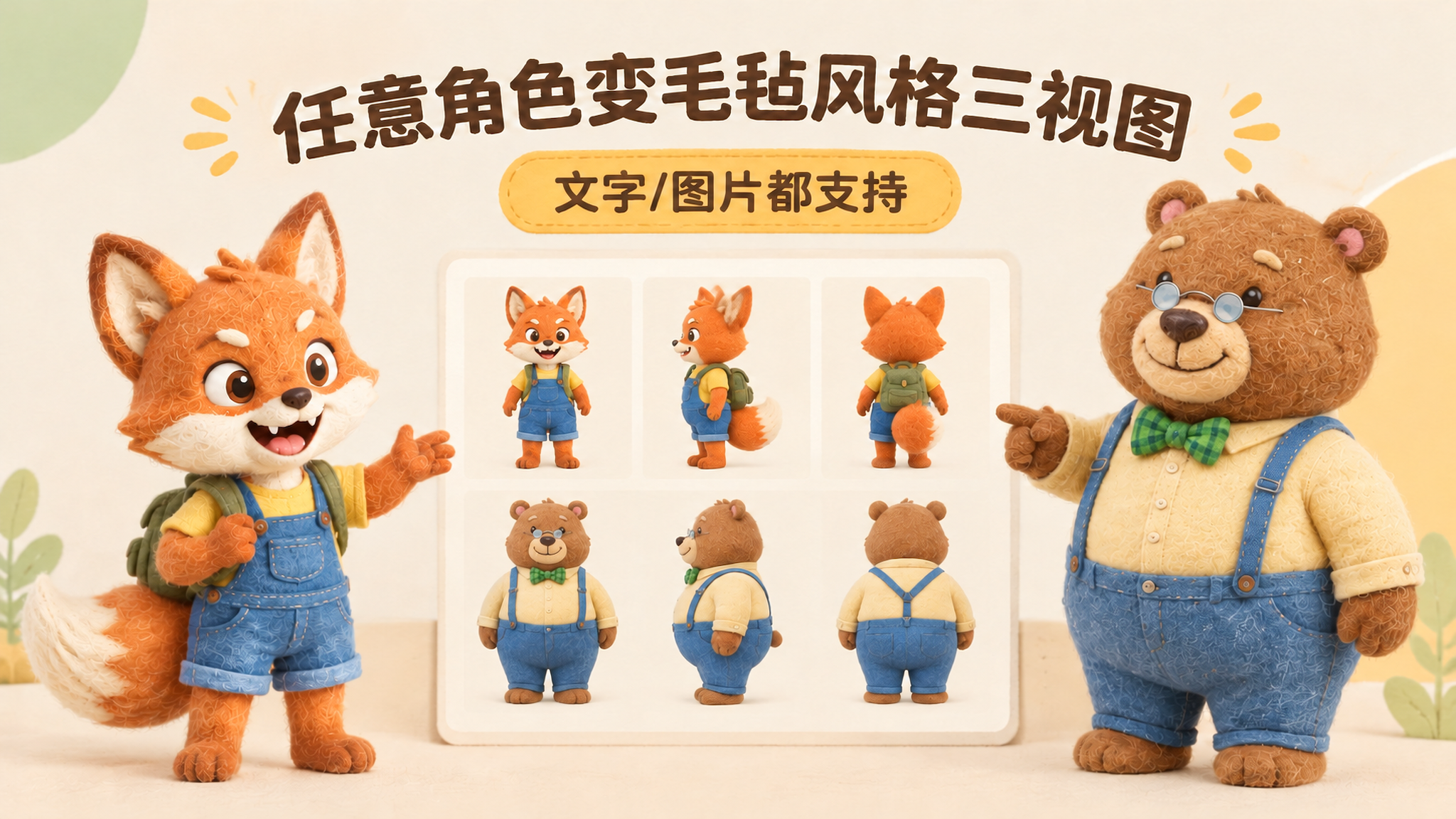
IP Character Felt Turnaround
Give your favorite character a soft, cozy felt texture with visible wool fibers. Upload a character image or write a one-line character description to create front, 90° side, and back views of the same character. Existing characters can retain their facial features, color palette, clothing, and signature accessories. With no reference image, you can also start from text. You’ll receive: • A complete felt-style front, side, and back character turnaround. • A clear visual description of the character’s appearance for future use. • Reusable generation prompts for further edits and expansions. The process first organizes the character’s traits, then designs the felt material, generates the three views, and checks consistency across angles, clothing, accessories, and distinctive structures. Visible discrepancies are corrected as needed. Details on the back that are not shown in the reference image are completed conservatively and clearly noted. Ideal for original IP characters, picture books and comics, short-form video development, and creators who want to turn a favorite character into a felt-style design. The generated reference sheet can support future image generation, storyboarding, and visual communication within a team. Leave the repeated work of refining material terms, viewpoint terms, and character constraints to this workflow, so you can focus on your character and story.

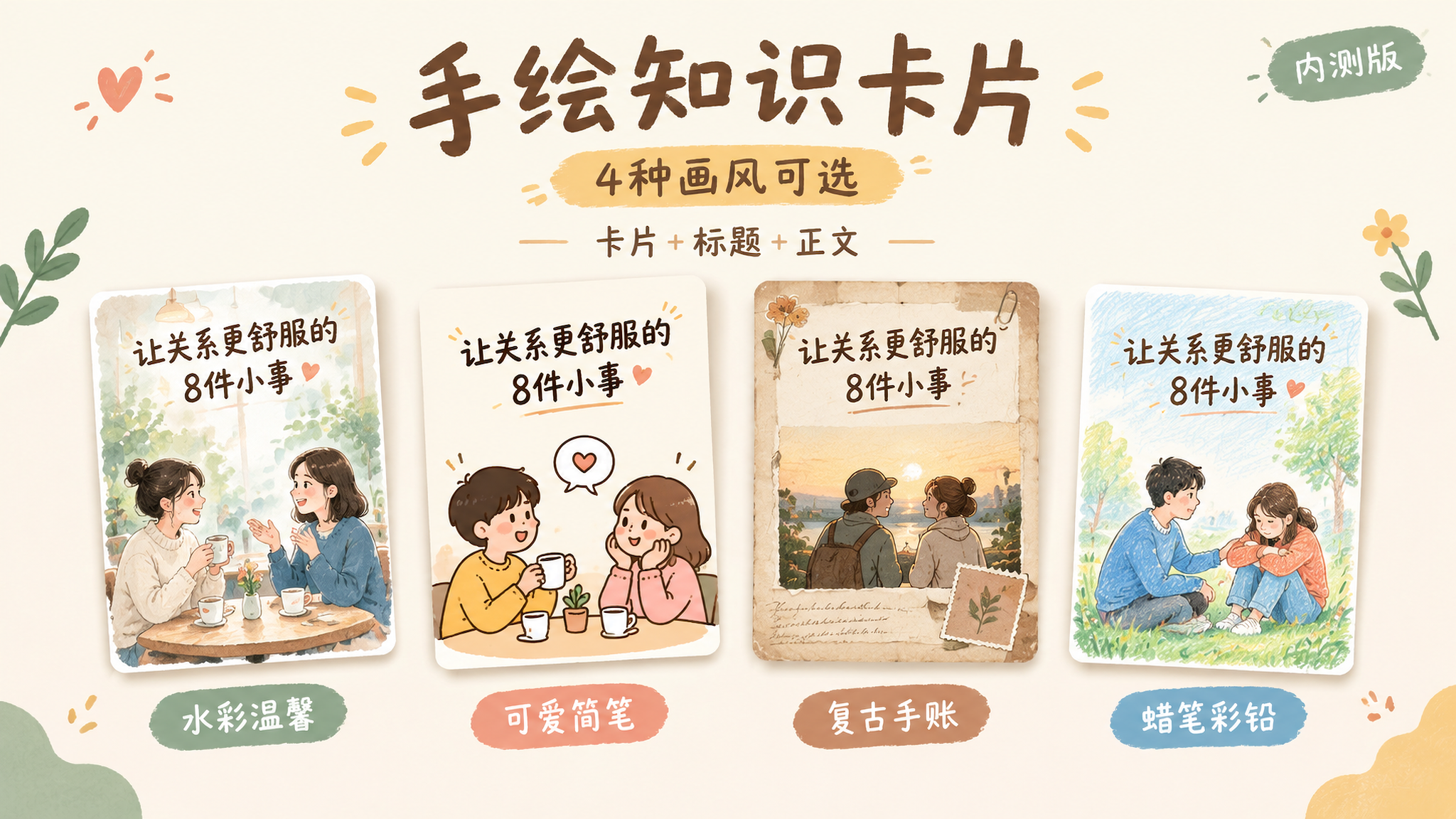
Hand-Drawn Knowledge Cards | 4 Styles
This Skill helps you turn a topic and reference content into a 2:3 vertical Chinese hand-drawn knowledge card, complete with a title, body copy, and hashtags for posting. Choose from four visual styles: warm watercolor, cute simple line art, vintage journal, or crayon and colored pencil. It first shows sample images for you to choose from. Once selected, you can reuse the same series settings for the next card and continue with a new topic. Ideal for visual-content creators who regularly share knowledge about relationships, emotions, personal growth, and everyday life. You’ll receive a card PNG, post copy, editable text, series settings, and records of checks for text, content, and layout readability.

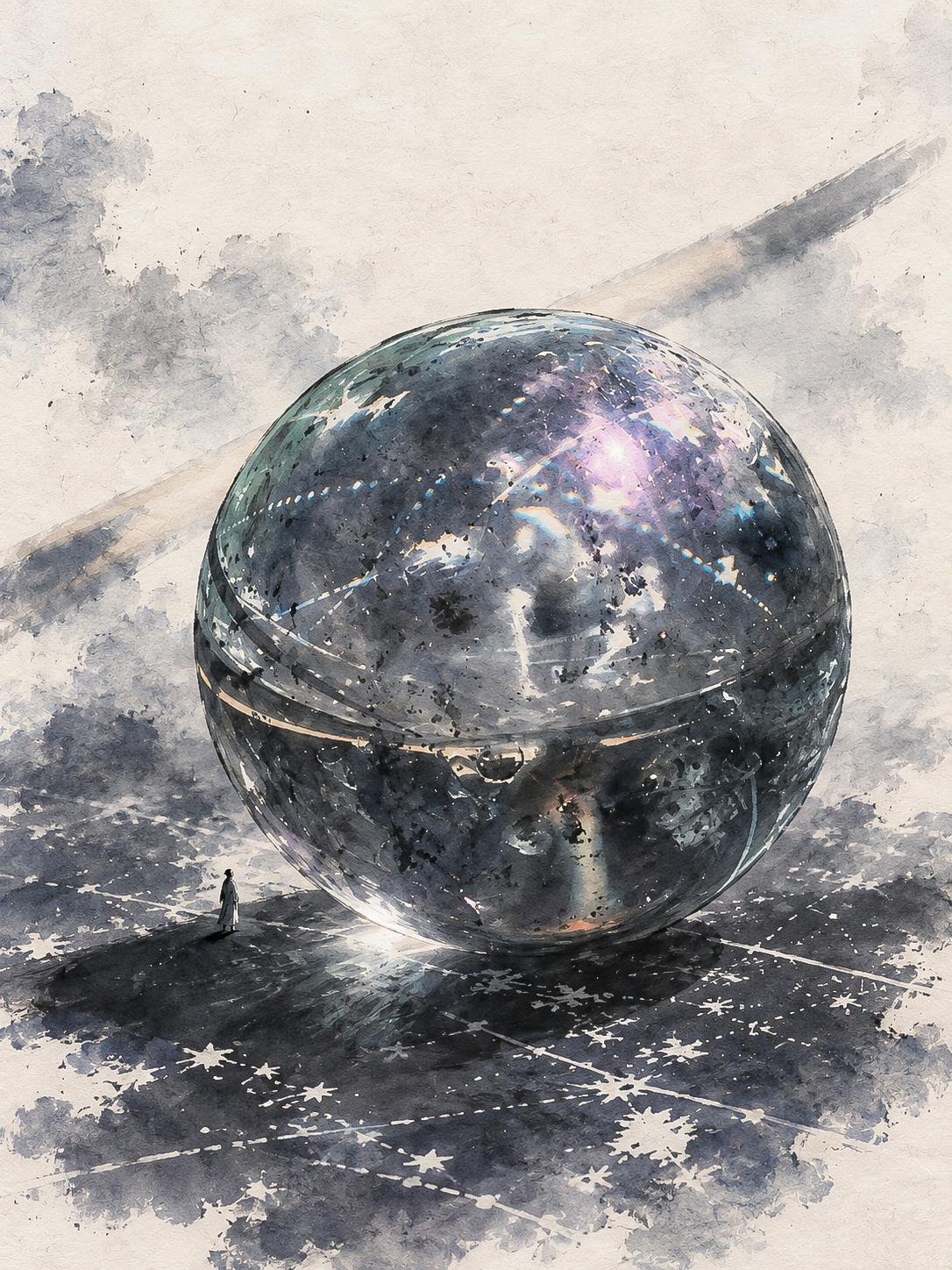
S.030 | Year · Starryear
Transforms the real subject in a photograph into a monumental Chinese ink-wash artwork. Whether it is a plant, animal, person, object, building, or natural landscape, the image preserves enough of the subject’s recognizable outline, structure, and defining features to maintain its connection to the original photo even at an enlarged scale, rather than applying a fixed landscape or giant-tree template. The artwork uses a vertical composition. Xuan paper texture, layered ink, broken ink, dry-brush strokes, and natural water marks create the subject’s volume and depth, while one extremely small person provides a sense of scale. The figure forms a credible relationship with the ground, shadows, and surrounding environment, helping viewers feel the subject’s overwhelming size without taking attention away from it. Moderate negative space and lightly washed ink areas are preserved, while the background is used only to support the subject and the scale-based narrative. Ideal for transforming travel photos, documentary photography, pet photos, portraits, or photos of everyday objects into visual works with an Eastern character. The final output is a clean, complete ink-wash image without text, titles, signatures, logos, QR codes, borders, or collages. It prioritizes the subject’s recognizability, the number of people, and the layered quality of the ink brushwork.

Viral Info Atlas Maker
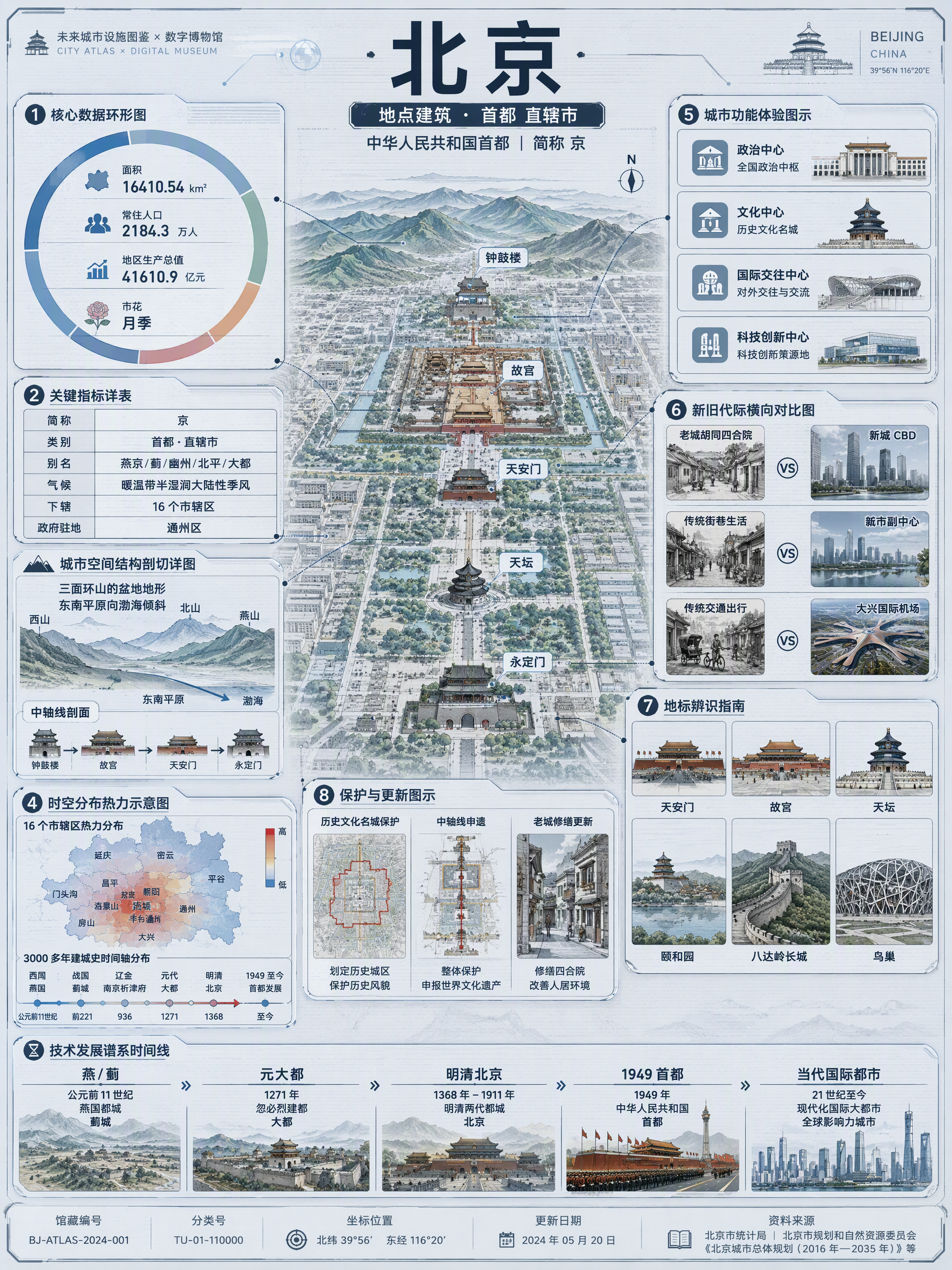
Quickly turn any subject name into a technology-inspired natural history atlas poster that combines rich information with strong visual appeal. Whether it’s a living thing, mineral or material, man-made object, place or building, cultural concept, or historical figure, the Skill organizes content for display and sharing based on your audience, focus, and language requirements. The Skill first uses real-time web research to verify definitions, key data, structure and composition, distribution, applications, evolution, identifying features, and more. It then arranges the content into a 3:4 vertical infographic. The poster centers on a specimen-style subject, surrounded by nine adaptive information modules covering core metrics, structural analysis, spatial and temporal distribution, context and use cases, comparisons, identification points, conservation or maintenance tips, and a development timeline. Module themes and information priorities are adjusted to fit the type of subject. The finished piece uses light gray-blue technical cardstock, precise linework, low-saturation cyan and blue washes, and a semi-transparent scanned texture. The result combines the visual style of a future-city infrastructure atlas with a digital museum display panel, while retaining the subject label at the top and a collection records area at the bottom. For obscure subjects or when information is limited, speculative content is distinguished with visual prompts. It is suitable for science education, exhibition introductions, knowledge sharing, and social media publishing.

Common Questions
Ready to create with
YouMind?
Turn these prompts into images with the models available in YouMind.
LET YOUR IMAGINATION SOAR