
No prompts found
TRY SEARCHING FOR SOMETHING ELSE
Try These AI Skills Instead
Discover featured tools that can help you generate amazing content.
History Agent Image Maker
Creates scene and cover images for historical narratives in the History Agent style, using rules for period accuracy, cinematic realism, and character and series continuity. It uses the official Create image skill before generation.

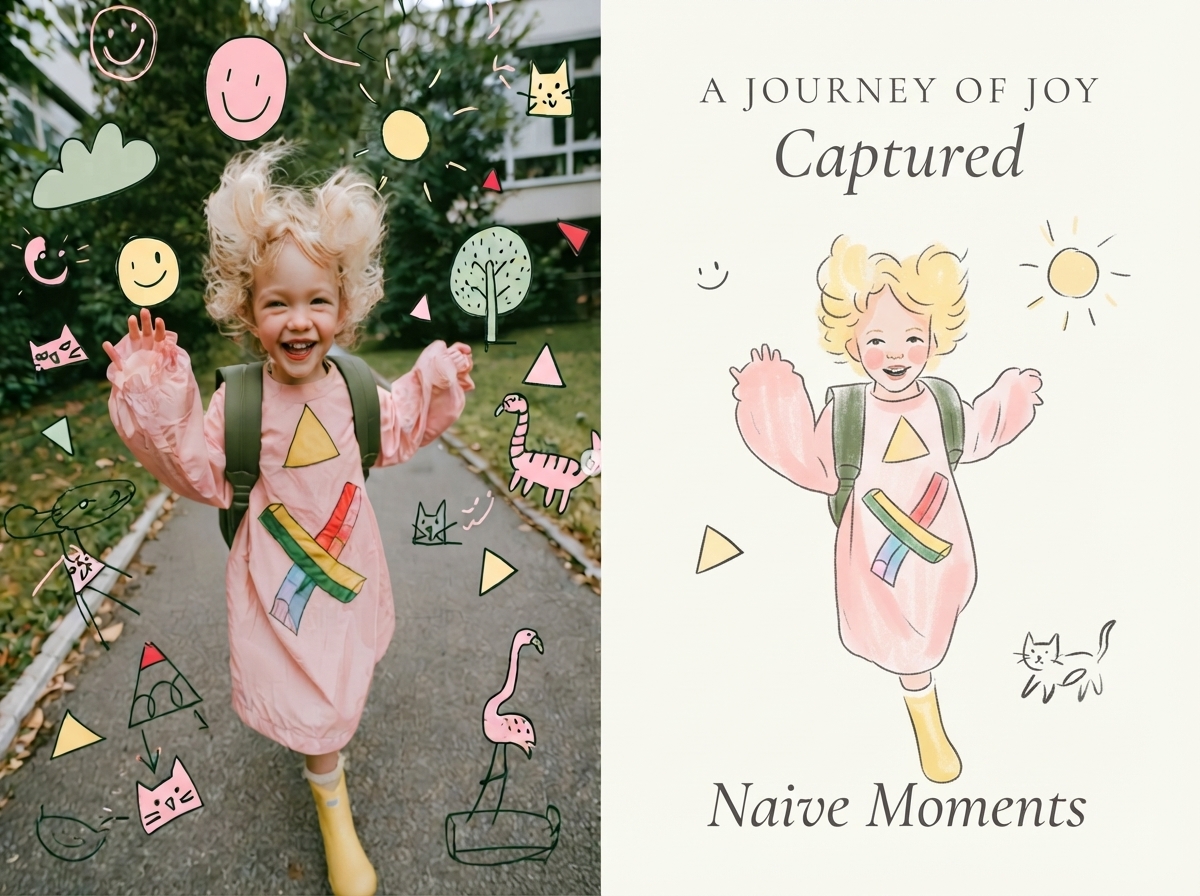
Viral Photo Illustrator
Perfect for Xiaohongshu, Moments, WeChat Official Account covers, profile pages, and documenting travel, outfits, fitness, everyday moments, and life as it happens. Upload any portrait, street shot, food, travel, or everyday photo. AI works like an illustrator with a keen sense of negative space, extracting only the most recognizable subject, pose, and story from the image. It redraws them as a relaxed, playful illustration with hand-drawn texture, then places it beside the original to create a polished comparison poster ready to share. · Faithfully preserves the original photo with only subtle, magazine-style color grading—no distortion or face swapping · Automatically reads the photo’s mood and matches it with styles such as doodle, ink wash, sketch blocks, and thick gouache · Generous negative space + a handwritten short phrase, like an editorial illustration from an independent magazine · A soft, soothing curated palette drawn from the original image to naturally complement the photo · Defaults to a 4:3 side-by-side layout; can also be changed to top-and-bottom, portrait, or 16:9

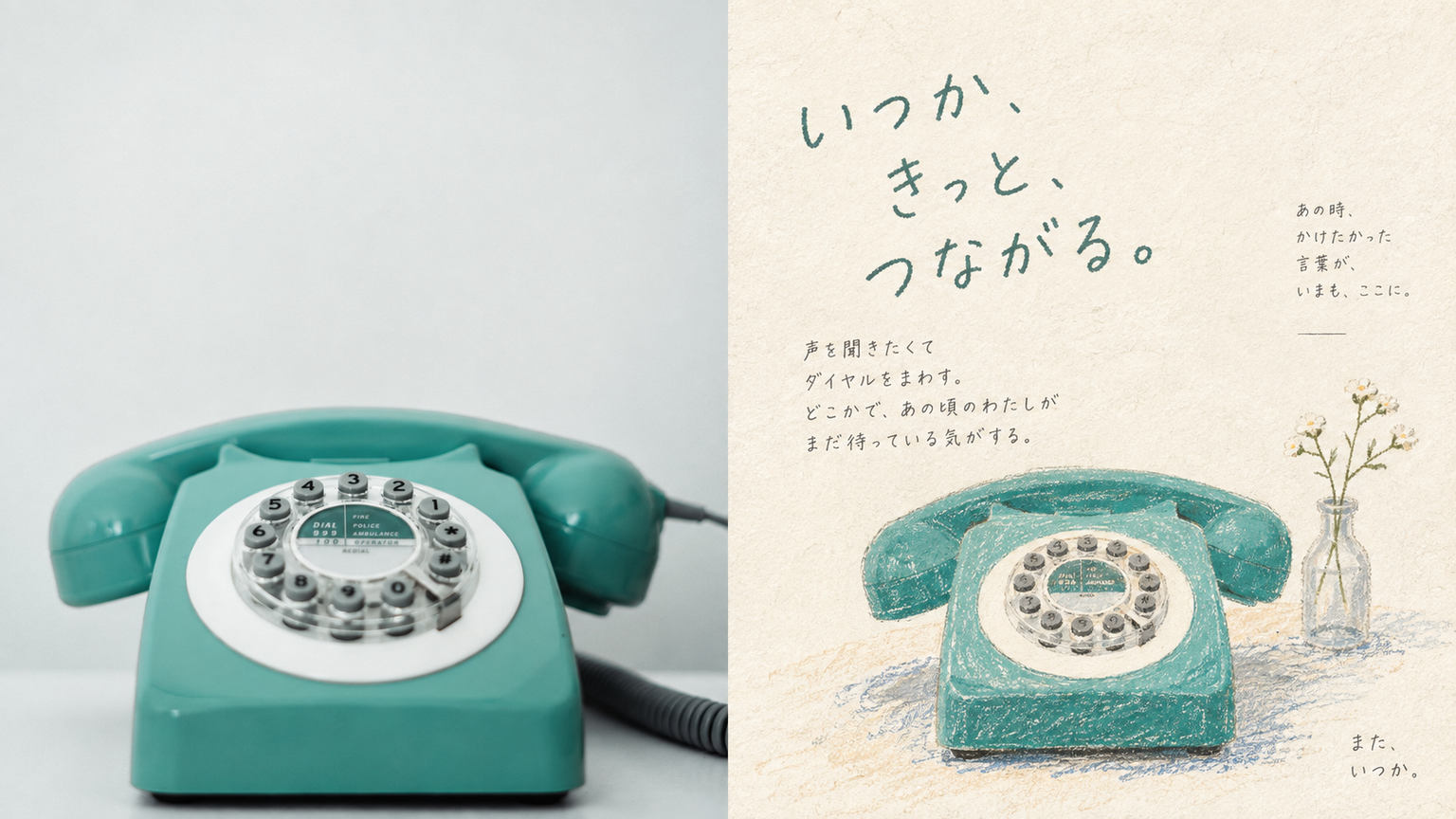
Crayon Memo P261 xiaoxiaodong
This style is suited to expressing the feeling a place leaves behind, rather than drawing the place itself. The top half is the original image; the bottom half keeps only the visual core most worth remembering, with a simplified structure and no need for accurate perspective. Keep the subject small; it may be off-center, flush with an edge, or cropped. Colored-pencil rubbing, crayon grain, dry-brush marks, and paper fibers should remain visible. Keep lines loose, with pauses. Avoid digital precision, fully filled backgrounds, and complete realistic scenes.

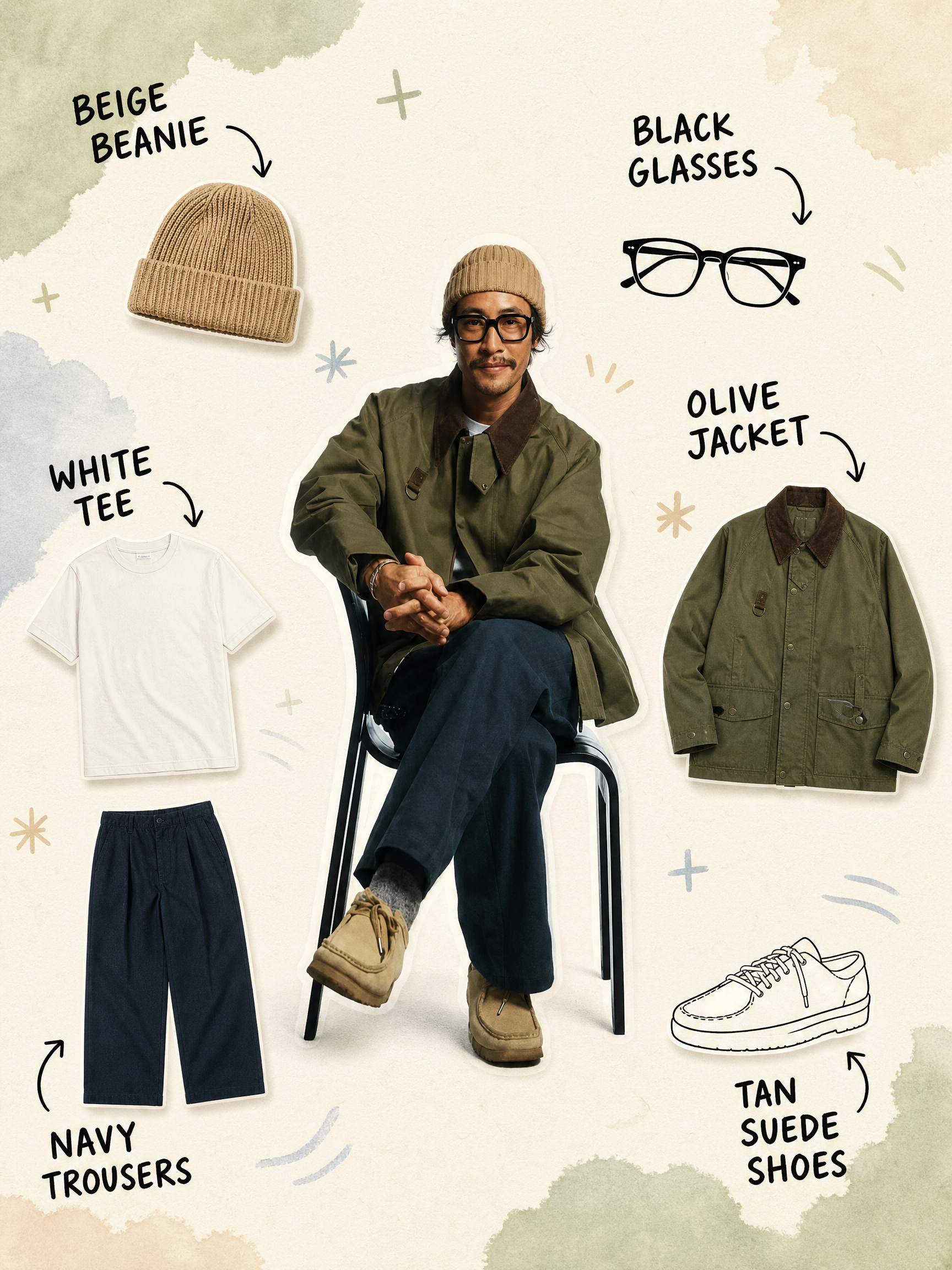
Annotated Outfit Breakdown
Turn a single outfit photo into a clear, easy-to-read outfit breakdown image—ideal for outfit sharing, fashion editing, styling records, and social media posts. The image preserves the person’s facial features, pose, and original outfit, while separating the jacket, top, bottoms, shoes, and visible accessories into individual product-style item images arranged naturally around the centered subject, making the full look easy to understand at a glance. Each item is labeled with handwritten doodle-style text and curved arrows that accurately identify its color, category, and material. Brand information is included only when you provide it and is never guessed. The overall design combines a warm off-white paper background, soft watercolor blocks, and a few hand-drawn symbols with a realistic person and clean item images, creating a relaxed, editorial collage effect while avoiding obstruction of the subject or inventing clothing that does not appear in the original photo. You can also adjust the label language, item-image style, color palette, number of items, and aspect ratio to better match your personal taste and publishing context.

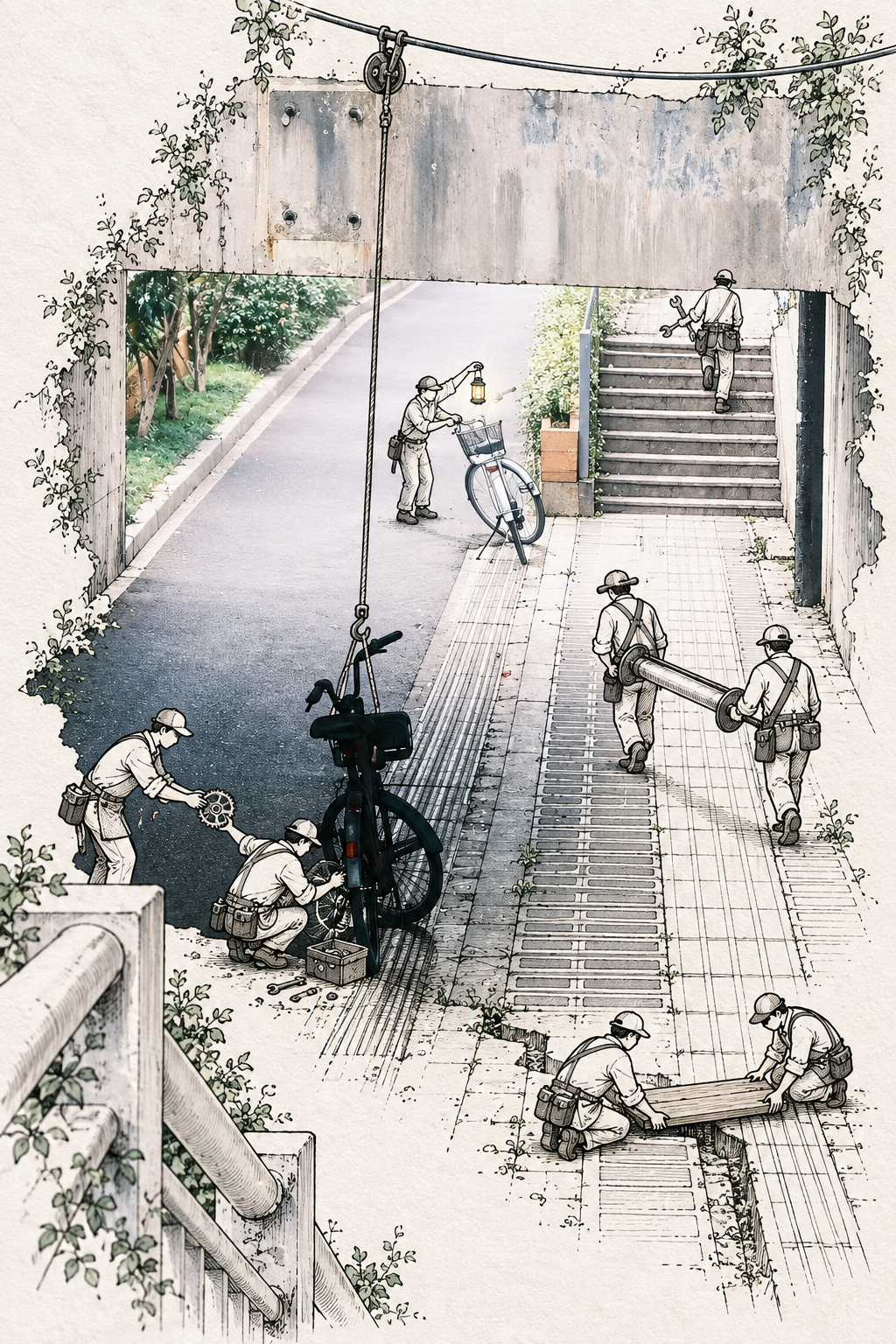
S.026 · Paper Figures
Extend a photo of a person, animal, plant, building, object, or landscape into a vertical 2:3 story illustration blending photography and hand drawing. The work preserves the subject’s identity, key details, and original character, allowing its real contours, textures, colors, and spatial relationships to naturally grow into fine-line drawings on warm ivory paper—not a frame, filter, or collage effect. The photo and line art connect within the same scene to form a complete, cohesive visual world. You can also provide a theme or story direction, allowing paths, branches, buildings, props, people, or animals to unfold around the subject and interact with it meaningfully through touching, supporting, passing through, repairing, protecting, and more. Delicate dark brown or charcoal lines, restrained stippling and hatching, and accent colors drawn from the original photo work together to create a controlled yet narrative paper atmosphere. Ideal for photo-and-drawing composites, picture-book-style portraits, animal and nature stories, extended travel landscapes, and visually memorable works with a strong theme. The final output is a finished illustration with a clear subject, balanced composition, and edges that blend naturally into the whole scene.


【S.025】Year · Deconstructed | Photo Skill · Starryear
Transform a single photo into a unified-tone triptych that deconstructs its source subject, suited to architecture, sculptures, natural landscapes, objects, and other subjects with distinctive contours and material qualities. The final piece uses a 16:27 vertical canvas composed of three equal-sized horizontal panels joined vertically, with a default output of 1920×3240 pixels and no added text, borders, or decorative elements. The top panel captures the moment the subject bursts outward from a clearly defined point of force, forming an orderly explosive deconstruction through separated primary fragments, a shared direction of motion, and ample negative space. The middle panel preserves a centered 16:9 crop of the input photo, serving as the only original color reference in the composition. The bottom panel develops the forms and environment in the photo into a more intense, source-specific surreal spatial echo, continuing the deconstruction with a different center of gravity, viewpoint, and motion relationship from the top panel. Changes in materials, environment, and space across the top and bottom panels remain traceable to the original photo while avoiding the addition of unrelated subjects. All three panels maintain continuity in white balance, dominant colors, saturation, tonal contrast, and overall brightness, allowing the creative transformations to connect naturally with the original image’s color identity. Suitable for visual posters, art imagery, and serialized creative work that calls for a narrative of “photographic original + explosive deconstruction + surreal afterecho.”

Common Questions
Ready to create with
YouMind?
Turn these prompts into images with the models available in YouMind.
LET YOUR IMAGINATION SOAR