

YouMind Skills Gallery
Skills is your best partner for learning and creating in YouMind, assisting you in reading and thinking.



Turn your skill into rewards
Publish your skill, set your price, and earn rewards on every install. Redeem for credits or rewards.
View detailEditor's pick
See all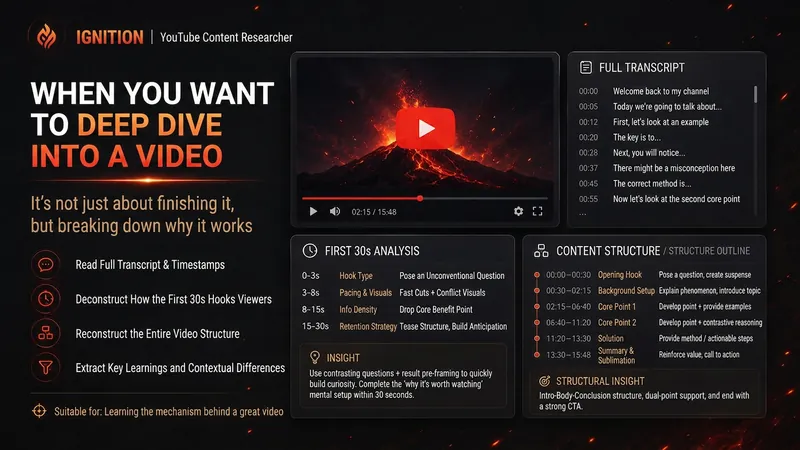 Research
Spark | YouTube Researcher
Planning a video but unsure how others have already covered the topic? “Spark | YouTube Researcher” conducts real research on YouTube: finding relevant videos, reading subtitles, breaking down titles and the first 30 seconds, reconstructing content structures, and comparing multiple samples to identify recurring approaches, clear differences, and gaps that no one has addressed well. You can use it to: Research which approaches are repeatedly used for a topic Deep-dive into how a specific video delivers its message Scan a channel’s topics, titles, and content patterns Break down the first 30-second Hook and the full video structure Find new creative angles in existing videos Research how your own finished video should be repackaged It will not declare that a title “definitely works” simply because one video has high views. When subtitles, timestamps, or performance data are unavailable, it will clearly identify what evidence is missing. What you get is not a collection of video summaries, but a YouTube research brief that can be handed directly to the next step of topic development, Hook creation, or scriptwriting. Ideal for YouTube creators, video planners, social media operators, and anyone who wants to see how far others have taken a topic before starting to film.
 Image
ImageProduct Photo → Marketplace Ready List
Turn one phone photo into a complete marketplace-ready listing: studio product images plus SEO title, description, and feature bullets for Amazon, Etsy, or Shopify — in a single run.
 Write
WriteEvergreen Refresh Radar
Everything in this marketplace helps you publish something new. Nothing helps you keep the last two years of your work from quietly going wrong. Published content rots. The statistic you quoted has moved. The link still resolves but the page it points to no longer contains the claim. The tool you recommended killed its free tier. The word "recently" is doing damage every single day it sits there. Your readers do not email you about any of this. They just trust you slightly less. Evergreen Refresh Radar audits what you already put out. Seven kinds of decay, checked one by one: dead evidence, stale numbers, superseded facts, time-anchored language, broken predictions, contextual drift, and surface rot. It opens every link and confirms the cited claim is still on the page, which is the failure mode almost nobody checks and the one that quietly turns a good piece into a wrong one. Then it ranks. Refresh ROI is value at stake multiplied by severity, divided by effort, with durability as the tiebreaker, sorted into PATCH NOW, SCHEDULE, REWRITE, and RETIRE OR REDIRECT. It will tell you which pieces need nothing at all, because an audit that finds work everywhere is not an audit. And it writes the patch. Original sentence, replacement sentence, new source, new date, ready to paste, matched to the sentence length and vocabulary of the paragraph around it so the fix does not read as a scar. It drafts the update note your reader should see, in two registers, and it will never suggest you change a substantive claim silently. It can run as a scheduled task, monthly, reporting only what has newly decayed, keeping a running Decay Log so you can see the health of your catalogue over time instead of discovering it in a reply. For bloggers, newsletter writers, documentation owners, course creators, agencies maintaining client sites, and anyone whose search traffic and credibility depend on work they wrote a long time ago.
 Webpage
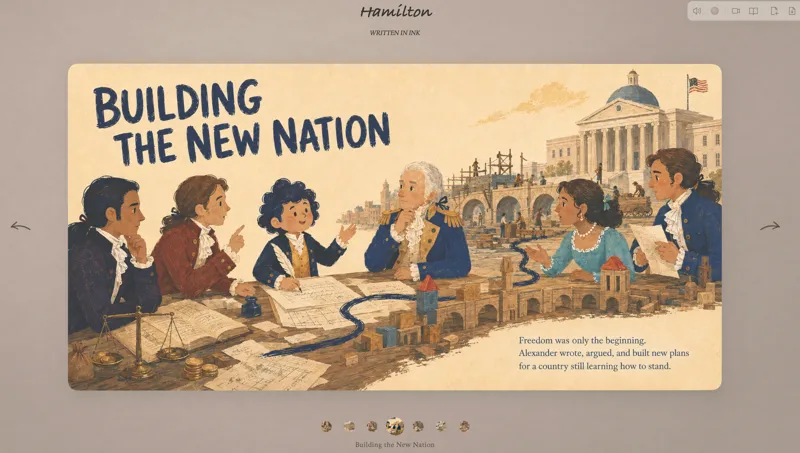
Turn Ideas into a Picture Book
Turn a topic into a complete illustrated book, shaping the manuscript, scenes, and images step by step, then publishing it in a 3D page-turning webpage. Uses a playful picture-book style by default. No prompting or coding experience needed.
Weekly top
Monthly top
Rising stars
Featured packs
For better writing
Fun for life
Design studio
Hand-drawn masterpiece
For you 置顶
Explore skills

Wes Anderson-Style Poster
Turn a one-sentence theme or a reference photo into a film poster or scene with Wes Anderson–style order and theatrical atmosphere. It arranges people, animals, architecture, and props into a clearly defined little world, using front-facing or symmetrical camera angles, retro production design, carefully designed spatial relationships, and a restrained sense of anticipation, humor, or detachment. The style is built into the visual structure rather than added as a filter or a set of retro adjectives. The default poster uses a 2:3 portrait format with an English main title and subtitle. When you need a text-free still or film scene, the aspect ratio can be adjusted as requested. The title is treated as part of the overall composition, with attention to typography, reading flow, scale, rhythm, and negative space. Object colors, film tones, lighting, and material textures are unified in service of the theme, while preserving important content from the photo, including people’s identities, key structures, the number of people, poses, and identifying marks. You will receive the finished image and the image prompt used to create it. If you only need a prompt, photo-editing suggestions, or a visual review, you can specify that directly. Suitable for retro film posters, character scene portraits, architectural and prop displays, nature-themed images, and stylized creations based on source images.
Illustrated Place Map
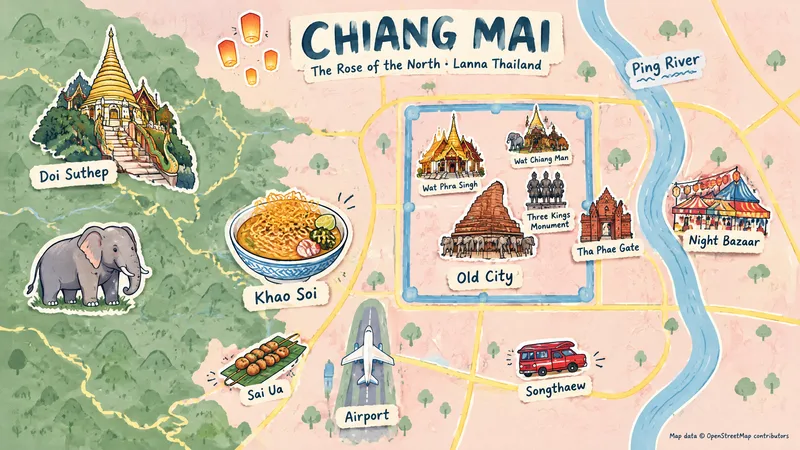
Users provide only a place and a display category; via a login-free map webpage and Browser Use, the skill automatically captures screenshots, searches for representative elements and their regions, and generates hand-drawn themed illustrated maps of places worldwide.

Report Deep Audit
In-depth audit of reports and proposals. Use when a user uploads a report (Word, PDF, or PPT) and asks to “review it,” “audit it in depth,” “find the problems,” “tell me whether this report is good enough,” “can it be submitted,” “check the final draft,” or “evaluate and review the report.” Treat the report as a formal deliverable intended for a client or executive, and conduct a nine-dimension review with a two-axis determination (quality score × revision type). Systematically extract all data assets, including embedded charts. Provide a decision-oriented review in the first round, then expand it into the full version after confirmation.

Update Page Guide Generator
An Update page standards and content generator for indie developers, supporting any language. It first clarifies your product type, audience, versioning rules, update categories, and release channels; researches changelog and Release Notes best practices online; creates an 《Update Page Standards》 guide; then generates a specific Update based directly on the version changes you provide and saves it to YouMind. It uses only real changes—never inventing anything.
Бренд от спроса до лукбука
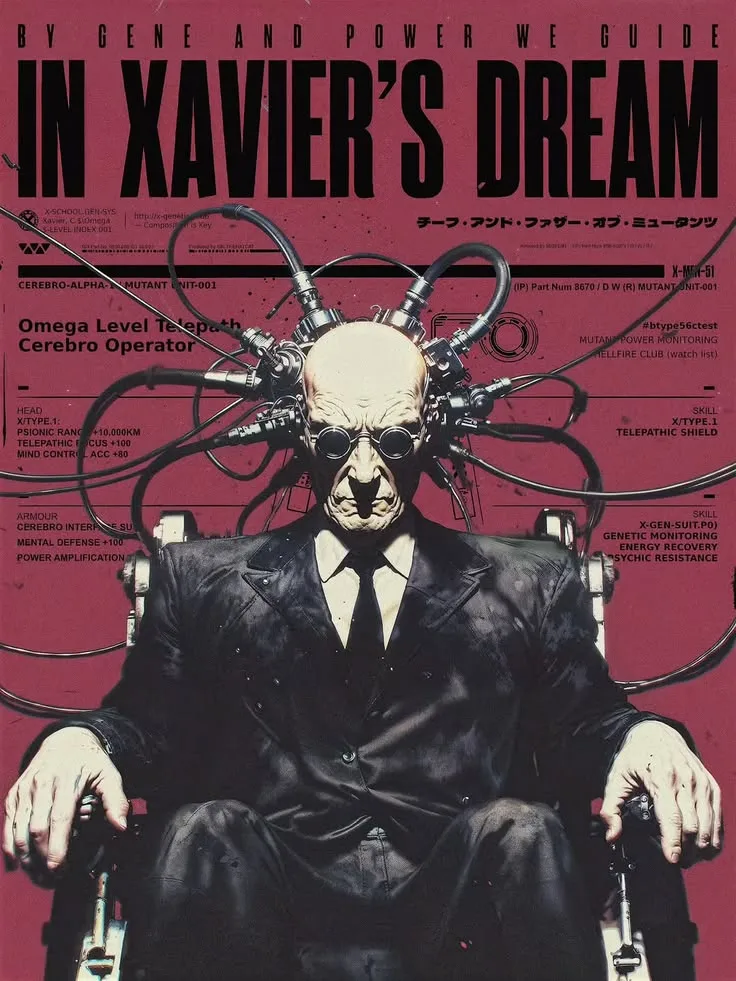
Полный цикл вывода бренда: исследование спроса по живым отзывам покупателей, аудит источников и цифр, концепция бренда с манифестом, линейкой и текстами сайта, затем презентация и озвученный ролик. Без выдуманных цифр и свойств.
 Image
ImageOne Line to X Carousel
X multi-image posts now scroll horizontally: the first image appears in full, while only part of the second is visible, prompting readers to swipe left to see what follows. This skill helps you create a “pull-apart” continuous four-image sequence—four vertical images combine into one complete landscape image, and each swipe reveals another section to the right. The right edge of the first image becomes the hook that makes readers want to swipe. Three input types are supported: · One-line idea → text-to-image generation, creating a continuous four-section wide image from scratch · One image → crop it directly if possible; otherwise, use it as a reference to reconstruct four continuous scenes · 2–4 images → automatically arrange the narrative order and blend them into one stylistically consistent continuous wide image Workflow: First, you’ll review a four-panel narrative script (hook → reveal → twist → ending). Then the skill generates a 21:9 wide image and uses the companion free public image slicer to precisely cut it into 4 PNGs locally in your browser (your images are never uploaded to any server). Finally, it provides the posting order and tweet copy. The default output ratio is 4:5, with 9:16 and 1:1 also supported. No text is placed inside the images. Ideal for creators who want their X multi-image posts to inspire more “page-turning” curiosity, as well as teams creating product, story, educational, or travel content. Only want to slice an image without generating one? Send in a wide image directly, or open the slicer: https://youmind.com/a/dlJ7lVfZ9ZVqFi
 Image
ImageGenerate OG Share Image
Enter a webpage URL to automatically generate a 1200×630 link share image (OG image / og:image / social preview card / webpage cover) for display when shared on WeChat, Twitter/X, LinkedIn, or Slack. Reference OG design patterns from leading products such as Vercel, Linear, Stripe, and Notion, with ready-to-paste og/twitter meta tags.

Refund & Cancellation Policy Generator
A refund and cancellation policy generator for independent developers, supporting any language. It first clarifies the product type, payment method, delivery timing, user locations, and other key details; researches the latest consumer refund and withdrawal rights for the relevant jurisdictions online; then creates a《Refund & Cancellation Policy》ready to publish and saves it to YouMind. Any missing information is clearly marked for completion—never made up.