AAA Tactical Shooter Mission UI and Gameplay

A comprehensive prompt for generating a high-quality tactical shooter game trailer sequence, including UI interactions and third-person gameplay in a rainy environment.

Prompt
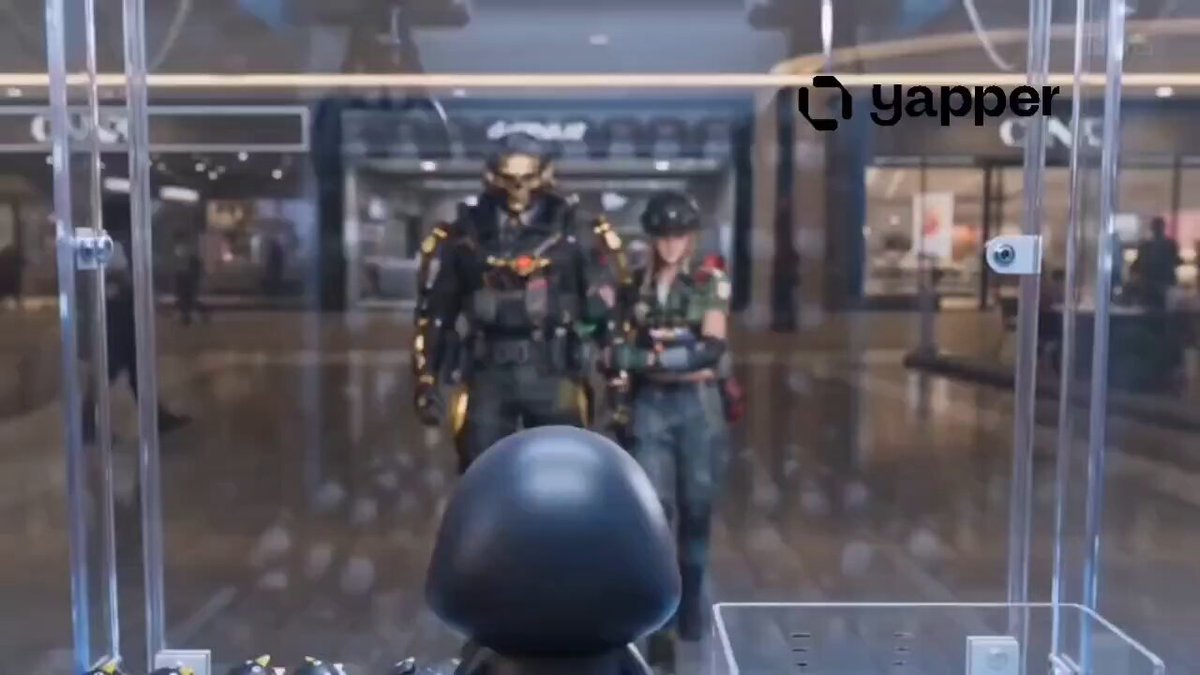
Cinematic 15-second 4K video in realistic AAA tactical shooter style, Unreal Engine 5 quality. Start with a futuristic military command interface. A Caucasian female special forces operative with wavy blonde hair sits centered in a high-tech black chair wearing advanced matte olive-green tactical exosuit armor with red accents. Holographic UI panels float around her showing detailed stats on the left. 3D floating weapon and gear models surround her: M-77 assault rifle, TAC helmet, M-22 body armor, P-19 sidearm, frag grenade, E.M.P device. A white mouse cursor actively interacts — clicking and highlighting gear cards with golden glows in sequence. Clean modern UI with gold accents on selected items, bottom navigation bar. Smooth transition to mission selection screen. She is now standing on the left in full gear holding her helmet, her wavy blonde hair visible. Right side shows glowing mission cards for Tokyo, Dubai, Beirut, New Delhi, New York, Paris. Cursor selects the Beirut card which highlights with bright yellow border. She puts on her helmet, tucking her hair in. Minimal loading screen with progress bar at the bottom filling up. Cut to photorealistic third-person gameplay. Camera tracks from behind as the fully geared female soldier with helmet runs forward through a rainy war-torn Beirut street in bright daylight. Destroyed multi-story buildings with Arabic signage and graffiti, palm trees, military vehicles, wet reflective pavement, distant hillside with mosque. Dynamic forward-tracking camera at eye level. In-game HUD visible: money counter top-left, stars and timer top-right, inventory grid bottom-left, mini-map bottom-right, notification message on screen. Cinematic lighting, high detail textures, realistic water reflections, intense and immersive atmosphere, professional game trailer quality, smooth motion, no extra text overlays except authentic in-game HUD elements.

How to use this prompt

  1. 1

    Copy the full prompt above.

  2. 2

    Open a platform that supports Seedance 2.0, such as YouMind, and paste the prompt in.

  3. 3

    Swap the subject, style, or details to fit your idea, then generate.

This is a free AI prompt from YouMind's prompt library. Explore thousands more video prompts, all free to copy and adapt.

Explore more video prompts

More Prompt Features

AI Library

AI prompt search

Let AI search through tens of thousands of prompts. Filter by model, time range, keywords, and sort by engagement — views, bookmarks, reposts and more.

Vision Tools

Image to Prompt

Turn any photo into a detailed AI image prompt. The free image to prompt converter analyzes composition, style, and lighting so you can recreate any look in seconds.

Built for creators. Free forever.

YouMind is the AI creative copilot trusted by millions of creators worldwide. Every prompt here is curated to help you create better, faster.

Explore more prompts